
jsBudbrainSoundEditor
Install latest/stable of jsBudbrainSoundEditor
Ubuntu 16.04 or later?
Make sure snap support is enabled in your Desktop store.
Install using the command line
sudo snap install jsbudbrainsoundeditorDon't have snapd? Get set up for snaps.
Details for jsBudbrainSoundEditor
Package name
- jsbudbrainsoundeditor
License
- Proprietary
Last updated
- 12 October 2026 - latest/stable
Websites
Contact
External link warning
You are about to open
Do you wish to proceed?
Report a Snap Store violation
Report jsBudbrainSoundEditor for a Snap Store violation
Snap Store Violation Report submitted successfully
Thank you for your report. Information you provided will help us investigate further.
Error submitting report
There was an error while sending your report. Please try again later.
Share this snap
Generate an embeddable card to be shared on external websites.
Cut, clean up and polish audio files
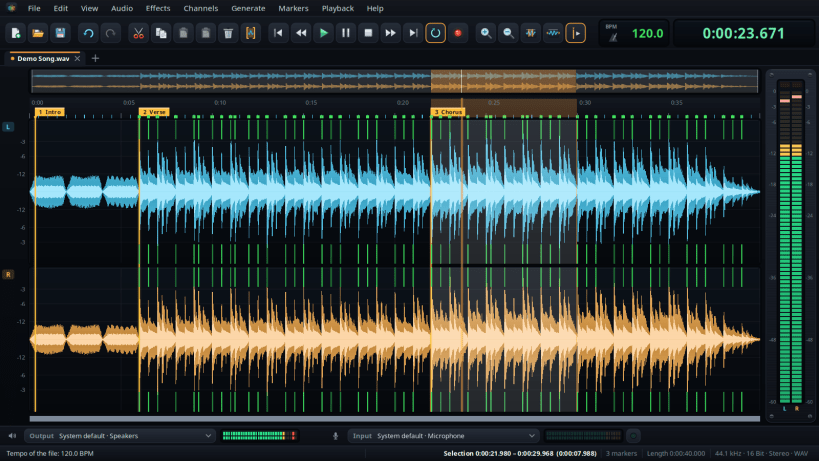
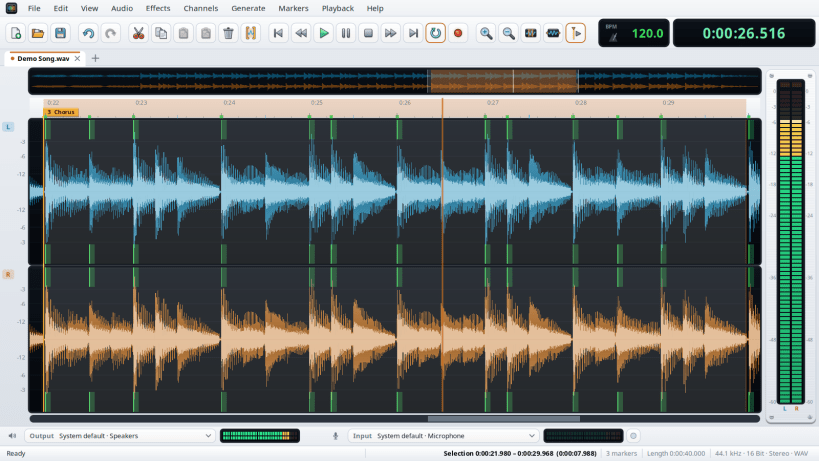
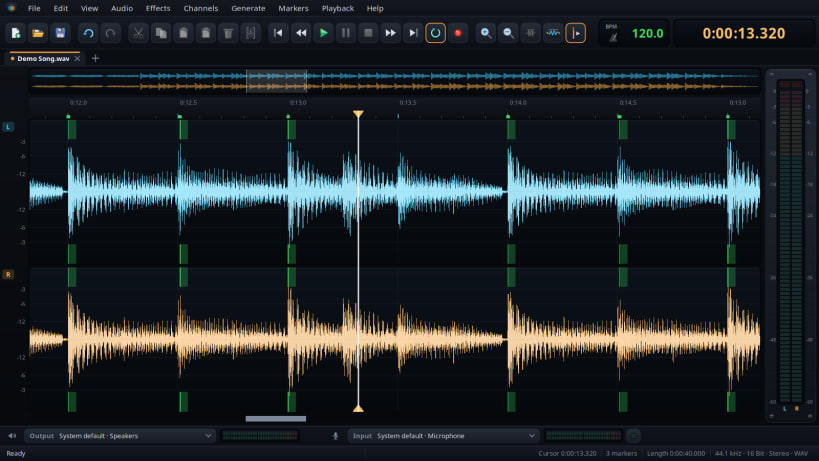
A sound editor for your recordings and your music: cut, copy and paste with the waveform in view, zoom in down to a single sample, set markers and play just the part between two of them. Every step can be undone, and long files stay in memory as long as there is room.
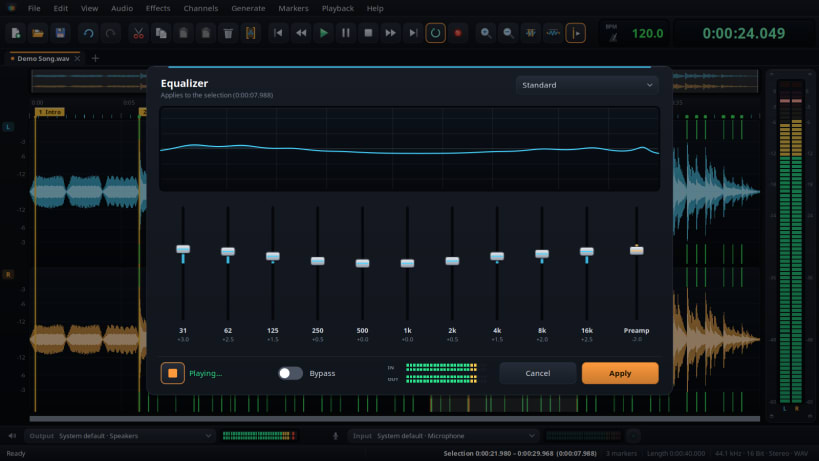
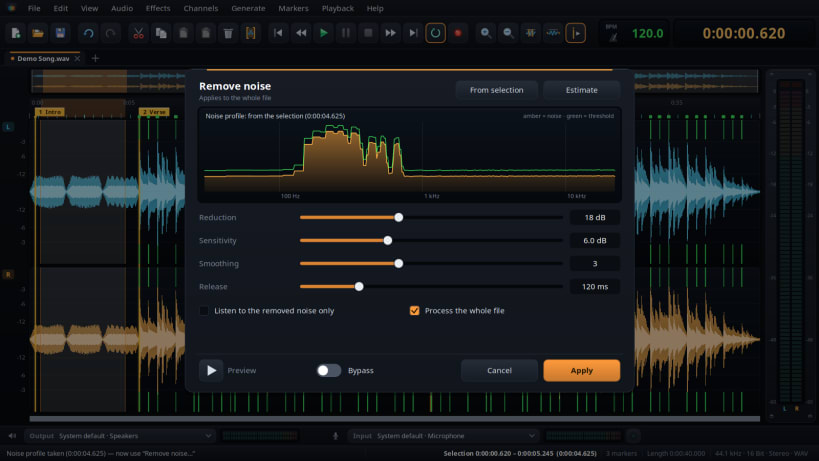
Clean up and polish: normalize to a peak or a loudness target, fade in and out, remove background noise with a noise profile, find the tempo and the bass drum, and change the tempo with or without changing the pitch. The effects of the Budbrain sound apps are built in — equalizer, tube and compressor, limiter and FX studio — each with live preview.
Opens and saves WAV, AIFF, FLAC, Ogg Vorbis and Opus. Opens MP3 and saves MP3 too.
To record, allow access to the microphone once: sudo snap connect jsbudbrainsoundeditor:audio-record To open files from USB sticks and external drives: sudo snap connect jsbudbrainsoundeditor:removable-media
- Available in 44 languages
Also available as .deb, RPM, Flatpak, AppImage and for Arch at www.budbrain.de
Developed by Josef Sejrek / Budbrain Software Contact: jsbudbrainlimiter@budbrain.de
| Revision | Channel | Version | Build | Commit | Download SBOM |
|---|
The build and commit information is derived from build infrastructure records.
Install jsBudbrainSoundEditor on your Linux distribution
Choose your Linux distribution to get detailed installation instructions. If yours is not shown, get more details on the installing snapd documentation.











