
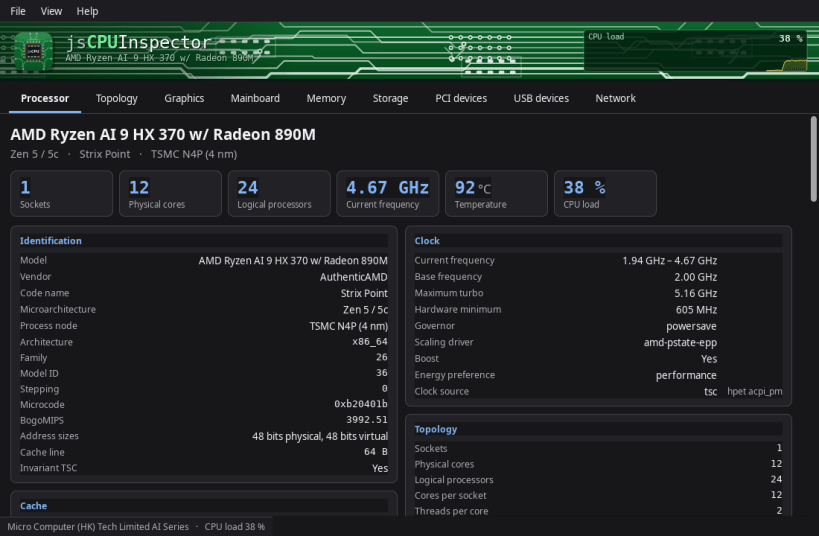
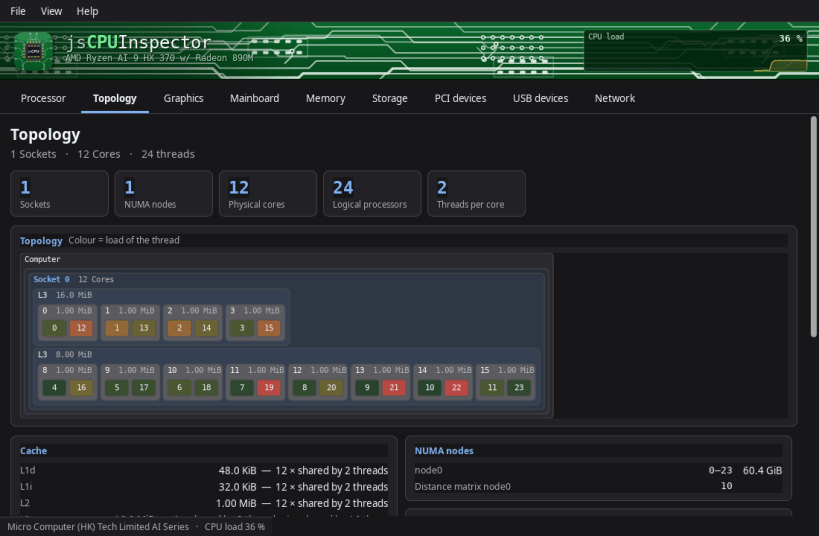
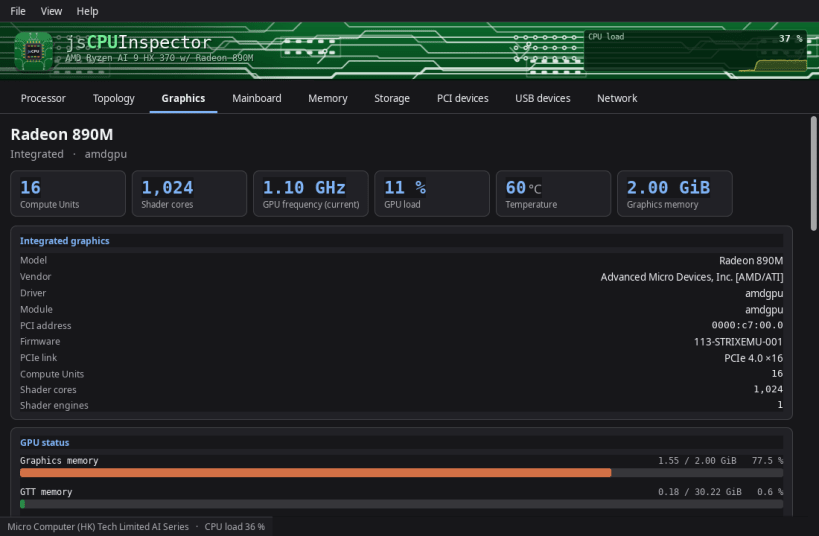
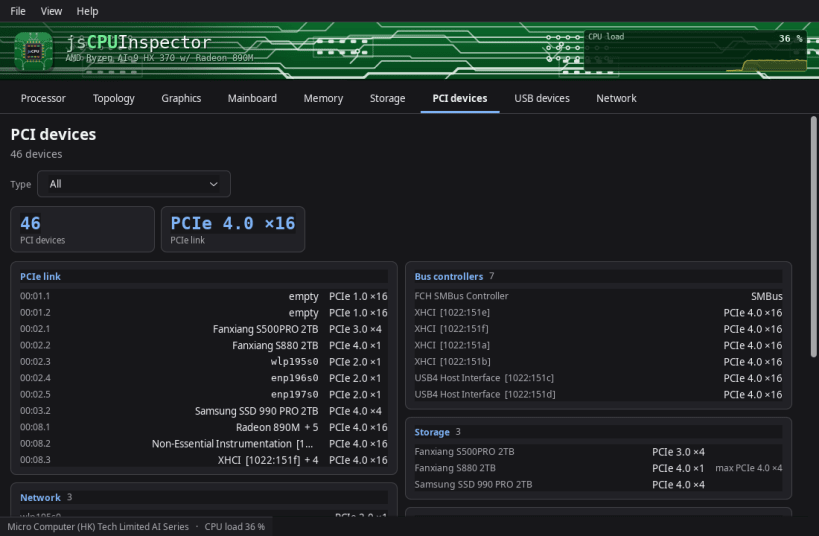
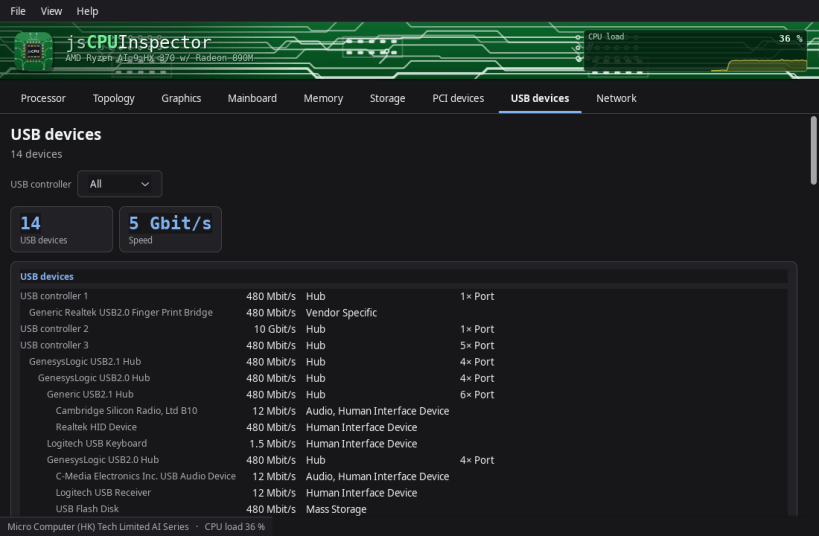
Everything your computer can tell you about itself, in one window — from the processor down to the last thing plugged into a USB port. No terminal, no commands to remember.
Nine tabs, and a live view across the top that shows what every processor core is doing right now.
▶ ONE-TIME SETUP
Snap packages may only see very little of the computer at first. Without the one-time setup below these stay empty: mainboard and BIOS details, all sensors and temperatures, and the network interfaces.
One command grants read access. It downloads nothing, installs nothing and changes none of your data — the app may only see more, not do more:
sudo sh -c 'for i in hardware-observe system-observe network-observe; do snap connect jscpuinspector:$i; done'
The app tells you the same thing on first start and offers to copy the command for you. It works without it; the affected entries simply stay empty and say so. No restart needed — a click on Refresh is enough. To undo, use "snap disconnect" instead of "snap connect".
▶ WHAT THIS SNAP CANNOT DO
A Snap is never allowed to ask for the administrator password, and two things need it: the health data of your drives — wear, spare capacity, power-on hours, written and read totals — and the serial numbers of the machine and its parts. Everything else is there. For those two as well, use the .deb, RPM, Flatpak or AppImage version from www.budbrain.de — there the app can ask for the password and read them.
Supported systems:
Developed by Josef Sejrek / Budbrain Software Contact: jscpuinspector@budbrain.de | www.budbrain.de
You are about to open
Do you wish to proceed?
Thank you for your report. Information you provided will help us investigate further.
There was an error while sending your report. Please try again later.
Snaps are applications packaged with all their dependencies to run on all popular Linux distributions from a single build. They update automatically and roll back gracefully.
Snaps are discoverable and installable from the Snap Store, an app store with an audience of millions.
Snap can be installed on elementary OS from the command line. Open Terminal from the Applications launcher and type the following:
sudo apt update
sudo apt install snapd
Either log out and back in again, or restart your system, to ensure snap’s paths are updated correctly.
To install jsCPUInspector, simply use the following command:
sudo snap install jscpuinspector
Browse and find snaps from the convenience of your desktop using the snap store snap.

Interested to find out more about snaps? Want to publish your own application? Visit snapcraft.io now.


