
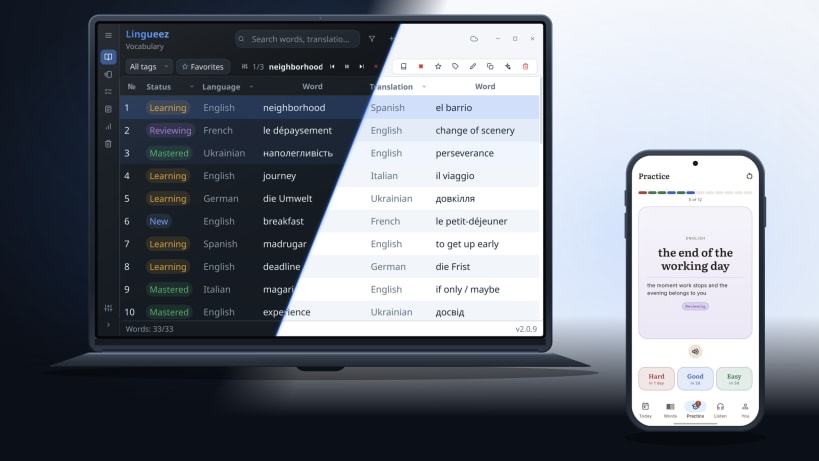
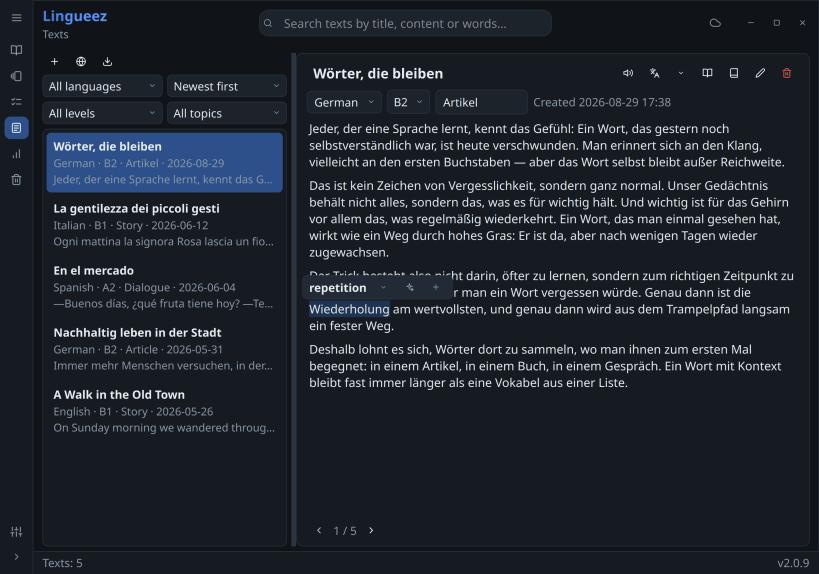
Lingueez helps you build vocabulary across languages and actually remember it.
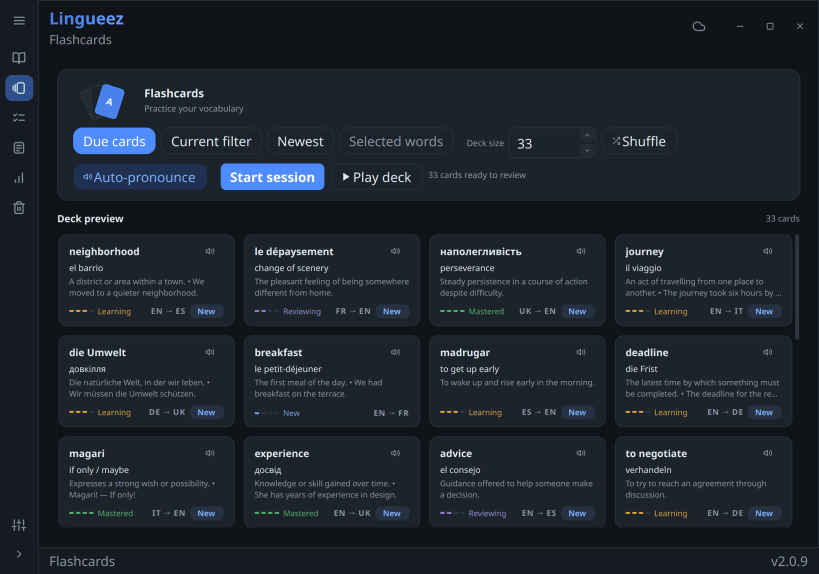
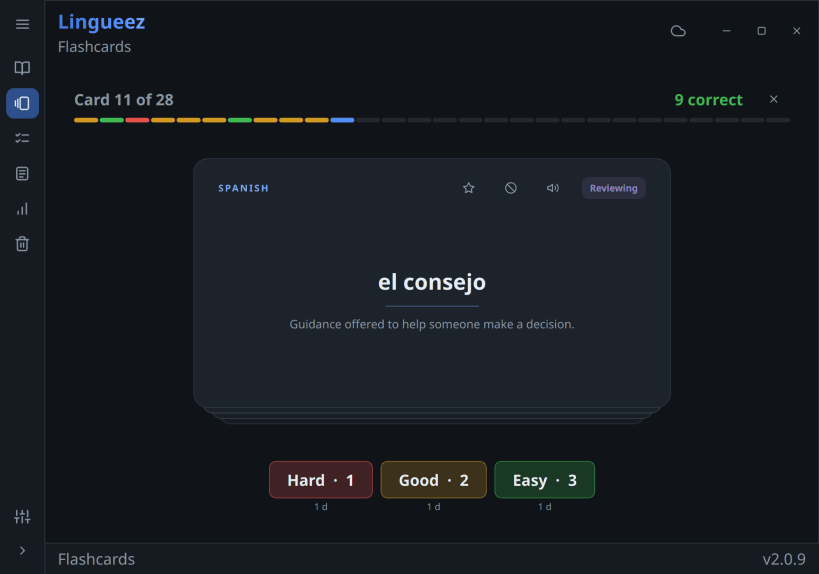
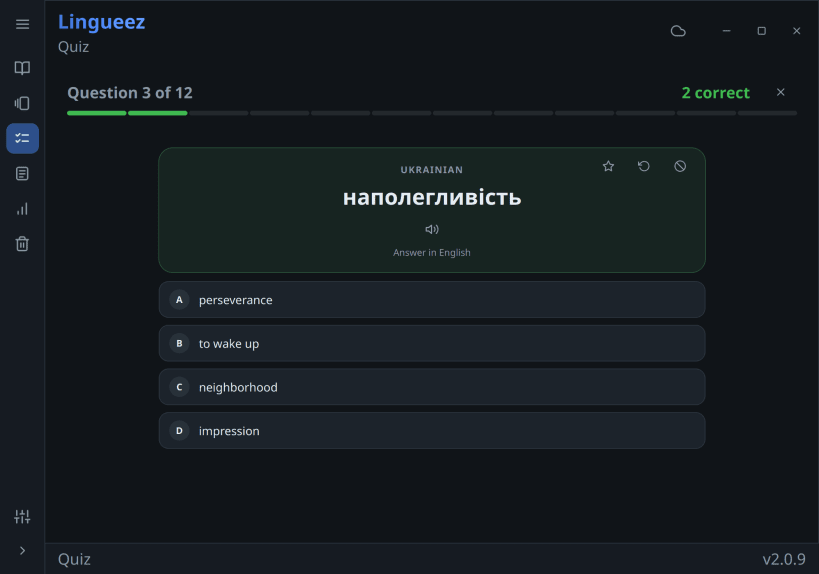
Add a word the moment you meet it — from any app, with a global shortcut — and Lingueez looks up its definition and translation for you. It then turns your personal word list into spaced-repetition flashcards that resurface each word right before you'd forget it, so your study time goes where it's needed most. And when recognizing a word is no longer enough, the quiz asks you to pick the right answer — or type it out yourself, in either direction.
Beyond flashcards, Lingueez reads your words aloud with natural text-to-speech and generates short reading passages built from the vocabulary you're learning, so you see every word in real context.
Your library is yours: everything works offline, with no account required. Sign in only if you want your words and progress synced across devices.
Free and open source. No ads, no subscription.
Key features:
You are about to open
Do you wish to proceed?
Thank you for your report. Information you provided will help us investigate further.
There was an error while sending your report. Please try again later.
Snaps are applications packaged with all their dependencies to run on all popular Linux distributions from a single build. They update automatically and roll back gracefully.
Snaps are discoverable and installable from the Snap Store, an app store with an audience of millions.
Snap can be installed on Pop!_OS from the command line. Open Terminal from the Applications launcher and type the following:
sudo apt update
sudo apt install snapd
Either log out and back in again, or restart your system, to ensure snap’s paths are updated correctly.
To install Lingueez - Vocabulary Builder, simply use the following command:
sudo snap install lingueez
Browse and find snaps from the convenience of your desktop using the snap store snap.

Interested to find out more about snaps? Want to publish your own application? Visit snapcraft.io now.