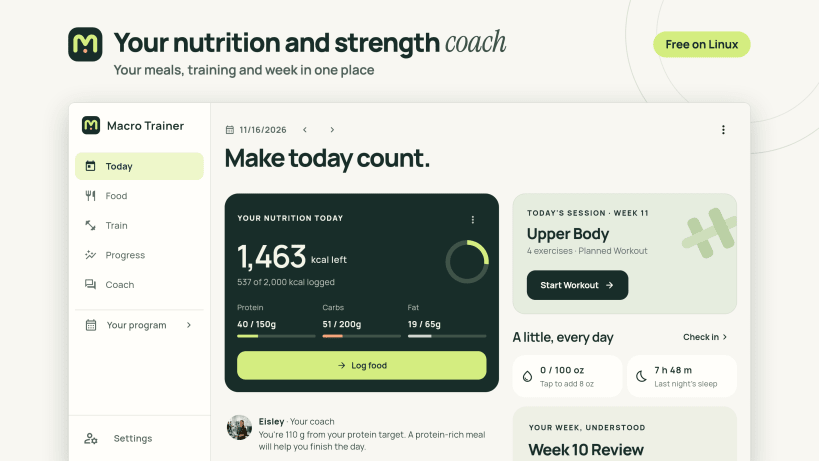
Macro Trainer is a nutrition and strength coach that lives on your computer. Log your meals, lifts and weigh-ins, and it shows you what's working and suggests what to change.
Pick a goal (cut, bulk or recomp) and Macro Trainer sets your calorie and macro targets and plans your training. If your weight stalls for two weeks, it tells you why and suggests a change. Log sleep and energy too, and look back at how you've been recovering.
A coach that pays attention
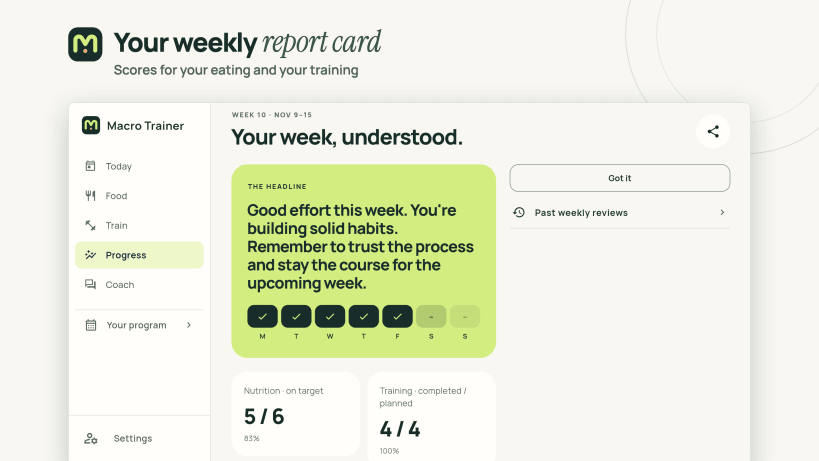
- A weekly report card that grades your eating and training and says what to work on next
- Notes during the week when you're on a streak or starting to stall
- Spots a plateau and lets you adjust your macros in one click
- Suggests a deload week, and you decide whether to take it
- A GLP-1 mode that puts protein first, keeps a dose diary and coaches around a smaller appetite
- Rather not see the scale? Hide body numbers and the coach sticks to habits and training
- Choose from six coaching styles or create your own
- Coach chat runs entirely on your computer, so nothing you ask leaves it
Log any meal in seconds
- Pick a photo of your plate and the coach identifies each food and estimates portions for you to confirm. The first photo needs a one-time download.
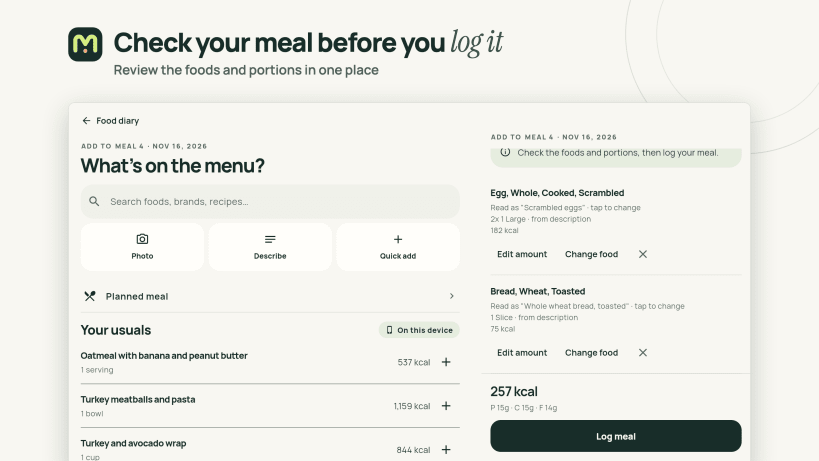
- Or describe what you ate, like "two eggs, sourdough toast with butter, black coffee", and the coach turns it into foods and portions for you to check
- Over a million foods stored on your computer, so search is instant and works offline
- Log yesterday's breakfast again in one click, or plan meals ahead
- Track full macros, jot quick numbers or count calories only
- Save your own foods and recipes, and log a serving of a batch you cooked
- A fasting timer for when you want one
See where your weight is heading
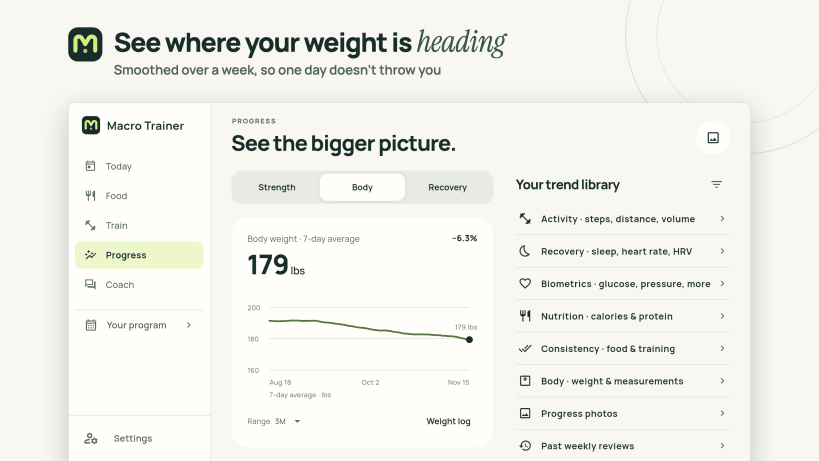
- A 7-day average that smooths out daily swings, projected out to your goal
- Body composition: lean mass, body fat and water
- Recovery estimates and recorded biometrics, with explanations and sources
- Progress photos lined up side by side
Built for the gym floor
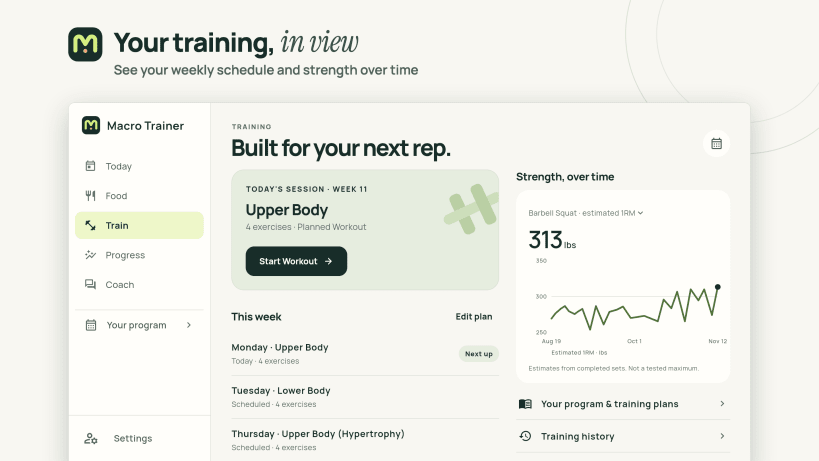
- Progressive programs like upper/lower, push-pull-legs and full body
- Log sets with a rest timer and volume tracking
- Swap an exercise when the rack is taken
- Watch your estimated one-rep max climb on the lift you choose
- Pick up where you left off after a missed workout
Speaks your language
The app, your weekly report card and the coach all speak 34 languages. It follows your system's light or dark setting, or you can pick one.
Free on Linux
Macro Trainer is free on Linux. Everything runs on your computer, the coach included, so it works offline and your health data stays where you put it. There's no account and nothing to sign in to.
Also available for iPhone, iPad, Mac, Android and Windows. Learn more at https://macrotrainer.com
Set your goal and log your first meal.