
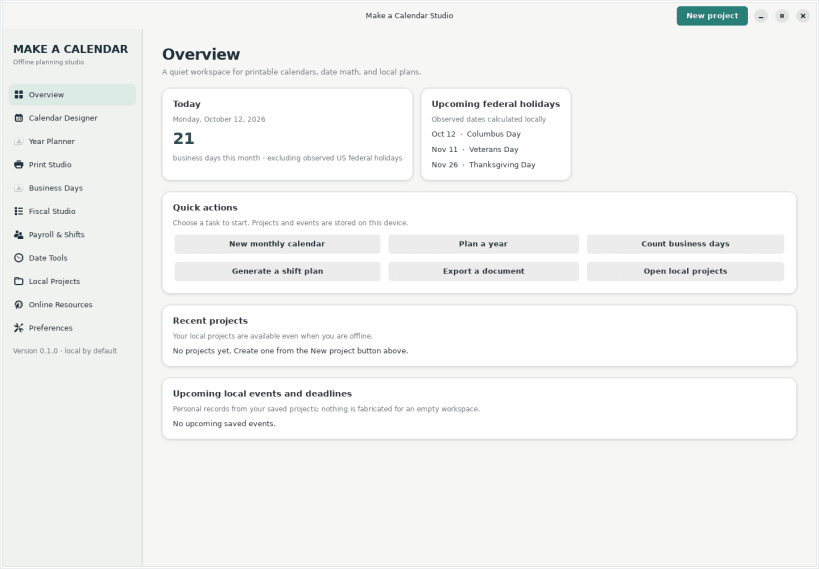
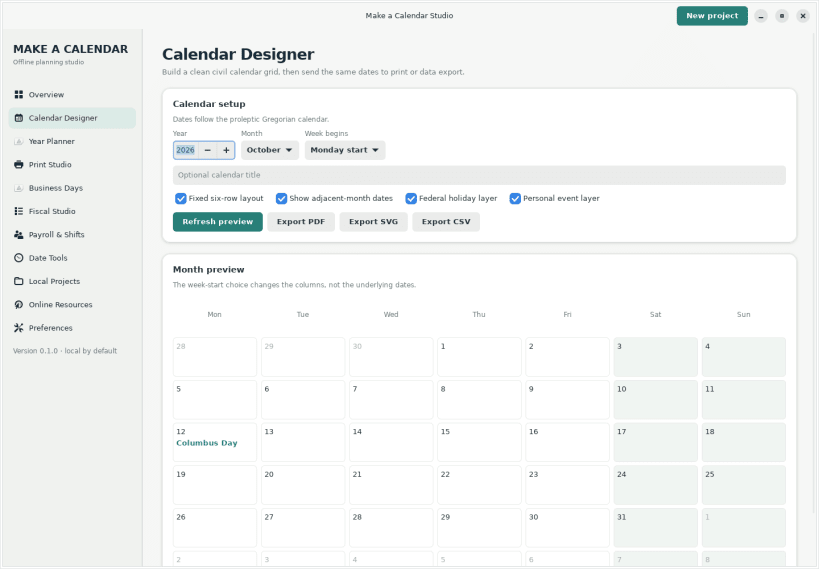
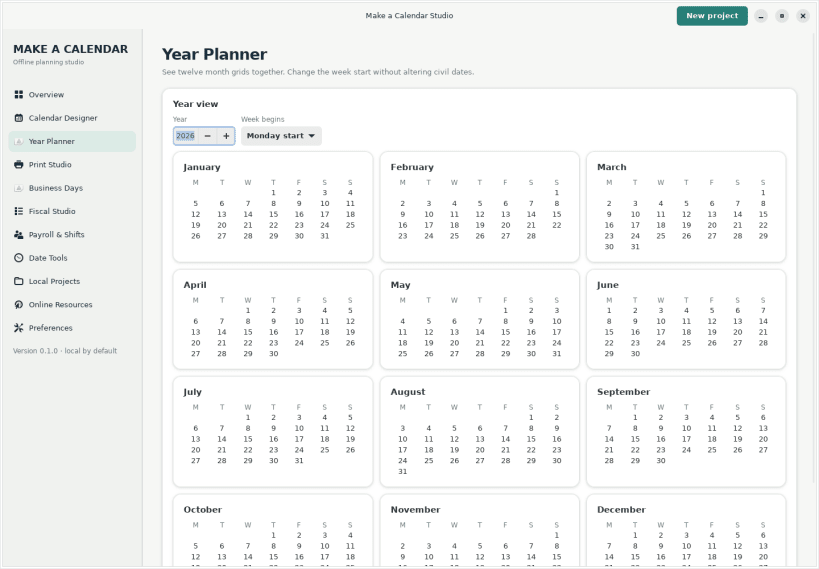
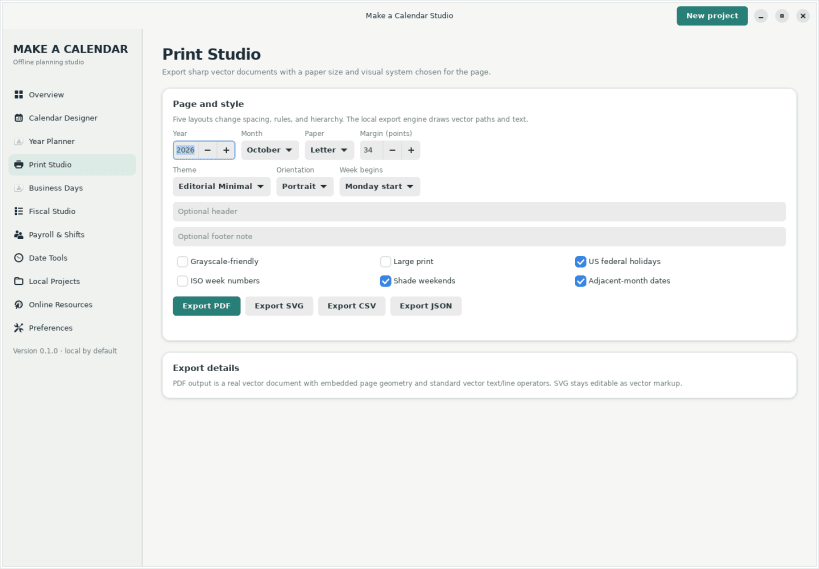
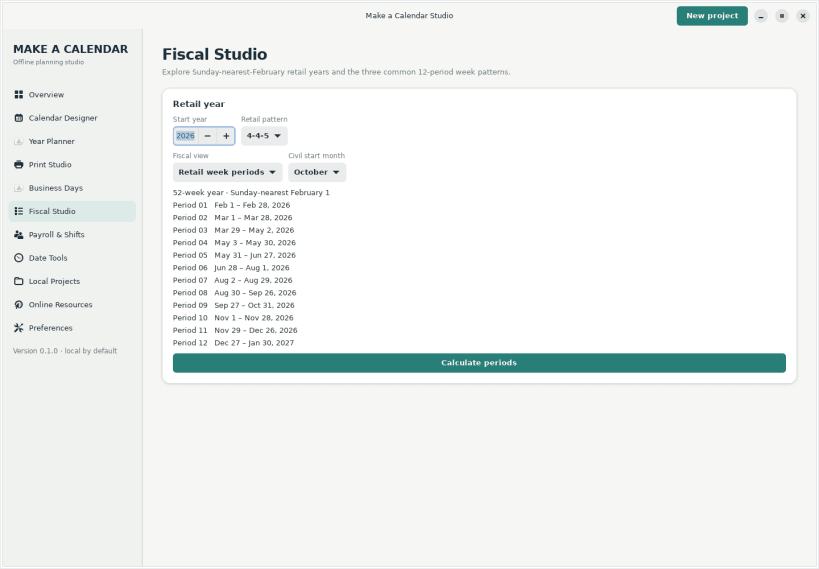
Make a Calendar Studio is an offline-first Linux desktop workspace for designing printable calendars and planning date-driven work. Create monthly and yearly grids, save local projects, count business days around US federal holidays, plan payroll dates and rotating shifts, compare 4-4-5, 4-5-4, and 5-4-4 fiscal periods, convert dates, and export vector PDF/SVG, CSV, JSON, or ICS data. Calendar data and saved projects stay on your device. Optional Make a Calendar resources open in your browser only when selected. This independent, original application was created by Ethan, the developer behind Make a Calendar.
Explore Make a Calendar resources Use these browser-based tools and date references alongside the offline desktop app:
Source code and issue tracker: https://github.com/makeacalendar/make-a-calendar-studio-linux
You are about to open
Do you wish to proceed?
Thank you for your report. Information you provided will help us investigate further.
There was an error while sending your report. Please try again later.
Snaps are applications packaged with all their dependencies to run on all popular Linux distributions from a single build. They update automatically and roll back gracefully.
Snaps are discoverable and installable from the Snap Store, an app store with an audience of millions.
Snap is available for CentOS 7.6+, and Red Hat Enterprise Linux 7.6+, from the Extra Packages for Enterprise Linux (EPEL) repository. The EPEL repository can be added to your system with the following command:
sudo yum install epel-release
Snap can now be installed as follows:
sudo yum install snapd
Once installed, the systemd unit that manages the main snap communication socket needs to be enabled:
sudo systemctl enable --now snapd.socket
To enable classic snap support, enter the following to create a symbolic link between /var/lib/snapd/snap and /snap:
sudo ln -s /var/lib/snapd/snap /snap
Either log out and back in again, or restart your system, to ensure snap’s paths are updated correctly.
To install Make a Calendar Studio, simply use the following command:
sudo snap install make-a-calendar-studio --edge
Browse and find snaps from the convenience of your desktop using the snap store snap.

Interested to find out more about snaps? Want to publish your own application? Visit snapcraft.io now.