
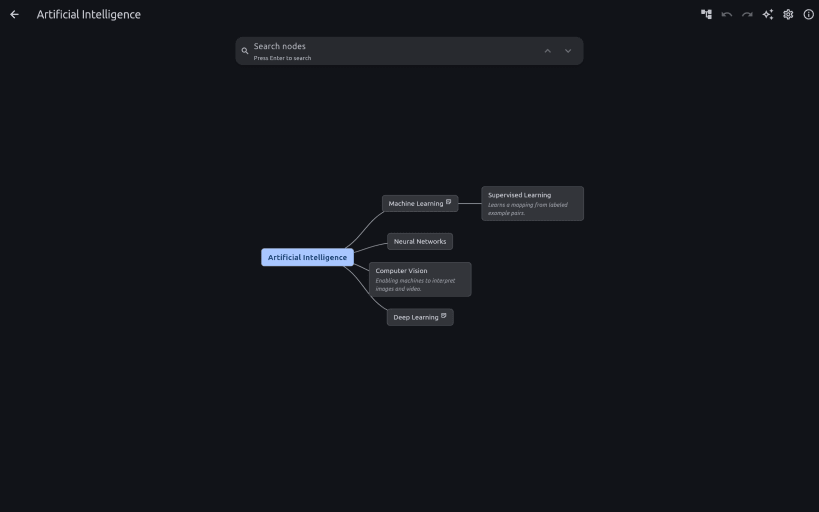

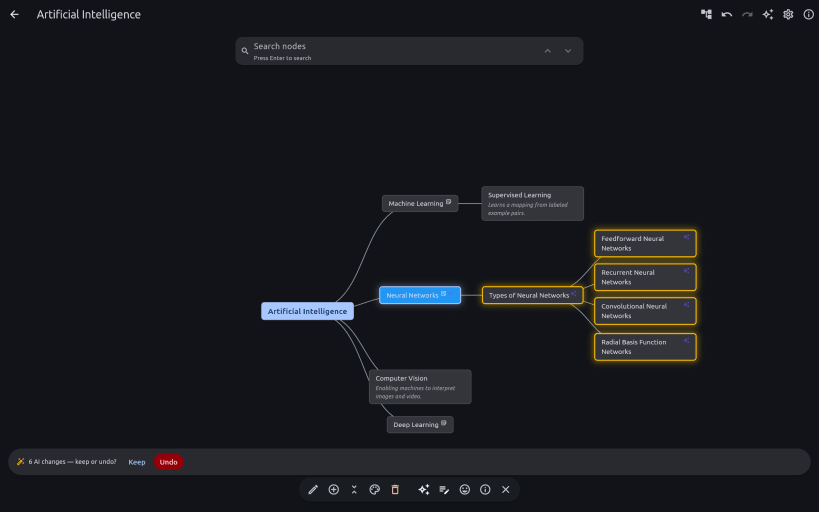
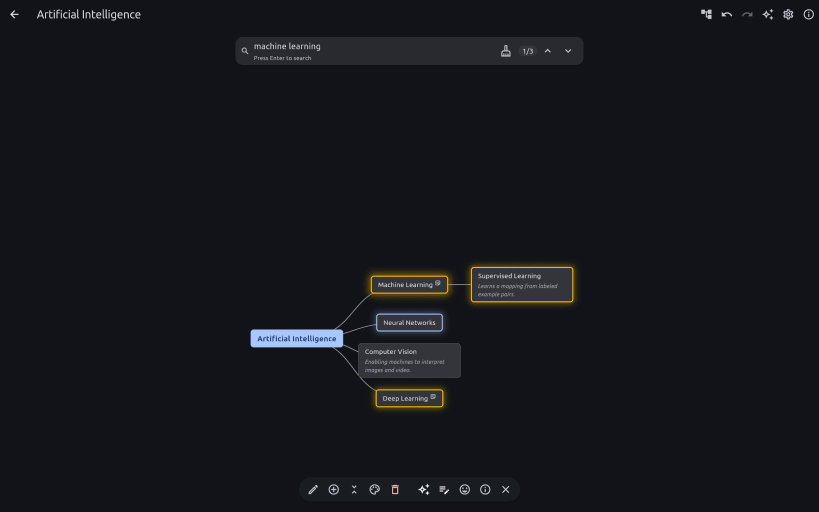
A mind map that thinks with you. Turn what you're learning into a visual knowledge map where every node is an AI you can talk to: ask focused questions, generate notes, let AI restructure the map — you review the change before it lands, and undo it in one step — and find ideas later with on-device semantic search.
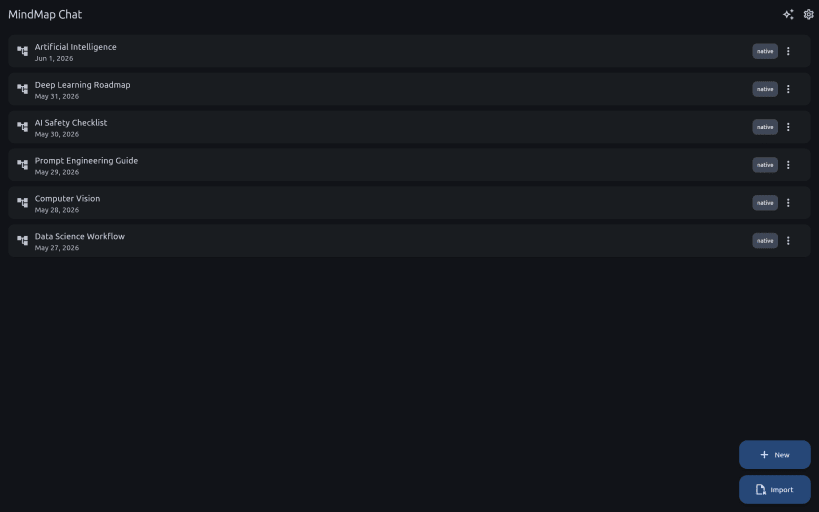
It's a living visual map rather than a scrolling chat box, so the shape of what you're learning stays in front of you — and nothing is uploaded. The app is useful before you install any model at all: local AI is an upgrade, not a prerequisite. Import your existing Freeplane (.mm) and XMind maps to get started.
Private by design. Your maps stay on your machine, encrypted at rest with two-factor encryption — a password AND a separate key file — so neither one alone can ever unlock your data. Real protection, not just a checkbox.
Your own AI, on your own hardware. By default the LLM runs through Ollama or LM Studio — on your machine or elsewhere on your network — so nothing you write is uploaded and there are no per-token fees or subscriptions. Claude and OpenAI are there if you want a bigger model: strictly opt-in, never on by default, and the app asks before anything leaves your device. Note that a confined snap cannot install or start a local runtime for you: install Ollama or LM Studio on the host and point the app at it.
Released 14 Sep 2026
MindMap Chat is also available on Windows, macOS, Android. Get it at https://mindmapchat.app/?from=snap.
You are about to open
Do you wish to proceed?
Thank you for your report. Information you provided will help us investigate further.
There was an error while sending your report. Please try again later.
Snaps are applications packaged with all their dependencies to run on all popular Linux distributions from a single build. They update automatically and roll back gracefully.
Snaps are discoverable and installable from the Snap Store, an app store with an audience of millions.
Snap is available for CentOS 7.6+, and Red Hat Enterprise Linux 7.6+, from the Extra Packages for Enterprise Linux (EPEL) repository. The EPEL repository can be added to your system with the following command:
sudo yum install epel-release
Snap can now be installed as follows:
sudo yum install snapd
Once installed, the systemd unit that manages the main snap communication socket needs to be enabled:
sudo systemctl enable --now snapd.socket
To enable classic snap support, enter the following to create a symbolic link between /var/lib/snapd/snap and /snap:
sudo ln -s /var/lib/snapd/snap /snap
Either log out and back in again, or restart your system, to ensure snap’s paths are updated correctly.
To install MindMap Chat, simply use the following command:
sudo snap install mindmap-chat
Browse and find snaps from the convenience of your desktop using the snap store snap.

Interested to find out more about snaps? Want to publish your own application? Visit snapcraft.io now.