

MindMap Chat
Install latest/stable of MindMap Chat
Ubuntu 16.04 or later?
Make sure snap support is enabled in your Desktop store.
Install using the command line
sudo snap install mindmap-chatDon't have snapd? Get set up for snaps.
Details for MindMap Chat
Package name
- mindmap-chat
License
- Proprietary
Last updated
- 14 September 2026 - latest/stable
- 14 September 2026 - latest/beta
Websites
Contact
External link warning
You are about to open
Do you wish to proceed?
Report a Snap Store violation
Report MindMap Chat for a Snap Store violation
Snap Store Violation Report submitted successfully
Thank you for your report. Information you provided will help us investigate further.
Error submitting report
There was an error while sending your report. Please try again later.
Share this snap
Generate an embeddable card to be shared on external websites.
Cross-platform mind map editor with AI chat
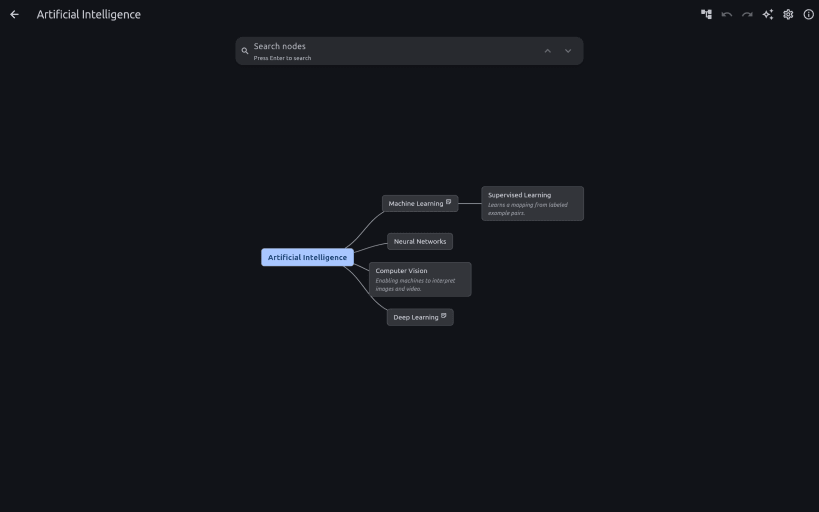
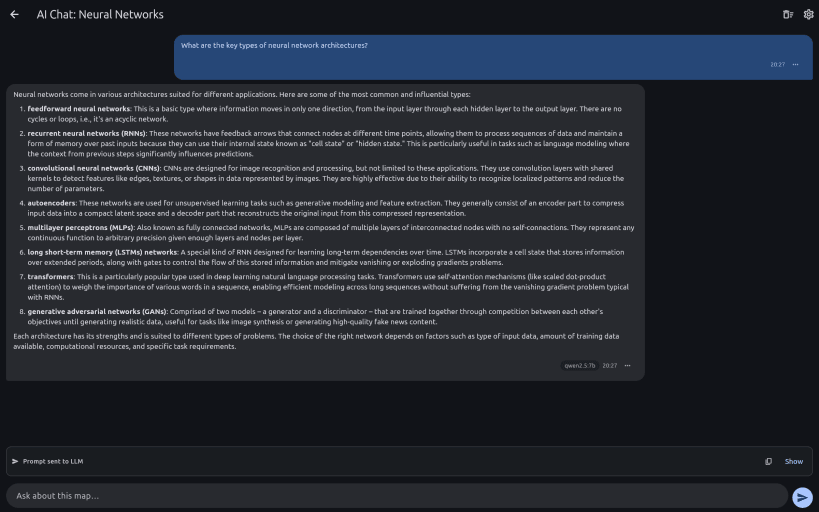
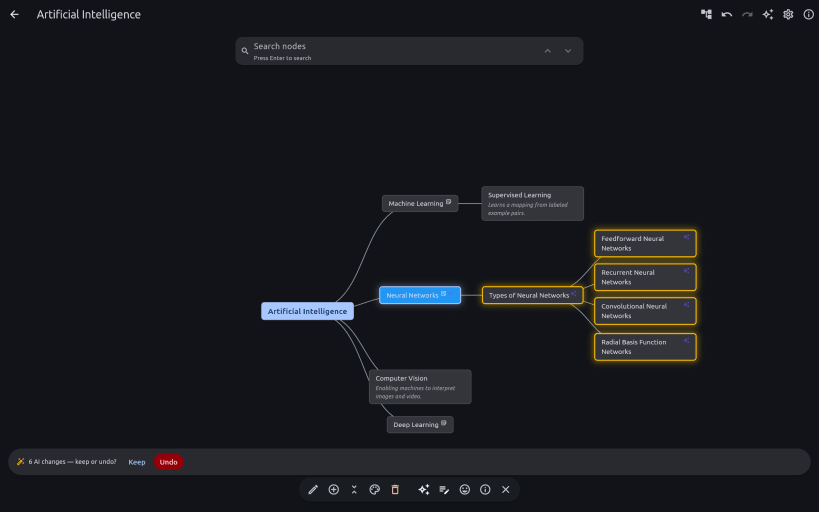
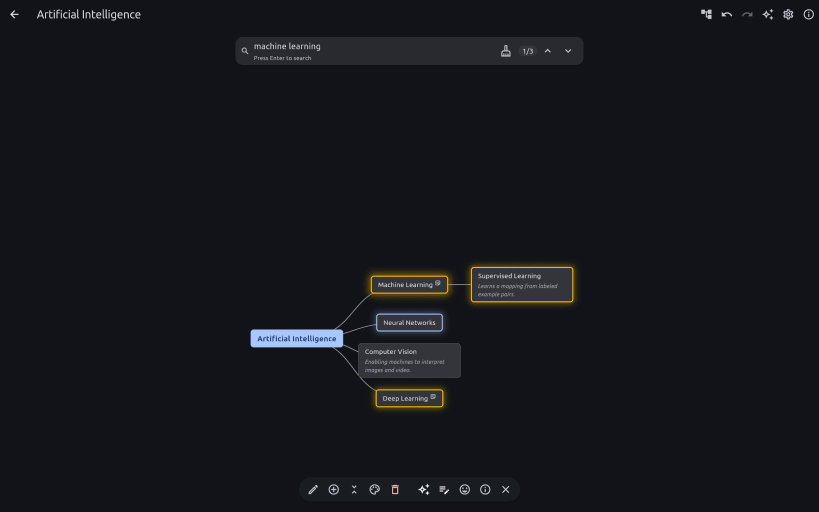
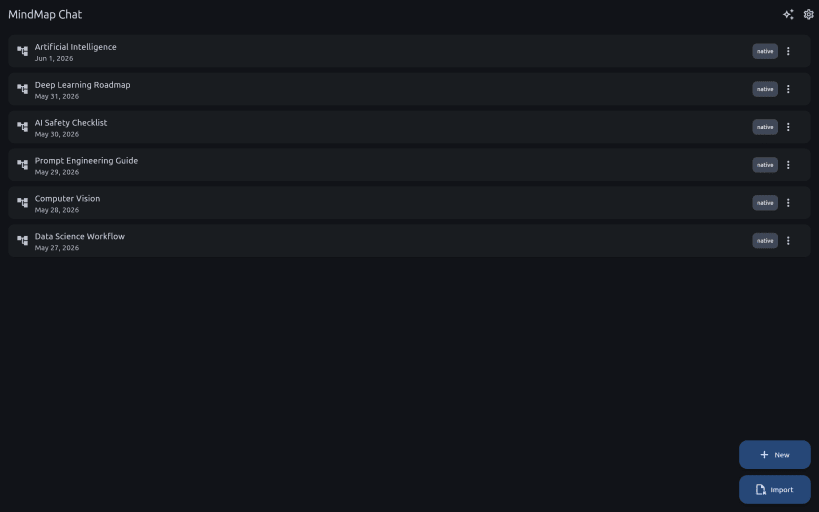
A mind map that thinks with you. Turn what you're learning into a visual knowledge map where every node is an AI you can talk to: ask focused questions, generate notes, let AI restructure the map — you review the change before it lands, and undo it in one step — and find ideas later with on-device semantic search.
It's a living visual map rather than a scrolling chat box, so the shape of what you're learning stays in front of you — and nothing is uploaded. The app is useful before you install any model at all: local AI is an upgrade, not a prerequisite. Import your existing Freeplane (.mm) and XMind maps to get started.
Private by design. Your maps stay on your machine, encrypted at rest with two-factor encryption — a password AND a separate key file — so neither one alone can ever unlock your data. Real protection, not just a checkbox.
Your own AI, on your own hardware. By default the LLM runs through Ollama or LM Studio — on your machine or elsewhere on your network — so nothing you write is uploaded and there are no per-token fees or subscriptions. Claude and OpenAI are there if you want a bigger model: strictly opt-in, never on by default, and the app asks before anything leaves your device. Note that a confined snap cannot install or start a local runtime for you: install Ollama or LM Studio on the host and point the app at it.
Released 14 Sep 2026
- Use Claude from Anthropic or OpenAI as your AI provider with a curated model list, alongside Ollama and LM Studio. Everything local keeps working exactly as before, and the app asks before anything leaves your device.
MindMap Chat is also available on Windows, macOS, Android. Get it at https://mindmapchat.app/?from=snap.
| Revision | Channel | Version | Build | Commit | Download SBOM |
|---|
The build and commit information is derived from build infrastructure records.
Install MindMap Chat on your Linux distribution
Choose your Linux distribution to get detailed installation instructions. If yours is not shown, get more details on the installing snapd documentation.











