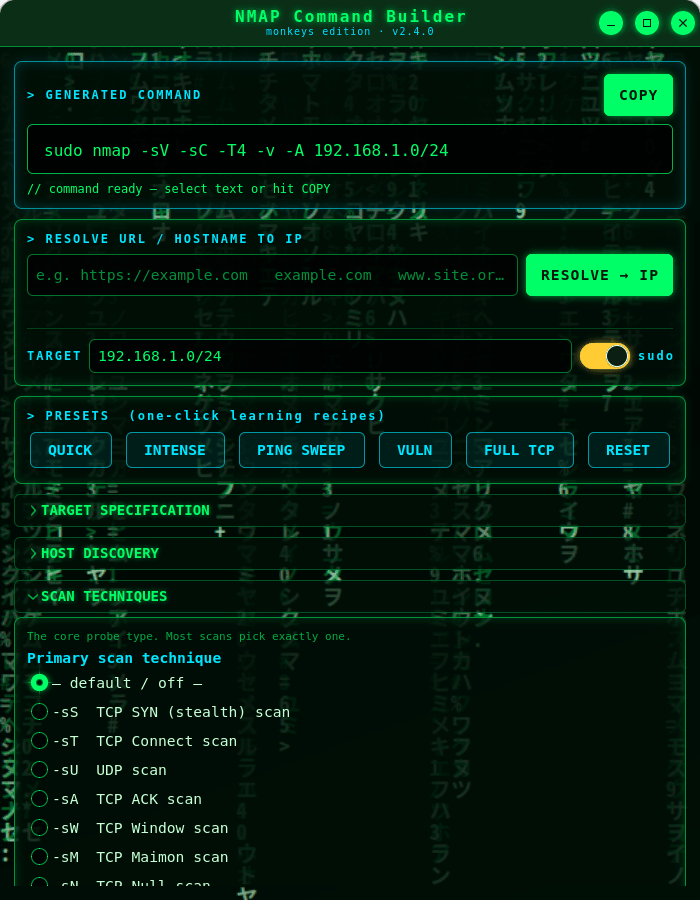
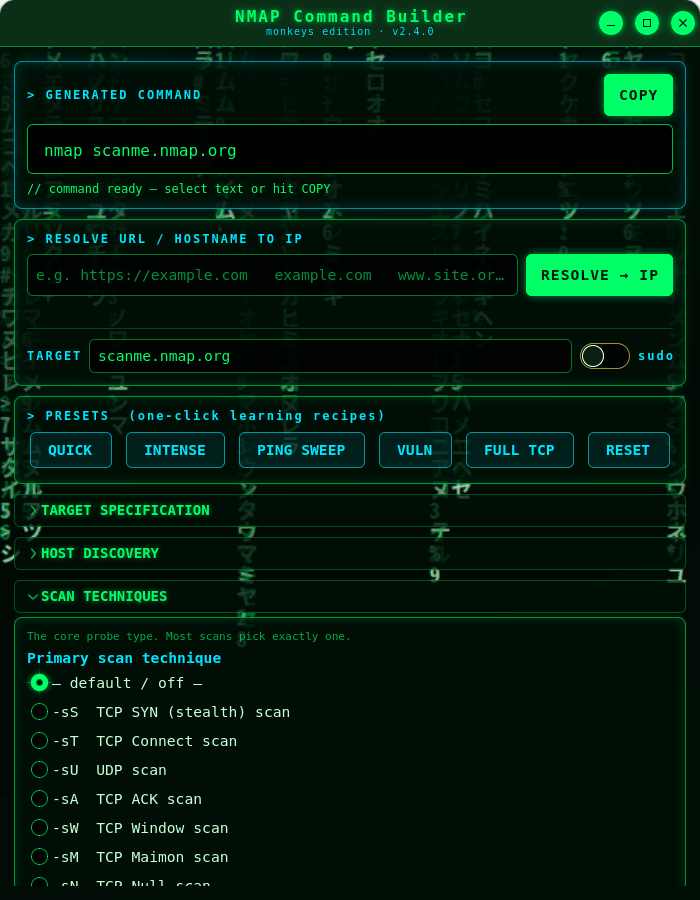
NMAP Command Builder (monkeys edition) is a cyberpunk, Matrix-themed desktop tool that helps you assemble correct Nmap command lines by ticking options from the full Nmap feature set. As you select options it builds a ready-to-run command you can select or copy straight to your clipboard.
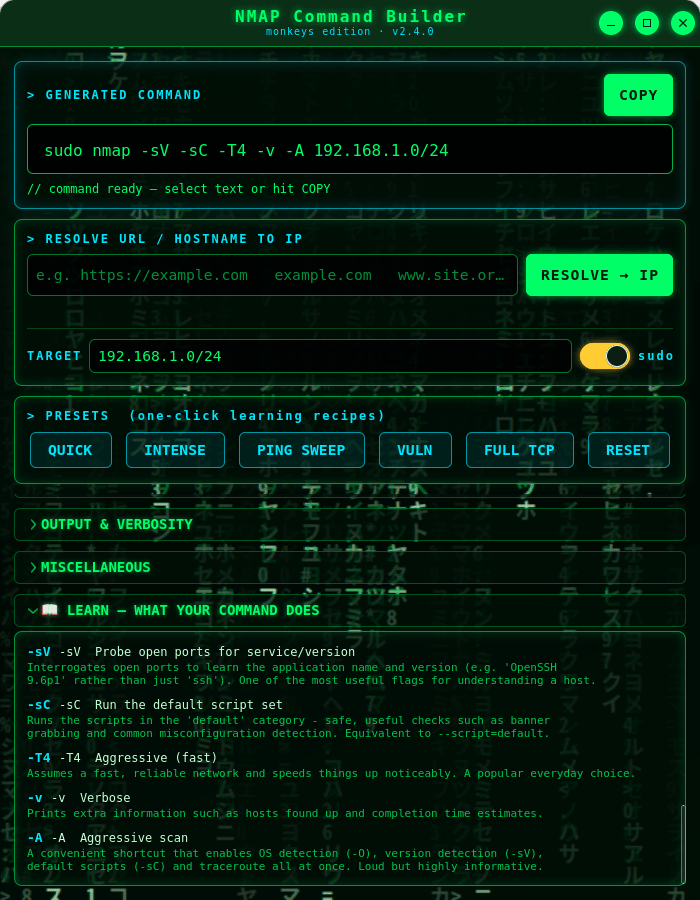
It's a learning tool as much as a utility. Every option has a plain-language explanation on hover, and a live LEARN panel describes — in order — exactly what each flag in your command does. One-click presets teach you common scan recipes like Quick, Intense, Ping Sweep and Vuln.
★ What you get
- Full option coverage: host discovery, scan techniques (SYN, Connect, UDP, ACK, Window, Maimon, Null/FIN/Xmas, SCTP, IP-protocol, idle), ports, service and version detection, OS detection, NSE scripts, timing templates, firewall/IDS evasion & spoofing, and every output format.
- A target field and a one-click "prepend sudo" switch, with a warning whenever an option needs root.
- A terminal-style output field you can select or copy with one button.
- Shell-safe quoting, so the command is safe to paste into a terminal.
- An animated Matrix "digital rain" background and neon cyberpunk theme.
★ Learn while you build
Hover any option for a detailed explanation drawn from the official Nmap documentation, and watch the LEARN panel narrate your command as it grows. Perfect for students, sysadmins and anyone getting to grips with Nmap.
★ Resolve URLs to IPs
Type a URL or hostname and the app does a quick DNS lookup, dropping the resulting IP address straight into the target field.
★ Safe by design
This app does not run Nmap or scan anything — it only builds a command string for you to copy. The only network it uses is a DNS lookup to turn a URL or hostname into an IP address.
⚠ Use responsibly: only scan systems you own or are explicitly authorised to test. Unauthorised scanning may be illegal in your jurisdiction.
Nmap is a trademark of the Nmap Project. This is an independent, unofficial helper and bundles no Nmap code.