
Install latest/stable of NMAP Command Builder
Ubuntu 16.04 or later?
Make sure snap support is enabled in your Desktop store.
Install using the command line
sudo snap install nmap-command-builderDon't have snapd? Get set up for snaps.
Details for NMAP Command Builder
Package name
- nmap-command-builder
License
- Proprietary
Last updated
- 11 October 2026 - latest/stable
Report a Snap Store violation
Report NMAP Command Builder for a Snap Store violation
Snap Store Violation Report submitted successfully
Thank you for your report. Information you provided will help us investigate further.
Error submitting report
There was an error while sending your report. Please try again later.
Share this snap
Generate an embeddable card to be shared on external websites.
Build, learn and copy Nmap commands - cyberpunk style
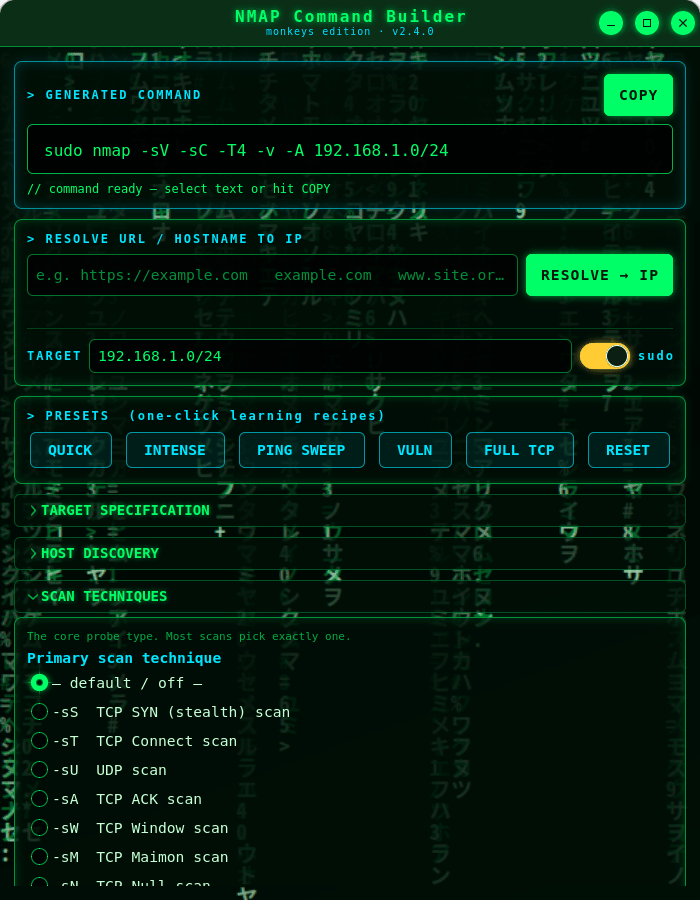
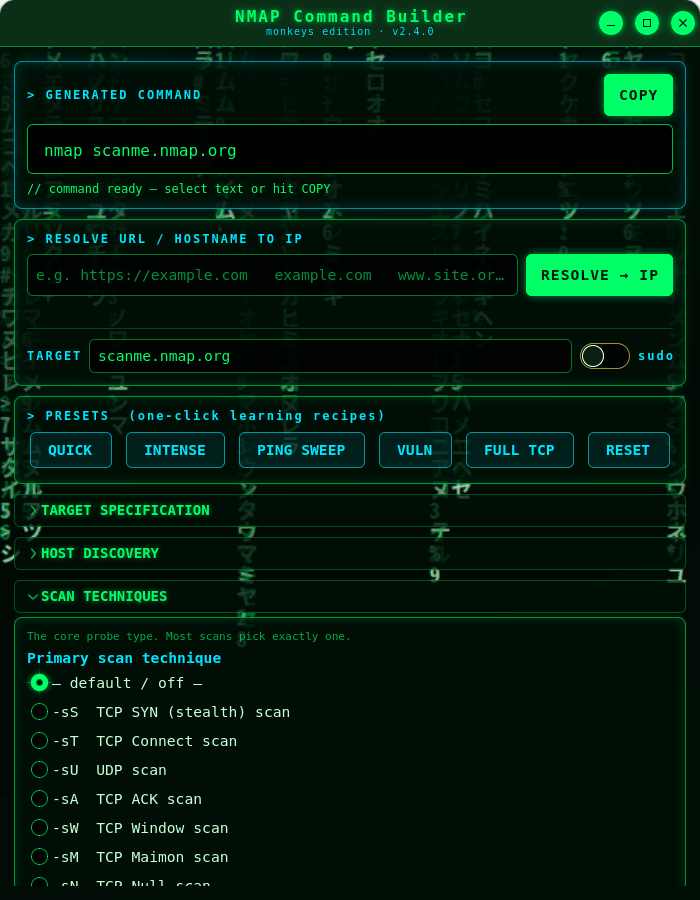
NMAP Command Builder (monkeys edition) is a cyberpunk, Matrix-themed desktop tool that helps you assemble correct Nmap command lines by ticking options from the full Nmap feature set. As you select options it builds a ready-to-run command you can select or copy straight to your clipboard.
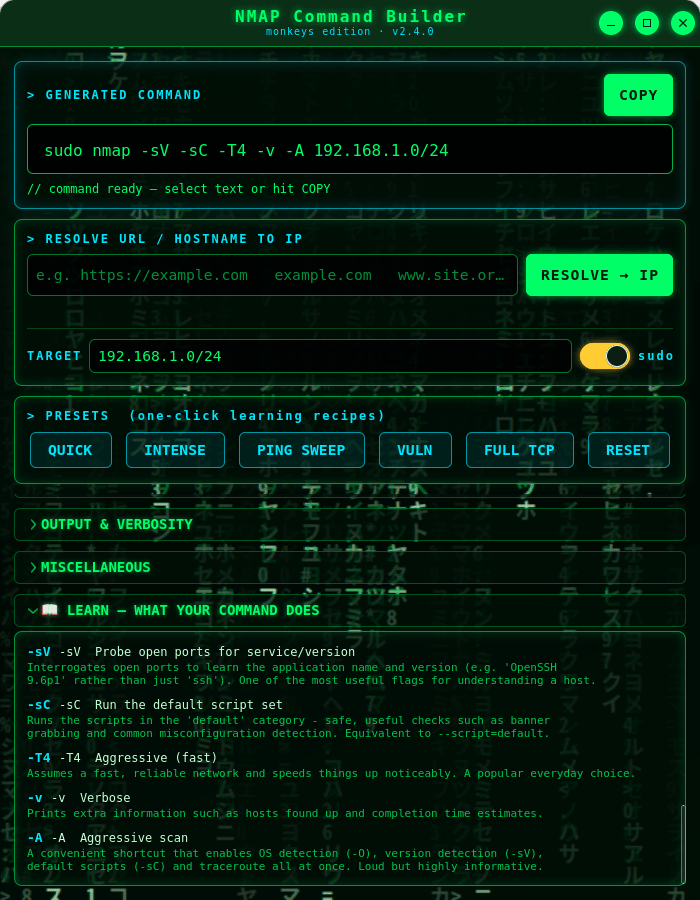
It's a learning tool as much as a utility. Every option has a plain-language explanation on hover, and a live LEARN panel describes — in order — exactly what each flag in your command does. One-click presets teach you common scan recipes like Quick, Intense, Ping Sweep and Vuln.
★ What you get
- Full option coverage: host discovery, scan techniques (SYN, Connect, UDP, ACK, Window, Maimon, Null/FIN/Xmas, SCTP, IP-protocol, idle), ports, service and version detection, OS detection, NSE scripts, timing templates, firewall/IDS evasion & spoofing, and every output format.
- A target field and a one-click "prepend sudo" switch, with a warning whenever an option needs root.
- A terminal-style output field you can select or copy with one button.
- Shell-safe quoting, so the command is safe to paste into a terminal.
- An animated Matrix "digital rain" background and neon cyberpunk theme.
★ Learn while you build
Hover any option for a detailed explanation drawn from the official Nmap documentation, and watch the LEARN panel narrate your command as it grows. Perfect for students, sysadmins and anyone getting to grips with Nmap.
★ Resolve URLs to IPs
Type a URL or hostname and the app does a quick DNS lookup, dropping the resulting IP address straight into the target field.
★ Safe by design
This app does not run Nmap or scan anything — it only builds a command string for you to copy. The only network it uses is a DNS lookup to turn a URL or hostname into an IP address.
⚠ Use responsibly: only scan systems you own or are explicitly authorised to test. Unauthorised scanning may be illegal in your jurisdiction.
Nmap is a trademark of the Nmap Project. This is an independent, unofficial helper and bundles no Nmap code.
| Revision | Channel | Version | Build | Commit | Download SBOM |
|---|
The build and commit information is derived from build infrastructure records.
Install NMAP Command Builder on your Linux distribution
Choose your Linux distribution to get detailed installation instructions. If yours is not shown, get more details on the installing snapd documentation.











