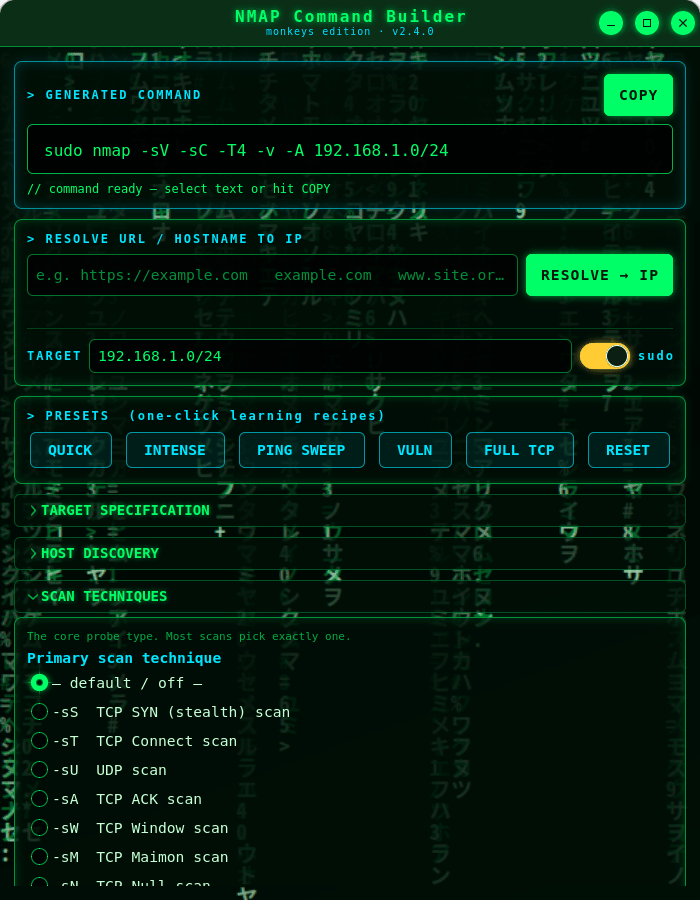
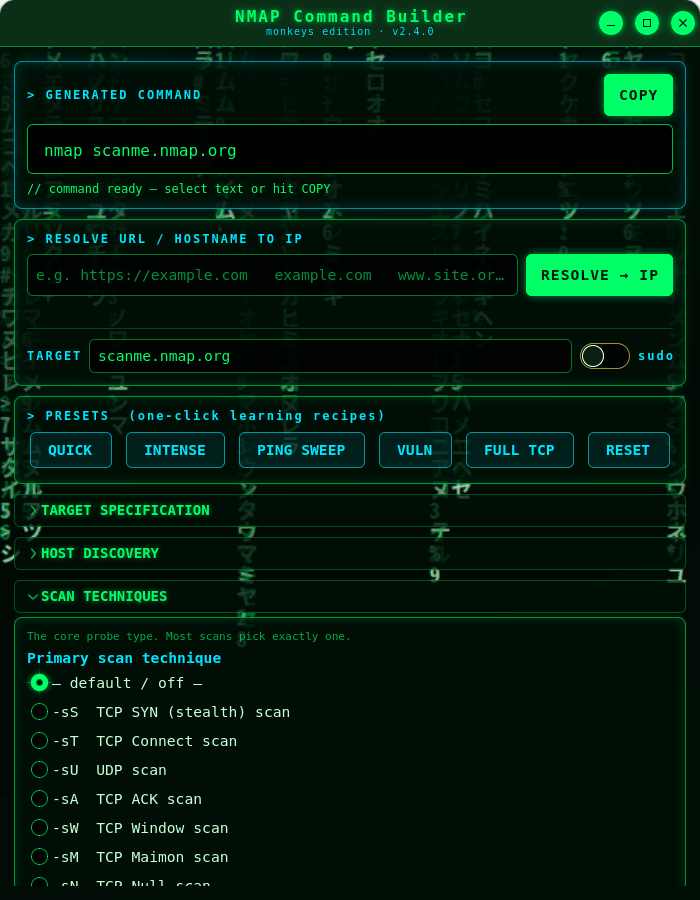
NMAP Command Builder (monkeys edition) is a cyberpunk, Matrix-themed desktop tool that helps you assemble correct Nmap command lines by ticking options from the full Nmap feature set. As you select options it builds a ready-to-run command you can select or copy straight to your clipboard.
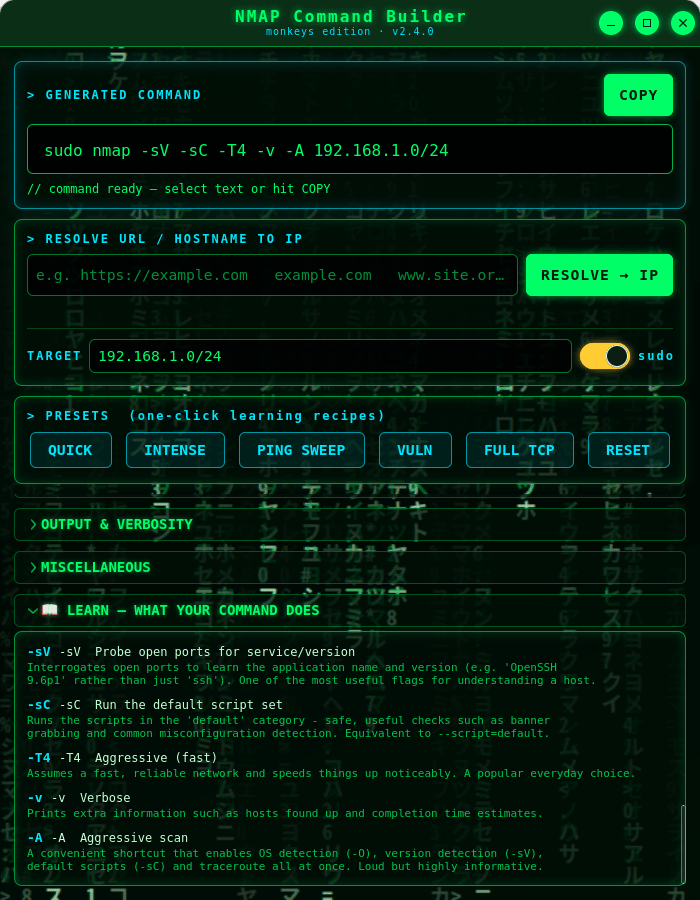
It's a learning tool as much as a utility. Every option has a plain-language explanation on hover, and a live LEARN panel describes — in order — exactly what each flag in your command does. One-click presets teach you common scan recipes like Quick, Intense, Ping Sweep and Vuln.
★ What you get
★ Learn while you build
Hover any option for a detailed explanation drawn from the official Nmap documentation, and watch the LEARN panel narrate your command as it grows. Perfect for students, sysadmins and anyone getting to grips with Nmap.
★ Resolve URLs to IPs
Type a URL or hostname and the app does a quick DNS lookup, dropping the resulting IP address straight into the target field.
★ Safe by design
This app does not run Nmap or scan anything — it only builds a command string for you to copy. The only network it uses is a DNS lookup to turn a URL or hostname into an IP address.
⚠ Use responsibly: only scan systems you own or are explicitly authorised to test. Unauthorised scanning may be illegal in your jurisdiction.
Nmap is a trademark of the Nmap Project. This is an independent, unofficial helper and bundles no Nmap code.
Thank you for your report. Information you provided will help us investigate further.
There was an error while sending your report. Please try again later.
Snaps are applications packaged with all their dependencies to run on all popular Linux distributions from a single build. They update automatically and roll back gracefully.
Snaps are discoverable and installable from the Snap Store, an app store with an audience of millions.
Snap is available for Red Hat Enterprise Linux (RHEL) 8 and RHEL 7, from the 7.6 release onward.
The packages for RHEL 7, RHEL 8, and RHEL 9 are in each distribution’s respective Extra Packages for Enterprise Linux (EPEL) repository. The instructions for adding this repository diverge slightly between RHEL 7, RHEL 8 and RHEL 9, which is why they’re listed separately below.
The EPEL repository can be added to RHEL 9 with the following command:
sudo dnf install https://dl.fedoraproject.org/pub/epel/epel-release-latest-9.noarch.rpm
sudo dnf upgrade
The EPEL repository can be added to RHEL 8 with the following command:
sudo dnf install https://dl.fedoraproject.org/pub/epel/epel-release-latest-8.noarch.rpm
sudo dnf upgrade
The EPEL repository can be added to RHEL 7 with the following command:
sudo rpm -ivh https://dl.fedoraproject.org/pub/epel/epel-release-latest-7.noarch.rpm
Adding the optional and extras repositories is also recommended:
sudo subscription-manager repos --enable "rhel-*-optional-rpms" --enable "rhel-*-extras-rpms"
sudo yum update
Snap can now be installed as follows:
sudo yum install snapd
Once installed, the systemd unit that manages the main snap communication socket needs to be enabled:
sudo systemctl enable --now snapd.socket
To enable classic snap support, enter the following to create a symbolic link between /var/lib/snapd/snap and /snap:
sudo ln -s /var/lib/snapd/snap /snap
Either log out and back in again or restart your system to ensure snap’s paths are updated correctly.
To install NMAP Command Builder, simply use the following command:
sudo snap install nmap-command-builder
Browse and find snaps from the convenience of your desktop using the snap store snap.

Interested to find out more about snaps? Want to publish your own application? Visit snapcraft.io now.