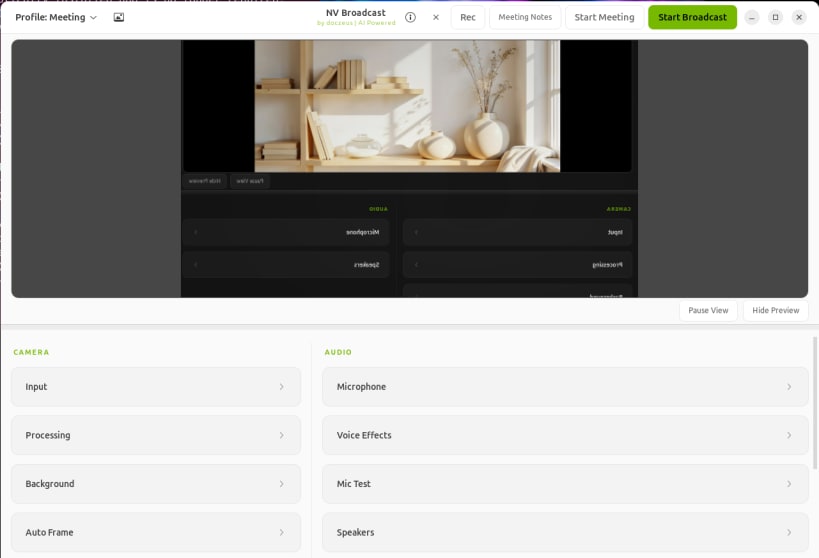
NV Broadcast is an AI-powered virtual camera and voice enhancement app for Linux
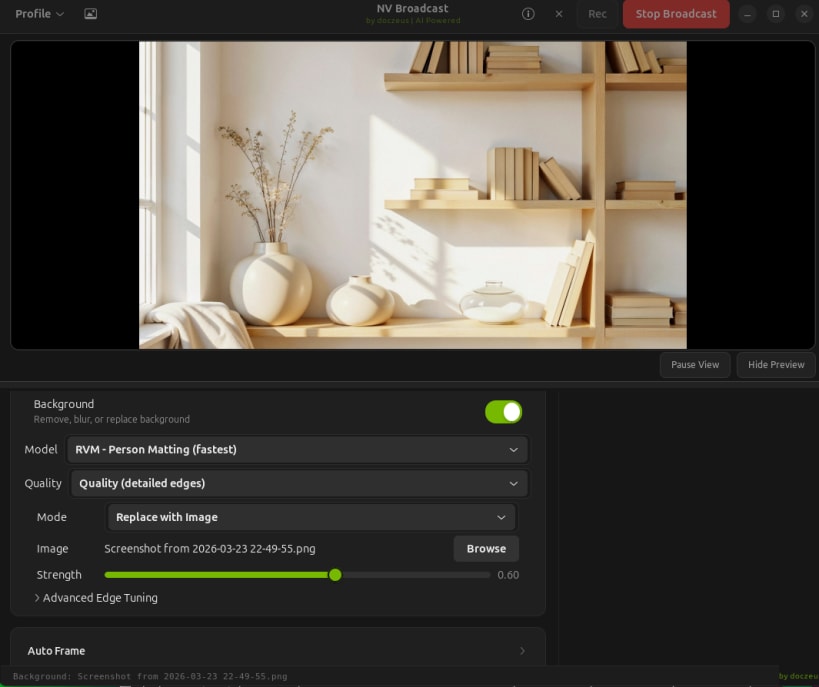
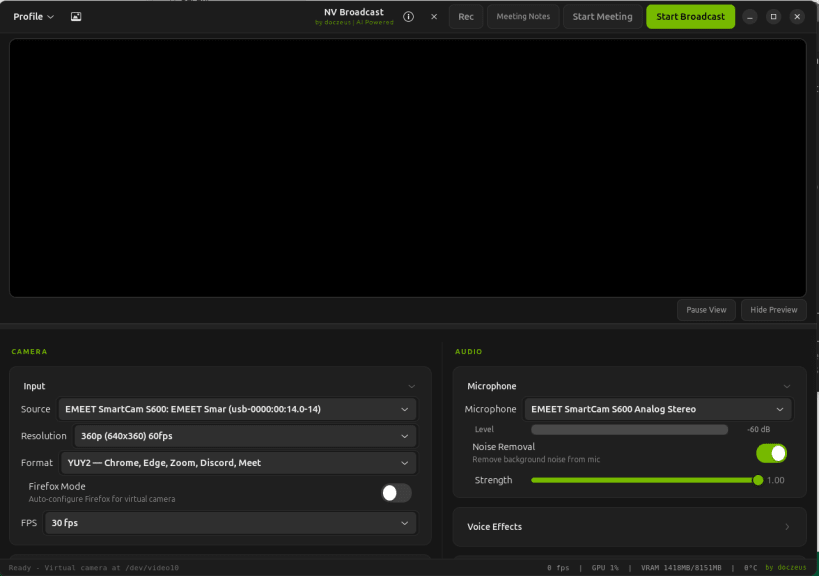
NV Broadcast is an AI-powered virtual camera and voice enhancement app for
Linux. It brings background blur, background replace, green-screen remove,
eye contact correction, face relighting, video enhancement, recording, and
local meeting transcription into one app.
What's new in v1.4.0:
Global hotkeys, Gaze Lock, and reliable mode switching
- Adds rebindable Linux global shortcuts for effect toggles through the XDG
GlobalShortcuts portal or a restricted GNOME fallback.
- Adds Natural and Gaze Lock Eye Contact modes with coordinated binocular
targeting, blink fallback, and smooth head-pose updates.
- Switches physical cameras at runtime and applies profiles safely when a
video backend can provide only one current frame.
- Rebuilds and atomically swaps RVM sessions during quality or processing
mode changes, with clean CUDA recovery and CPU fallback.
- Preserves more head-hair and facial-hair detail in Ultra quality while
suppressing neutral and bright background spill on soft edges.
- Keeps microphone capture active so Discord and other Pulse/PipeWire
clients do not retain multi-second latency after opening the virtual mic.
- Uses one bounded OpenCV 4 owner and validates packaged dependencies before
artifact upload.
- Keeps runtime installers out of immutable package environments and removes
pip from Snap.
- Removes GTK image baseline warnings and harmonizes runtime log prefixes.
Recent quality updates:
- v1.3.0 adds a device-resident NVIDIA video path, stronger blur controls,
safe camera and microphone power saving, corrected Apple Silicon camera
selection, and cleaner sunlit replacement edges.
- v1.2.3 stabilizes Quality and Ultra mattes in strongly backlit scenes
without changing displayed camera colors.
- v1.2.2 derives one shared binocular camera target, preserves natural iris
spacing, and reduces coordinated eye-tracking latency.
- v1.2.1 makes moderate eye contact correction visible at the default
intensity, preserves frame alpha, and includes corrected macOS OBS output.
- v1.2.0 adds DeepFilterNet3 noise removal, lower background CPU use, a native
StatusNotifierItem tray, verified model storage, and configurable Linux
virtual-camera output.
- v1.1.13 adds Center Face and Stable Background Auto Frame modes and fixes
minimum-zoom tracking.
- v1.1.12 fixes OBS startup reliability, phone webcam fallback behavior,
audio filtering dependency installs, and packaged meeting runtime support.
- v1.1.11 fixes white preview and missing-effects cases in OBS and meeting
apps when cameras expose raw video modes instead of MJPEG.
- Camera startup avoids stale, metadata-only, and virtual-loopback source
nodes after reboot or device-order changes.
- Source, Debian, RPM, and amd64 Snap installs include the corrected CUDA
runtime path for NVIDIA systems.
- v1.1.10 improves live background replacement edges around hair, shoulders,
raised hands, and finger gaps.
- Compute selection lets users choose Auto, GPU Focused, or CPU Focused
behavior. GPU Focused selects the DocZeus/CUDA path when available, while
CPU Focused keeps users on CPU modes when preferred.
- The arm64 Snap build stays portable and CPU-safe until Linux arm64 GPU
wheels are available from upstream providers.
Core features:
- Blur your background
- Replace your background with an image
- Remove your background for green-screen workflows
- Eye contact correction while reading or presenting
- Face relighting to better match the background
- Video enhancement with skin smooth, denoise, enhance, and sharpen controls
- Voice studio tools plus local AI meeting transcription and summaries
- DocZeus, Zeus, Killer, CUDA, and CPU processing modes for different systems
- Works with Zoom, Chrome, OBS, Discord, and other webcam apps
For install guides, release downloads, feature breakdowns, and upgrade
instructions, visit the official website:
https://nvbroadcast.domjarvis.com