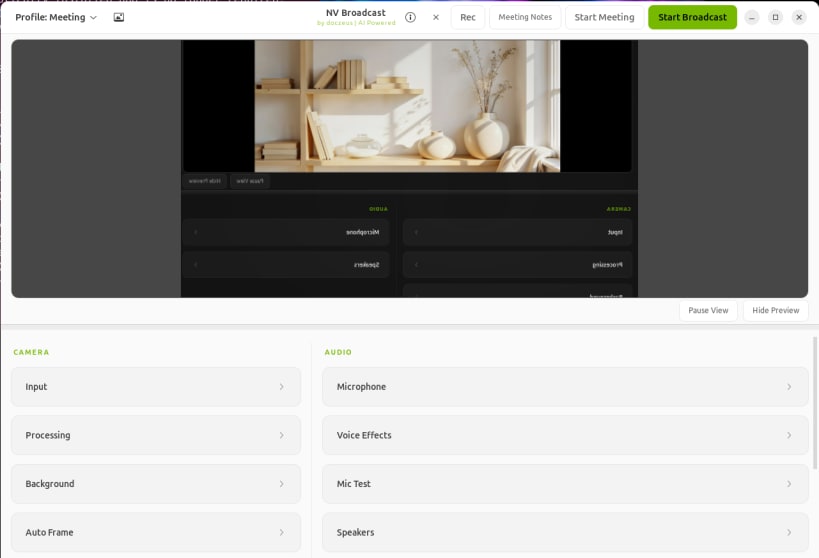
NV Broadcast is an AI-powered virtual camera and voice enhancement app for
Linux. It brings background blur, background replace, green-screen remove,
eye contact correction, face relighting, video enhancement, recording, and
local meeting transcription into one app.
What's new in v1.5.4:
- Updates Python certificate bundles and dependencies affected by recent
security advisories, and audits frozen package versions in CI.
- Keeps Eye Contact tracking current when camera frame objects are reused,
preserving the existing blink and occlusion limits.
Recent reliability improvements:
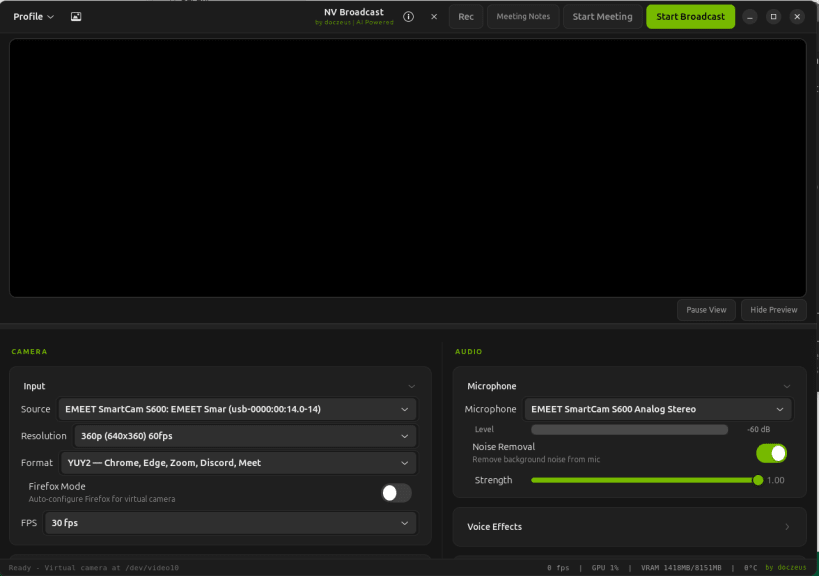
- Keeps Camera, Audio, and preview controls usable in small windows.
- Preserves video and microphone audio in MP4 recordings, including when
effects are disabled or changed during capture.
- Saves recordings in the desktop Videos folder and provides folder actions.
- Recovers processing choices after temporary GPU memory pressure and allows
first-use GPU checks to finish compiling their kernels.
- Discovers cameras connected after startup and improves moving finger gaps
and background edges at the tested settings.
- Verifies pinned meeting-model downloads and supports TensorRT libraries
with Python 3.14 on supported Linux systems.
Retained reliability features:
- Retries advertised camera formats when the preferred mode cannot start.
- Restores the selected microphone and keeps Start/Stop controls aligned
with the actual broadcast state.
- Verifies runtime ownership and real inference before enabling GPU modes.
- Provides local meeting transcription and cumulative contributor credits.
- Supplies checksums, build provenance, and a helper for affected legacy
native-package upgrades.
Recent quality updates:
- v1.4.0 adds rebindable global effect shortcuts, Gaze Lock, live camera
switching, crash-safe processing reloads, and improved hair-edge and
microphone behavior.
- v1.3.0 adds a device-resident NVIDIA video path, stronger blur controls,
safe camera and microphone power saving, corrected Apple Silicon camera
selection, and cleaner sunlit replacement edges.
- Compute selection lets users choose Auto, GPU Focused, or CPU Focused
behavior. GPU Focused selects the DocZeus/CUDA path when available, while
CPU Focused keeps users on CPU modes when preferred.
- The arm64 Snap build stays portable and CPU-safe until Linux arm64 GPU
wheels are available from upstream providers.
Core features:
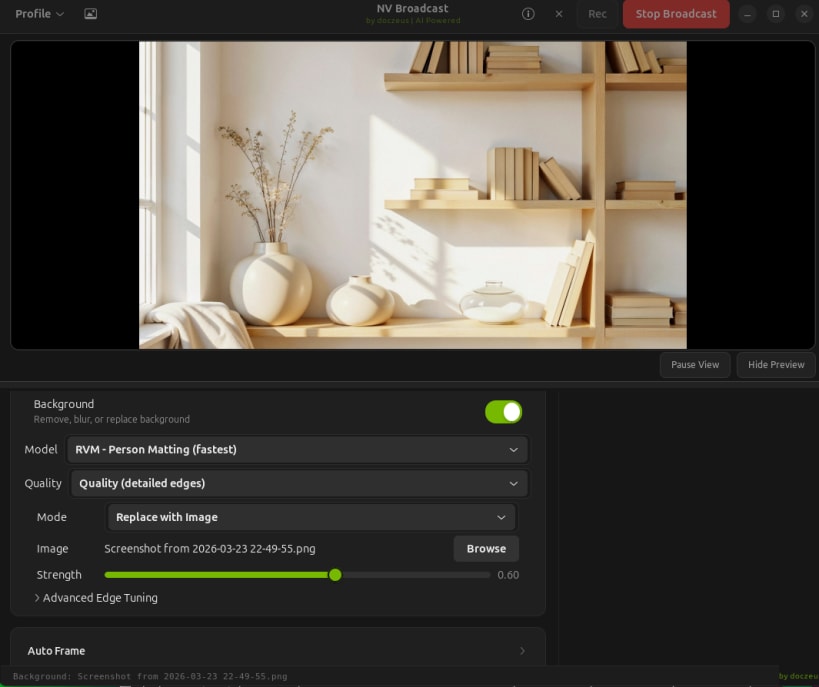
- Blur your background
- Replace your background with an image
- Remove your background for green-screen workflows
- Eye contact correction while reading or presenting
- Face relighting to better match the background
- Video enhancement with skin smooth, denoise, enhance, and sharpen controls
- Voice studio tools plus local AI meeting transcription and summaries
- DocZeus, Zeus, Killer, CUDA, and CPU processing modes for different systems
- Works with Zoom, Chrome, OBS, Discord, and other webcam apps
For install guides, release downloads, feature breakdowns, and upgrade
instructions, visit the official website:
https://nvbroadcast.com