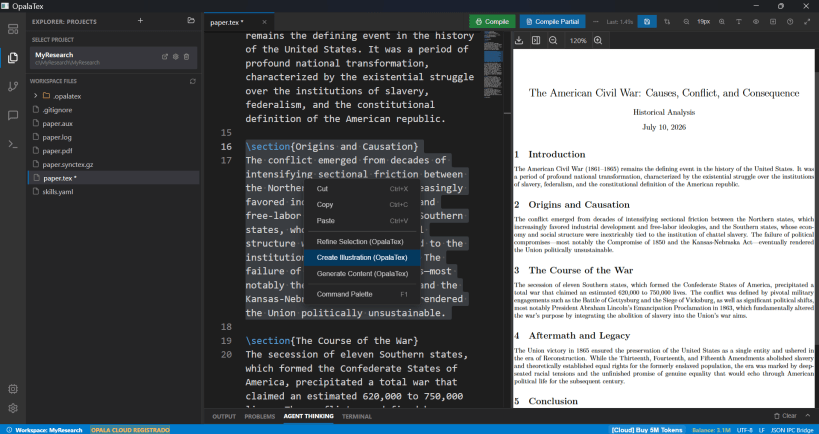
# OpalaTex: The Unified Academic & R&D Computing Suite
## Key Features
### 1. Academic Authoring & Document Preparation
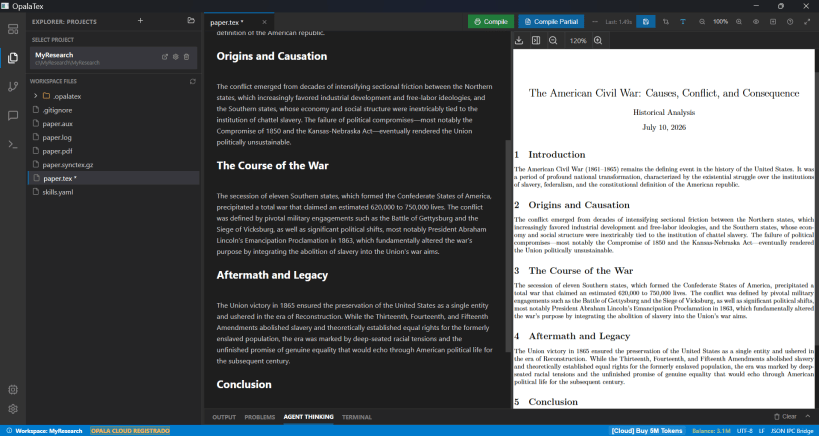
- Comprehensive LaTeX Environment: Write and compile papers, theses, technical reports, and books with native support for complex mathematics, cross-referencing, and BibTeX/biber management.
- Beamer Slide Decks: Build dynamic, modular, and conference-ready presentations with zero context switching.
- Google Drive Cloud Sync: Seamlessly sync your projects, manuscripts, and assets across multiple workstations with integrated Google Drive backup and synchronization.
### 2. Scientific Computing, Experiments & Data Visualization
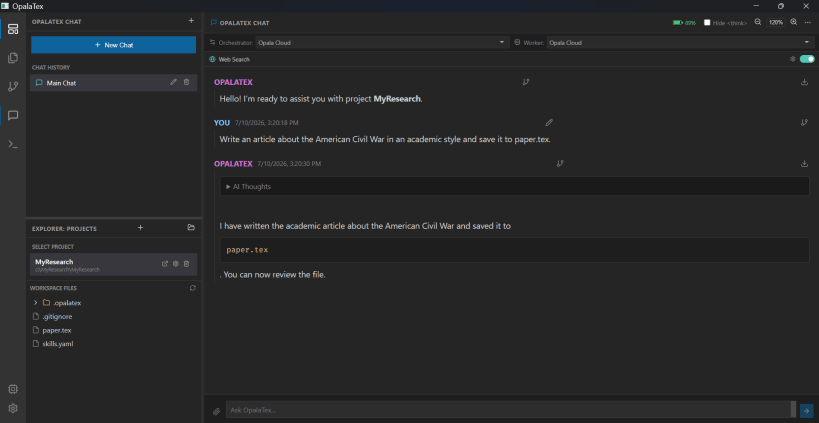
- Research-Focused Code Generation: Prompt AI to generate, refactor, and audit simulation pipelines, data manipulation routines, and numerical modeling scripts (Python, R, Julia, C++).
- Publication-Grade Data Visualization: Create publication-ready statistical plots, vector figures, and architectural diagrams (Matplotlib, Seaborn, TikZ, ggplot2) styled to match your paper's typography.
- Reproducible Research Pipelines: Connect data, analysis scripts, generated figures, and the compiled document within one unified workspace to ensure complete computational reproducibility.
### 3. Flexible AI Assistance (Local Privacy & Cloud Scale)
- Local AI via Ollama: Run open-weights models directly on your hardware. Analyze drafts, synthesize literature, and proofread papers with full assurance that confidential data and unpublished intellectual property never leave your machine.
- Literature Review & Article Analysis: Interrogate research papers, extract key equations, and summarize methodologies with context-aware document analysis.
- Broad Cloud Connectivity: Seamlessly switch to external providers when extra scale is needed, featuring native support for Ollama Cloud, OpenRouter, and any standard OpenAI-compatible API.
## The OpalaTex Workflow
```text
[Raw Data & Scientific Hypotheses]
↓
[OpalaTex Assistant] → Generates analysis & simulation scripts
↓
[Data Visualization] → Renders publication-grade TikZ / Matplotlib plots
↓
[Manuscript Drafting] → Compiles LaTeX papers & Beamer slide decks
↓
[Google Drive Sync] → Automatic cloud backup & cross-device sync
```
## Why OpalaTex?
Traditional scientific writing treats coding, visualization, and typesetting as disconnected tasks spread across terminals, notebooks, and text editors. OpalaTex closes this gap by unifying computation with document production, providing a modern, private, and reproducible environment for the future of academic research.