
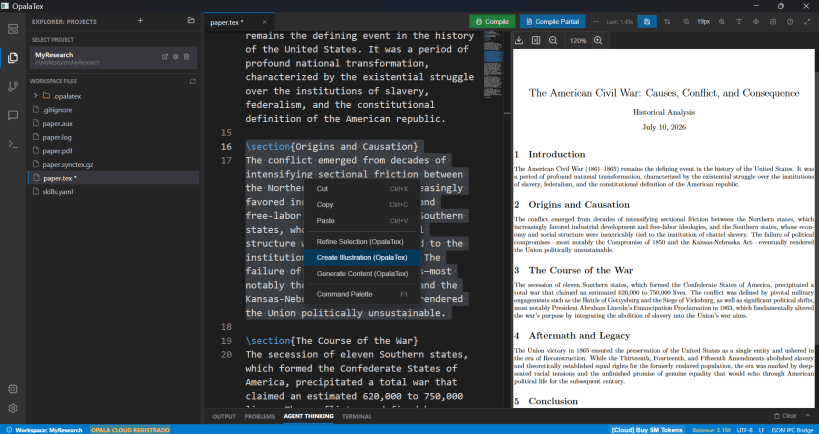
# OpalaTex: The Unified Academic & R&D Computing Suite
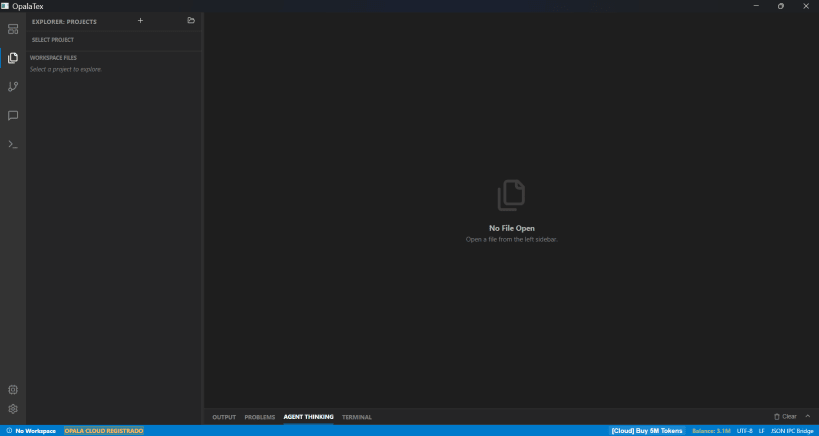
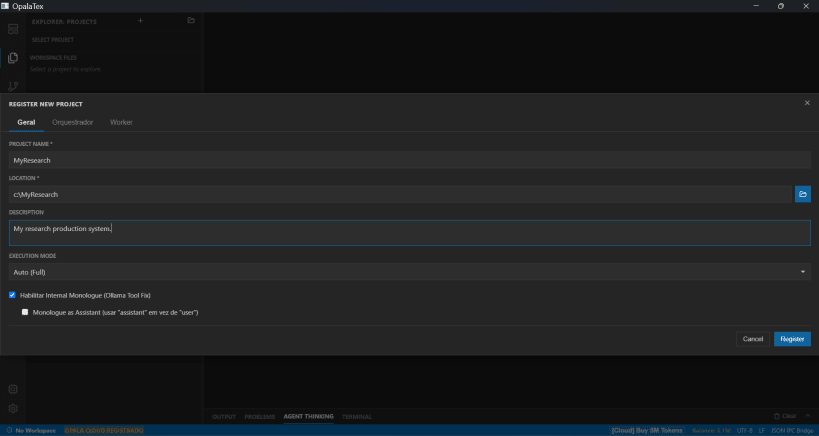
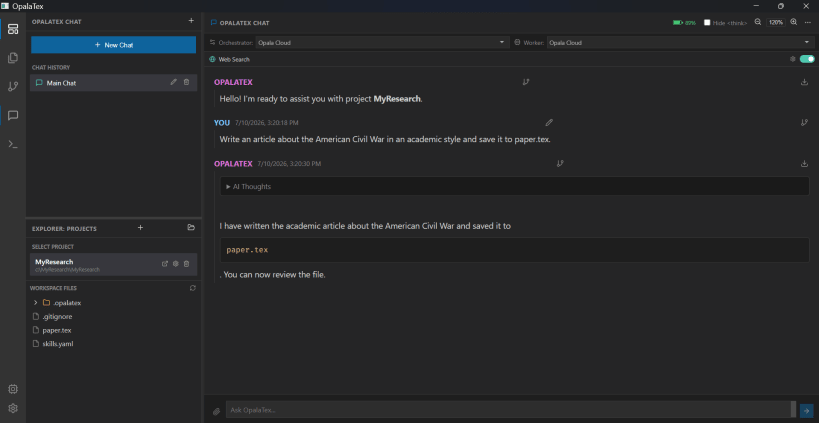
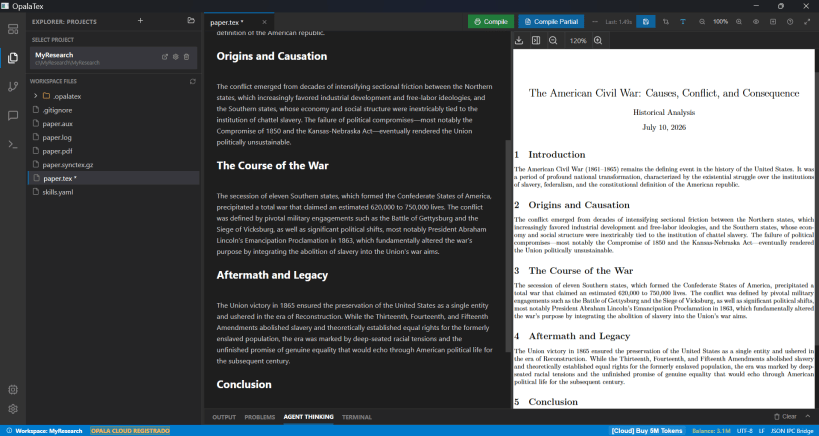
OpalaTex is a free, open-source research and development platform designed to bridge technical writing, scientific computing, and artificial intelligence. Built specifically for researchers, data scientists, and engineers, OpalaTex eliminates workflow fragmentation by combining manuscript authoring, experimental code generation, data visualization, and private AI into a single, cohesive ecosystem.
## Key Features
### 1. Academic Authoring & Document Preparation
### 2. Scientific Computing, Experiments & Data Visualization
### 3. Flexible AI Assistance (Local Privacy & Cloud Scale)
## The OpalaTex Workflow
```text [Raw Data & Scientific Hypotheses] ↓ [OpalaTex Assistant] → Generates analysis & simulation scripts ↓ [Data Visualization] → Renders publication-grade TikZ / Matplotlib plots ↓ [Manuscript Drafting] → Compiles LaTeX papers & Beamer slide decks ↓ [Google Drive Sync] → Automatic cloud backup & cross-device sync
```
## Why OpalaTex?
Traditional scientific writing treats coding, visualization, and typesetting as disconnected tasks spread across terminals, notebooks, and text editors. OpalaTex closes this gap by unifying computation with document production, providing a modern, private, and reproducible environment for the future of academic research.
## Tested Models
Not all models work the same way. Small models, such as LFM 2.6B (quantized or not), do extraordinary things for their size, like searching the web and generating coherent text and LaTeX. However, they are terrible at correcting LaTeX. Large models, like DeepSeek-v4.1-flash, GLM 5.3, GLM 5.3 Flash, Kimi K3, Gemini 3.8 Flash, GPT 5.6, and others at the same tier, are very good at almost every task in the research workflow, from generating computational experiments to writing and correcting LaTeX. Quantized intermediate models, like Ollama's Gemma4 26B running locally, achieve good results in text and LaTeX generation, and even in code generation. However, the VRAM requirements needed to expand the local context window can severely limit their tasks without increasing hardware investment costs. The best open model was DeepSeek-v4.1-flash in all internal benchmarks.
You are about to open
Do you wish to proceed?
Thank you for your report. Information you provided will help us investigate further.
There was an error while sending your report. Please try again later.
Snaps are applications packaged with all their dependencies to run on all popular Linux distributions from a single build. They update automatically and roll back gracefully.
Snaps are discoverable and installable from the Snap Store, an app store with an audience of millions.
Snap can be installed from the command line. Open the Konsole terminal and enter the following:
sudo apt update
sudo apt install snapd
To install OpalaTex, simply use the following command:
sudo snap install opalatex
Browse and find snaps from the convenience of your desktop using the snap store snap.

Interested to find out more about snaps? Want to publish your own application? Visit snapcraft.io now.