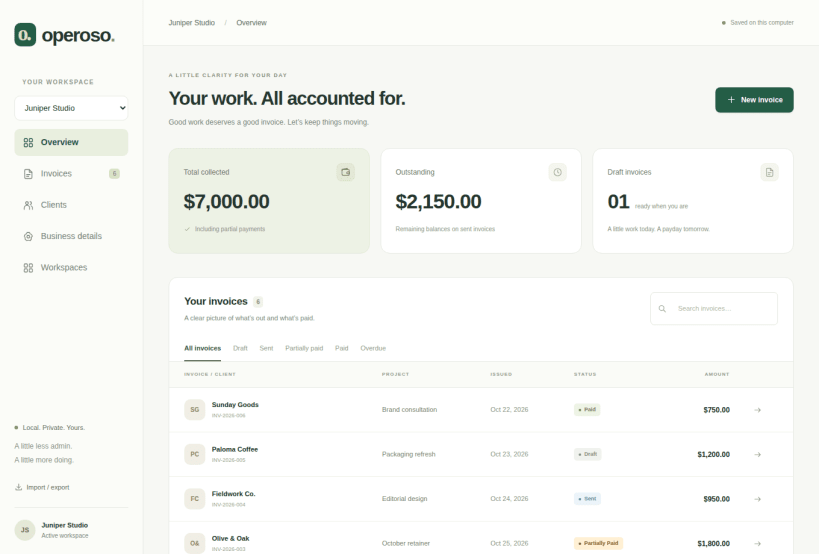
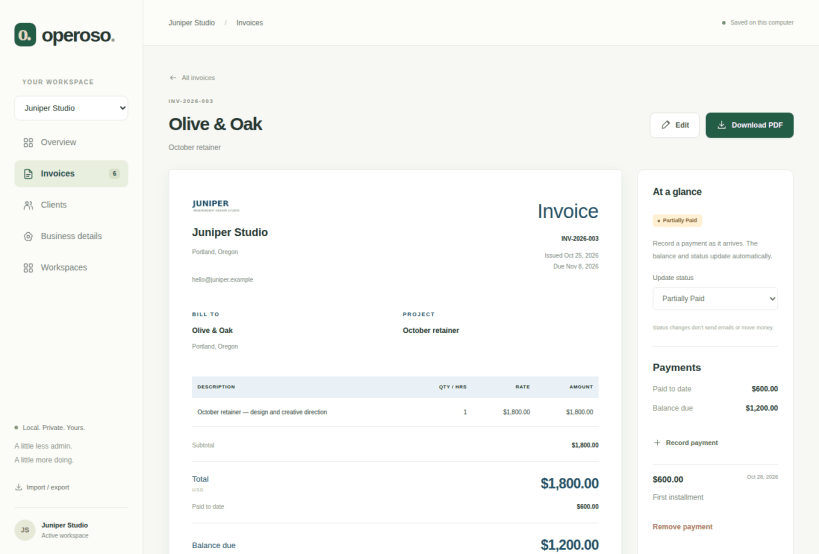
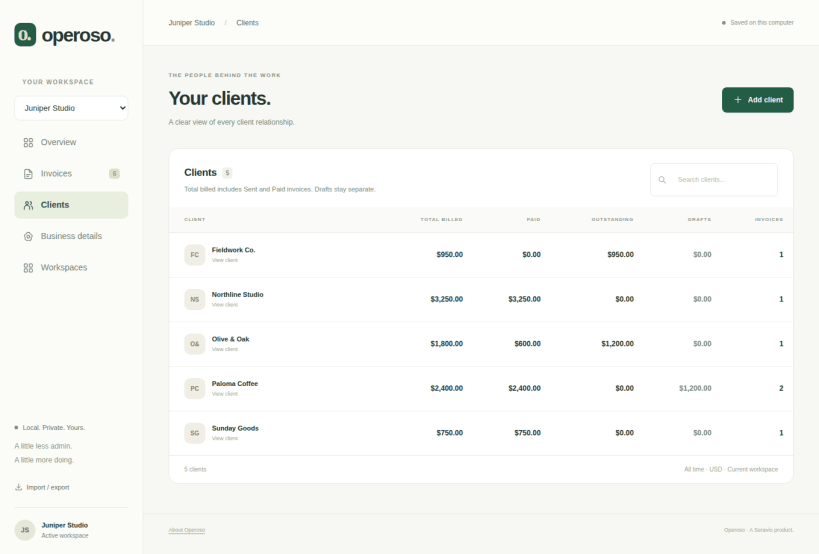
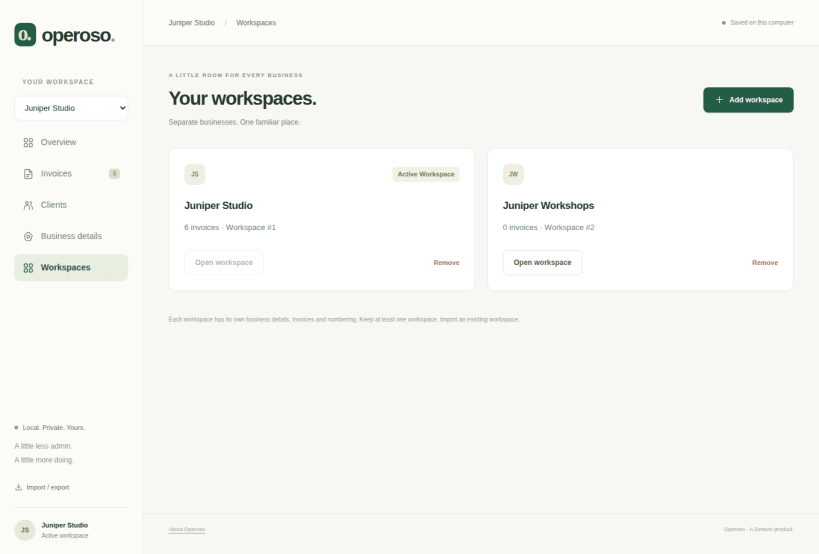
Operoso is a free, offline invoicing application built for freelancers, consultants, and independent professionals who want a simpler way to manage their billing.
Create beautiful, professional invoices without monthly fees, mandatory accounts, or complicated software.
Everything you need to manage your invoices:
Your invoices. Your computer. Your control.
Unlike cloud-based invoicing services, Operoso doesn't require an internet connection or account registration.
Operoso Founders Edition is free, with all features included.
Your work, beautifully billed.
Learn more at https://operoso.io
1.4.0 — optional cloud-folder backups
Released on latest/stable · revision 6 · November 7, 2026. Operoso 1.4.0 is the current stable release, available from the Snap Store. This is the same package accepted with an existing Google-synced folder and released to beta on November 5, promoted without rebuilding.
The working database stays local. Your sync client handles cloud upload: a local save does not confirm remote upload. No backups run while Operoso is closed. Copies are not encrypted by Operoso. This is backup, not simultaneous multi-device editing. Read the cloud-backup guide.
You are about to open
Do you wish to proceed?
Thank you for your report. Information you provided will help us investigate further.
There was an error while sending your report. Please try again later.
Snaps are applications packaged with all their dependencies to run on all popular Linux distributions from a single build. They update automatically and roll back gracefully.
Snaps are discoverable and installable from the Snap Store, an app store with an audience of millions.
If you’re running Ubuntu 16.04 LTS (Xenial Xerus) or later, including Ubuntu 18.04 LTS (Bionic Beaver) and Ubuntu 20.04 LTS (Focal Fossa), you don’t need to do anything. Snap is already installed and ready to go.
For versions of Ubuntu between 14.04 LTS (Trusty Tahr) and 15.10 (Wily Werewolf), as well as Ubuntu flavours that don’t include snap by default, snap can be installed from the Ubuntu Software Centre by searching for snapd.
Alternatively, snapd can be installed from the command line:
sudo apt update
sudo apt install snapd
Either log out and back in again, or restart your system, to ensure snap’s paths are updated correctly.
To install Operoso, simply use the following command:
sudo snap install operoso
Browse and find snaps from the convenience of your desktop using the snap store snap.
Interested to find out more about snaps? Want to publish your own application? Visit snapcraft.io now.