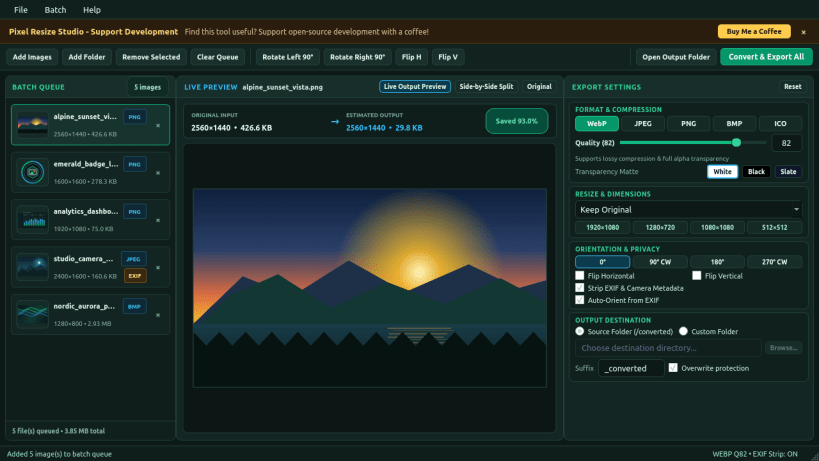
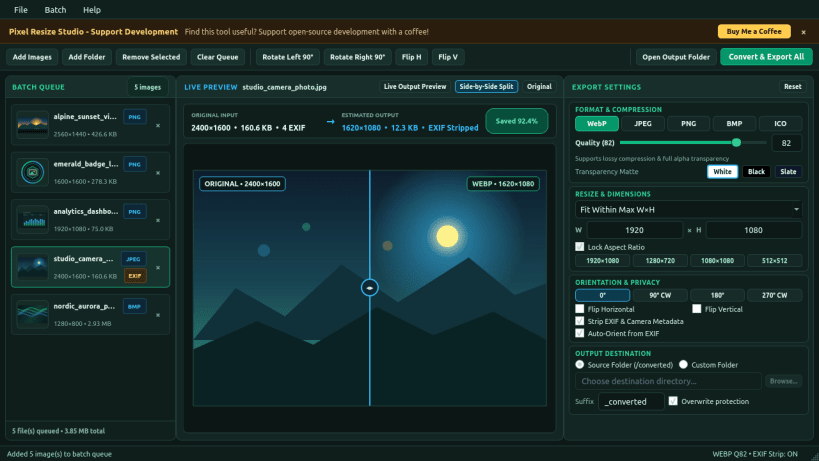
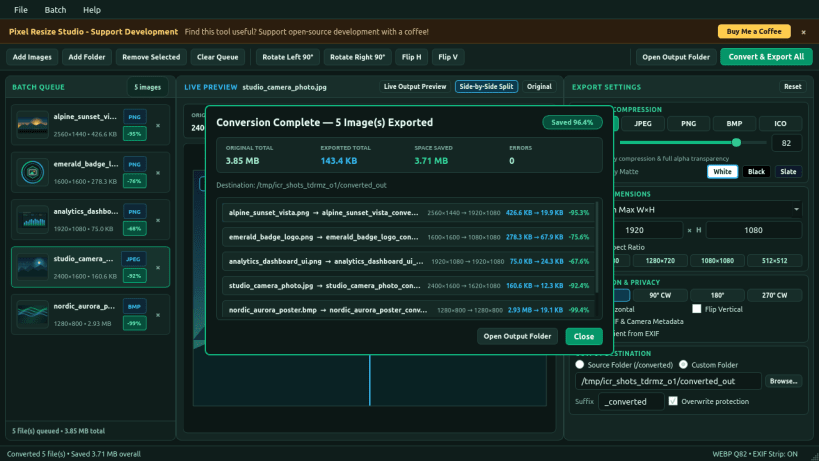
Pixel Resize Studio is an offline desktop studio for batch image format conversion, smart resizing, compression tuning, and privacy-first metadata cleaning. Convert PNG, JPEG, WebP, BMP, TIFF, and GIF assets into WebP, JPEG, PNG, BMP, or multi-size Windows ICO icons with real-time in-memory byte-size estimates before exporting.
Compare original and processed output side by side with a draggable split divider and checkerboard transparency backdrop, apply lossless 90/180/270 rotation or horizontal and vertical flips, flatten alpha channels onto custom matte colors for JPEG and BMP, resize by percentage or maximum bounding box with quick dimension presets, and strip EXIF camera metadata automatically on export.
You are about to open
Do you wish to proceed?
Thank you for your report. Information you provided will help us investigate further.
There was an error while sending your report. Please try again later.
Snaps are applications packaged with all their dependencies to run on all popular Linux distributions from a single build. They update automatically and roll back gracefully.
Snaps are discoverable and installable from the Snap Store, an app store with an audience of millions.
Snap can be installed on elementary OS from the command line. Open Terminal from the Applications launcher and type the following:
sudo apt update
sudo apt install snapd
Either log out and back in again, or restart your system, to ensure snap’s paths are updated correctly.
To install Pixel Resize Studio, simply use the following command:
sudo snap install pixel-resize-studio

Browse and find snaps from the convenience of your desktop using the snap store snap.

Interested to find out more about snaps? Want to publish your own application? Visit snapcraft.io now.