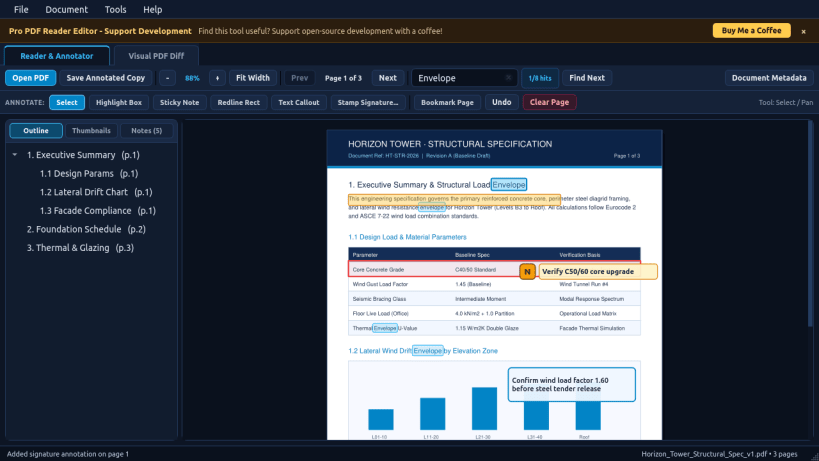
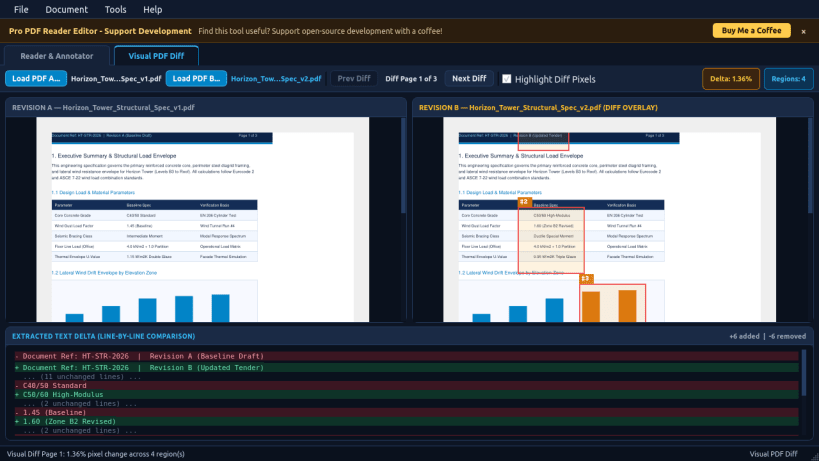
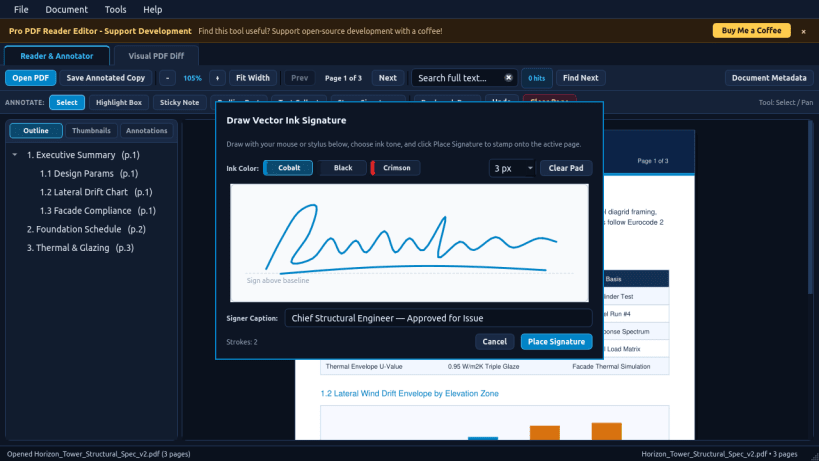
Pro PDF Reader Editor delivers a fast desktop PDF reader, interactive page markup workspace, freehand vector signature pad, and side-by-side visual document comparator in a Cobalt Graphite Desk interface.
Browse multi-page PDF documents with embedded outline trees, rendered page thumbnails, zoom controls, fit-width scaling, and instant full-text search across all pages. Place highlights, sticky review notes, redline rectangles, text callouts, and freehand vector ink signatures, then export clean annotated PDF copies locally.
Switch to Visual PDF Diff mode to compare two PDF revisions side by side with synchronized scrolling, pixel-level change detection highlighting altered regions, and line-by-line extracted text delta readouts.
You are about to open
Do you wish to proceed?
Thank you for your report. Information you provided will help us investigate further.
There was an error while sending your report. Please try again later.
Snaps are applications packaged with all their dependencies to run on all popular Linux distributions from a single build. They update automatically and roll back gracefully.
Snaps are discoverable and installable from the Snap Store, an app store with an audience of millions.
Snap can be installed on Pop!_OS from the command line. Open Terminal from the Applications launcher and type the following:
sudo apt update
sudo apt install snapd
Either log out and back in again, or restart your system, to ensure snap’s paths are updated correctly.
To install Pro PDF Reader Editor, simply use the following command:
sudo snap install pro-pdf-reader-editor

Browse and find snaps from the convenience of your desktop using the snap store snap.

Interested to find out more about snaps? Want to publish your own application? Visit snapcraft.io now.