
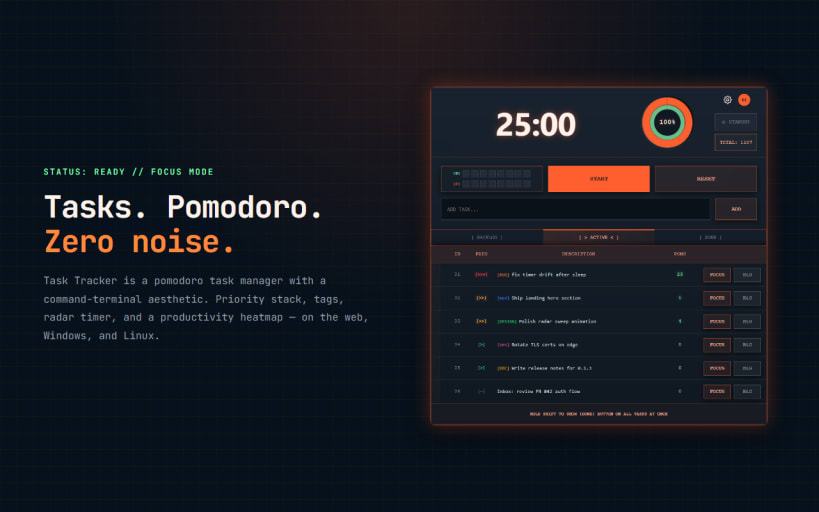
Tasks. Pomodoro. Zero noise. Task Tracker is a pomodoro task manager with a command-terminal aesthetic. One focus stack, a radar that owns your time, and rest you can measure. If other apps drown you in calendars, nested projects and endless settings — this is the opposite: a mission console for deep work.
FOCUS ENGINE Straight countdown (1–999 min) or full Pomodoro: Focus → short break → long break. Configurable 25 / 5 / 15, cycle length, and streaks you can trust. The radar always shows the phase you are in — no guessing when the break starts.
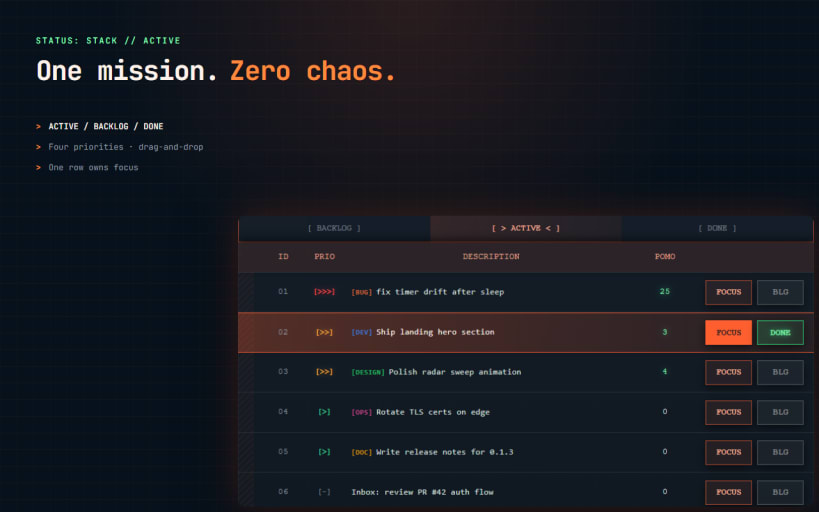
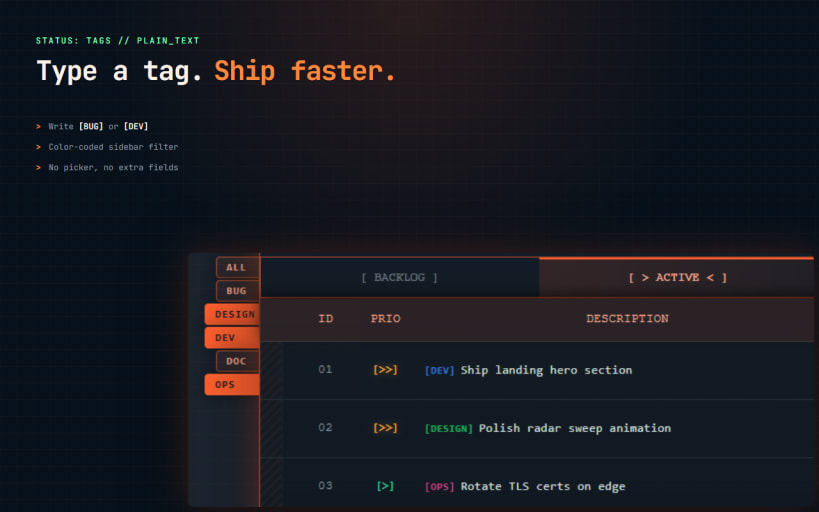
TASK STACK ACTIVE / BACKLOG / DONE — three scopes, zero chaos. Four priorities, plain-text tags ([BUG], [DEV], [DESIGN]…), drag-and-drop inside a scope, and a tag sidebar filter. One row is the mission; the rest wait their turn.
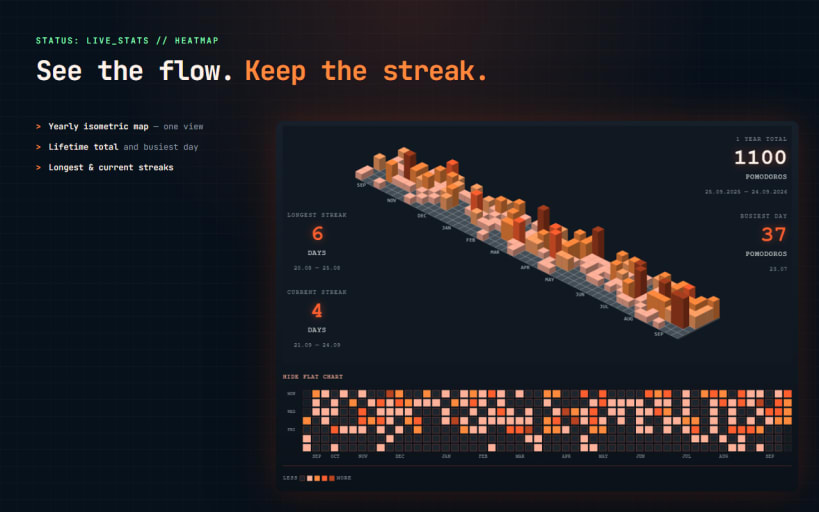
PRODUCTIVITY HEATMAP Every finished pomodoro lands on a yearly isometric heatmap. Lifetime total, busiest day, longest and current streaks — real focus history, not just plans.
FLEXIBLE TASK EDITOR Bold, italic, numbered steps, bullet lists and structure for substeps. Tag and priority stay in the same dialog — write the mission without leaving the stack.
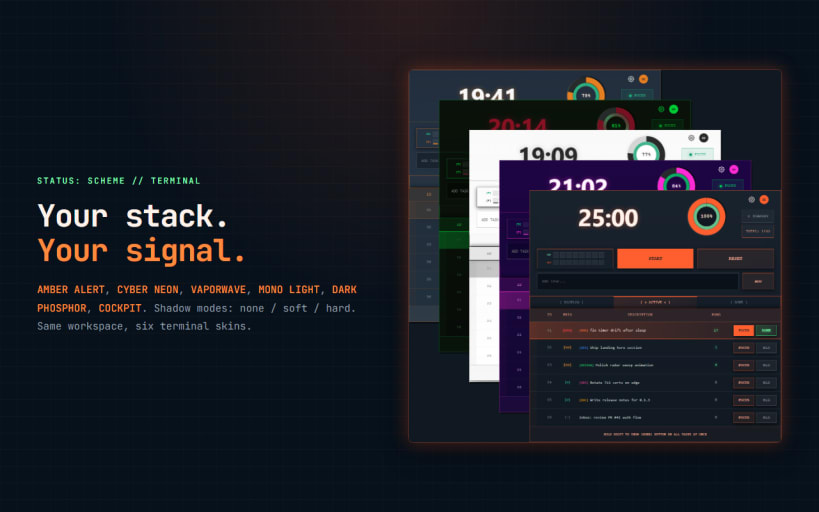
TERMINAL THEMES AMBER ALERT, CYBER NEON, VAPORWAVE, MONO LIGHT, DARK PHOSPHOR, COCKPIT. Shadow modes: none / soft / hard. Same stack, your signal.
ALSO Offline-first. Sound cues. System tray with timer control, task switch and notifications. Tags in plain text. Web, Windows, Linux, Android — the same workspace everywhere.
Core features are free. Heatmap and full theme set are included with subscription.
Website: https://qtasktracker.com
Web App: https://app.qtasktracker.com
Privacy Policy: https://qtasktracker.com/legal/privacy-policy
Support: quantumflow.support@gmail.com
You are about to open
Do you wish to proceed?
Thank you for your report. Information you provided will help us investigate further.
There was an error while sending your report. Please try again later.
Snaps are applications packaged with all their dependencies to run on all popular Linux distributions from a single build. They update automatically and roll back gracefully.
Snaps are discoverable and installable from the Snap Store, an app store with an audience of millions.
On Debian 9 (Stretch) and newer, snap can be installed directly from the command line:
sudo apt update
sudo apt install snapd
After this, install the snapd snap in order to get the latest snapd:
sudo snap install snapd
To install Task Tracker, simply use the following command:
sudo snap install qtask-tracker --beta
Browse and find snaps from the convenience of your desktop using the snap store snap.

Interested to find out more about snaps? Want to publish your own application? Visit snapcraft.io now.