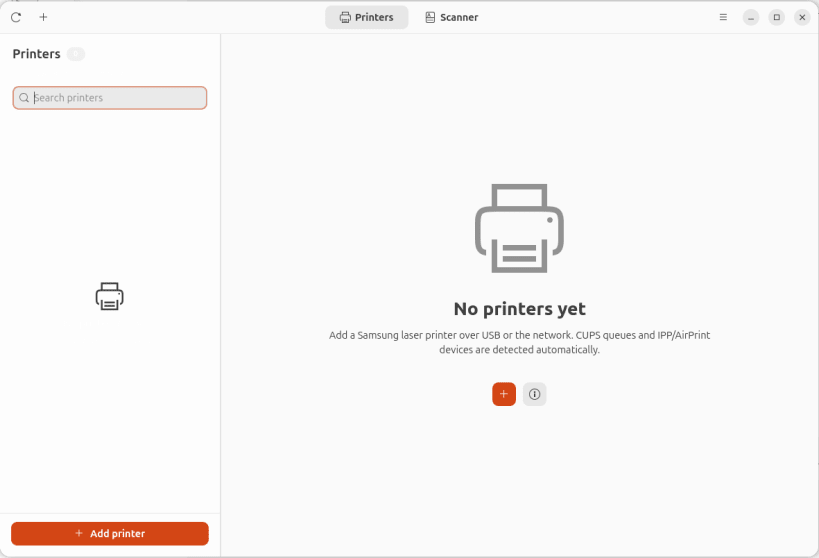
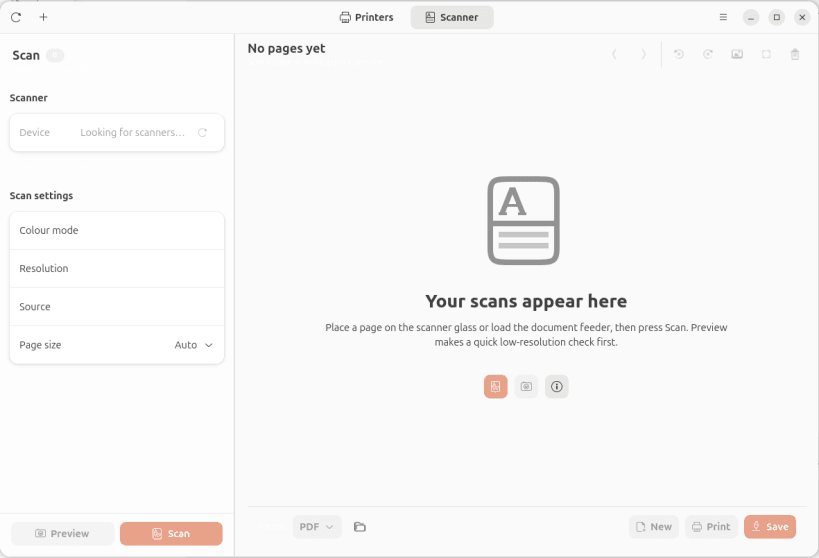
Samsung Studio is a native GTK 4 application for printing and scanning with Samsung laser printers and multifunction devices on Linux.
It is a friendly front end for the CUPS and SANE stacks already running on your computer, with a clean dashboard for queues, supplies, jobs and scans.
Features:
The snap includes the driverless AirScan and Xerox MFP SANE backends. Samsung's proprietary Unified Linux Driver (smfp) is not bundled; models that require it need the per-user install or a distribution package. Printing uses the drivers installed on the host through CUPS.
Samsung is a trademark of Samsung Electronics. This project is not affiliated with or endorsed by Samsung.
You are about to open
Do you wish to proceed?
Thank you for your report. Information you provided will help us investigate further.
There was an error while sending your report. Please try again later.
Snaps are applications packaged with all their dependencies to run on all popular Linux distributions from a single build. They update automatically and roll back gracefully.
Snaps are discoverable and installable from the Snap Store, an app store with an audience of millions.
Snap can be installed on elementary OS from the command line. Open Terminal from the Applications launcher and type the following:
sudo apt update
sudo apt install snapd
Either log out and back in again, or restart your system, to ensure snap’s paths are updated correctly.
To install Samsung Studio, simply use the following command:
sudo snap install samsung-studio
Browse and find snaps from the convenience of your desktop using the snap store snap.
Interested to find out more about snaps? Want to publish your own application? Visit snapcraft.io now.