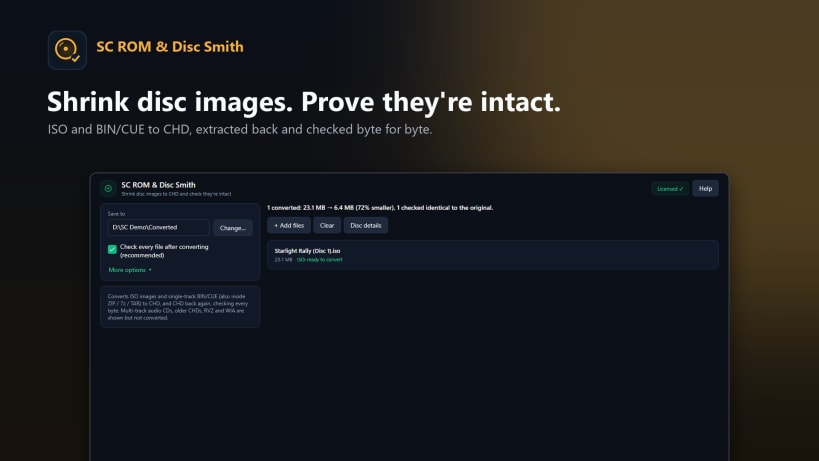
Play classic console games on an emulator? Each game is a big disc image copied from a disc you own. SC ROM & Disc Smith shrinks your collection and proves every file is intact.
SHRINK TO CHD • Convert ISO and single-track BIN/CUE disc images to CHD, the compressed format most emulators open directly, often around half the size. • Convert a whole batch at once, even straight from ZIP or 7z archives. • An optional check after every conversion proves the CHD matches the original, byte for byte.
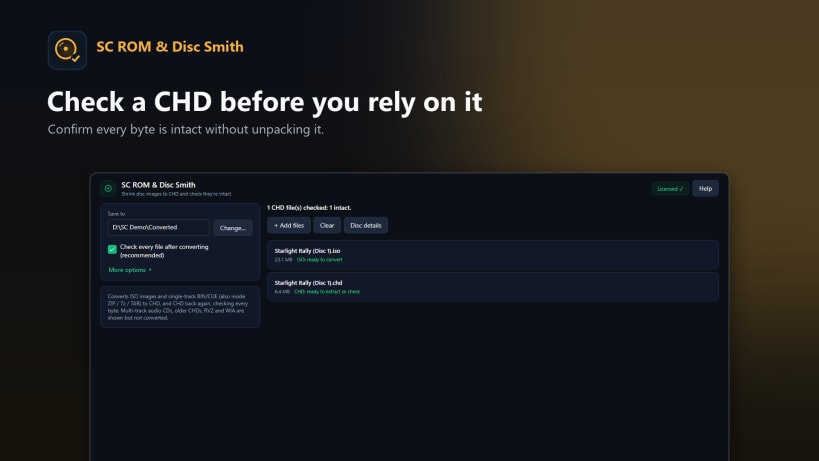
CHECK AND GET THE ORIGINAL BACK • Verify a CHD is complete and undamaged without unpacking it. • Turn a CHD back into an ISO or BIN file whenever you need it.
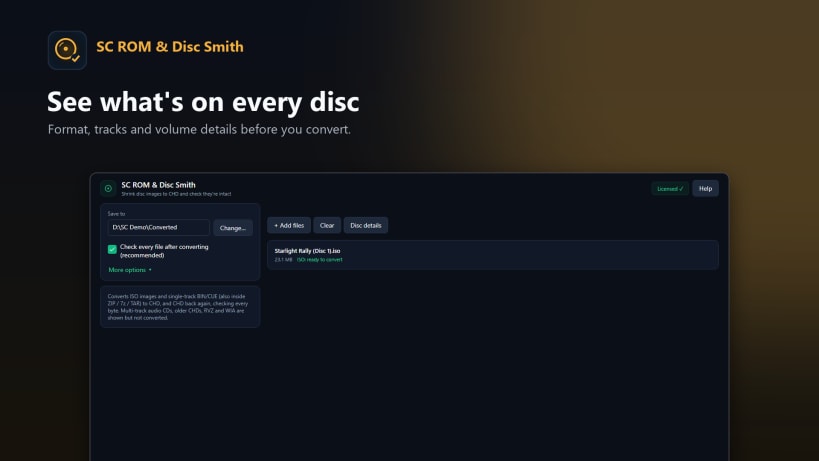
SEE WHAT'S INSIDE • Format, tracks and volume details for ISO, BIN/CUE, CHD, RVZ and WIA images. • RVZ, WIA and multi-track audio CDs are inspected only, and the app tells you so.
PRIVATE • Everything runs on your computer. Nothing is uploaded.
Works on Windows 10 and 11 and on Linux. SC ROM & Disc Smith does not include or download any games. Use it with disc images you own.
Pay once and it's yours to keep. No subscription and no adverts.
You are about to open
Do you wish to proceed?
Thank you for your report. Information you provided will help us investigate further.
There was an error while sending your report. Please try again later.
Snaps are applications packaged with all their dependencies to run on all popular Linux distributions from a single build. They update automatically and roll back gracefully.
Snaps are discoverable and installable from the Snap Store, an app store with an audience of millions.
Snap is available for CentOS 7.6+, and Red Hat Enterprise Linux 7.6+, from the Extra Packages for Enterprise Linux (EPEL) repository. The EPEL repository can be added to your system with the following command:
sudo yum install epel-release
Snap can now be installed as follows:
sudo yum install snapd
Once installed, the systemd unit that manages the main snap communication socket needs to be enabled:
sudo systemctl enable --now snapd.socket
To enable classic snap support, enter the following to create a symbolic link between /var/lib/snapd/snap and /snap:
sudo ln -s /var/lib/snapd/snap /snap
Either log out and back in again, or restart your system, to ensure snap’s paths are updated correctly.
To install SC ROM & Disc Smith, simply use the following command:
sudo snap install sc-rom-disc-smith
Browse and find snaps from the convenience of your desktop using the snap store snap.
Interested to find out more about snaps? Want to publish your own application? Visit snapcraft.io now.