

SC ROM & Disc Smith (sc-rom-disc-smith)
Install latest/stable of SC ROM & Disc Smith
Ubuntu 16.04 or later?
Make sure snap support is enabled in your Desktop store.
Install using the command line
sudo snap install sc-rom-disc-smithDon't have snapd? Get set up for snaps.
Details for SC ROM & Disc Smith
Package name
- sc-rom-disc-smith
License
- Proprietary
Last updated
- Today - latest/stable
Websites
Contact
External link warning
You are about to open
Do you wish to proceed?
Report a Snap Store violation
Report SC ROM & Disc Smith for a Snap Store violation
Snap Store Violation Report submitted successfully
Thank you for your report. Information you provided will help us investigate further.
Error submitting report
There was an error while sending your report. Please try again later.
Share this snap
Generate an embeddable card to be shared on external websites.
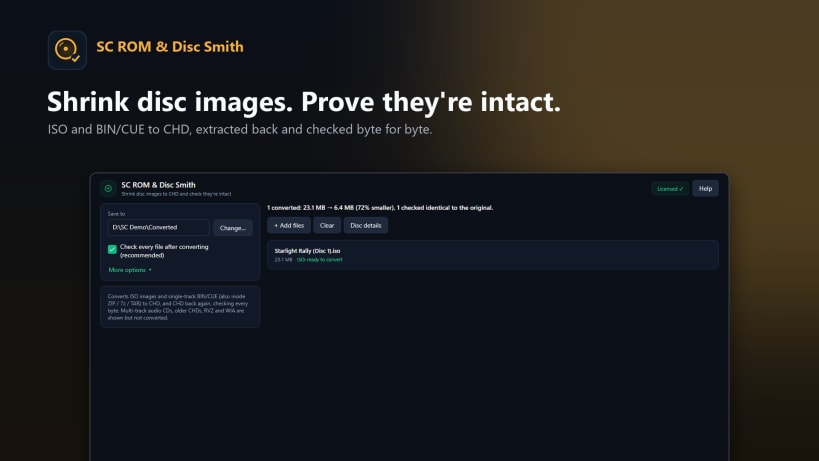
Shrink game disc images to CHD, check them and convert them back
Play classic console games on an emulator? Each game is a big disc image copied from a disc you own. SC ROM & Disc Smith shrinks your collection and proves every file is intact.
SHRINK TO CHD • Convert ISO and single-track BIN/CUE disc images to CHD, the compressed format most emulators open directly, often around half the size. • Convert a whole batch at once, even straight from ZIP or 7z archives. • An optional check after every conversion proves the CHD matches the original, byte for byte.
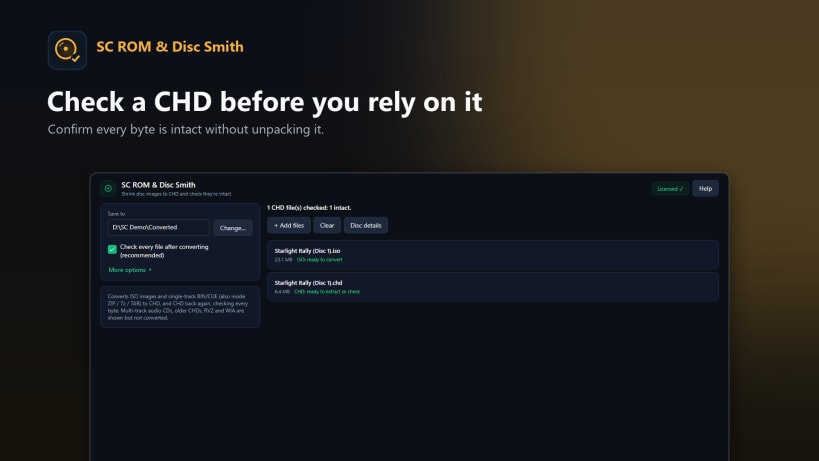
CHECK AND GET THE ORIGINAL BACK • Verify a CHD is complete and undamaged without unpacking it. • Turn a CHD back into an ISO or BIN file whenever you need it.
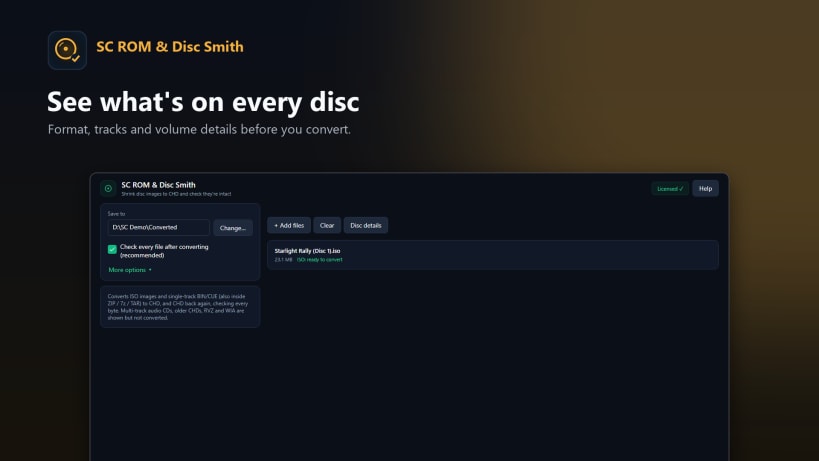
SEE WHAT'S INSIDE • Format, tracks and volume details for ISO, BIN/CUE, CHD, RVZ and WIA images. • RVZ, WIA and multi-track audio CDs are inspected only, and the app tells you so.
PRIVATE • Everything runs on your computer. Nothing is uploaded.
Works on Windows 10 and 11 and on Linux. SC ROM & Disc Smith does not include or download any games. Use it with disc images you own.
Pay once and it's yours to keep. No subscription and no adverts.
| Revision | Channel | Version | Build | Commit | Download SBOM |
|---|
The build and commit information is derived from build infrastructure records.
Install SC ROM & Disc Smith on your Linux distribution
Choose your Linux distribution to get detailed installation instructions. If yours is not shown, get more details on the installing snapd documentation.


