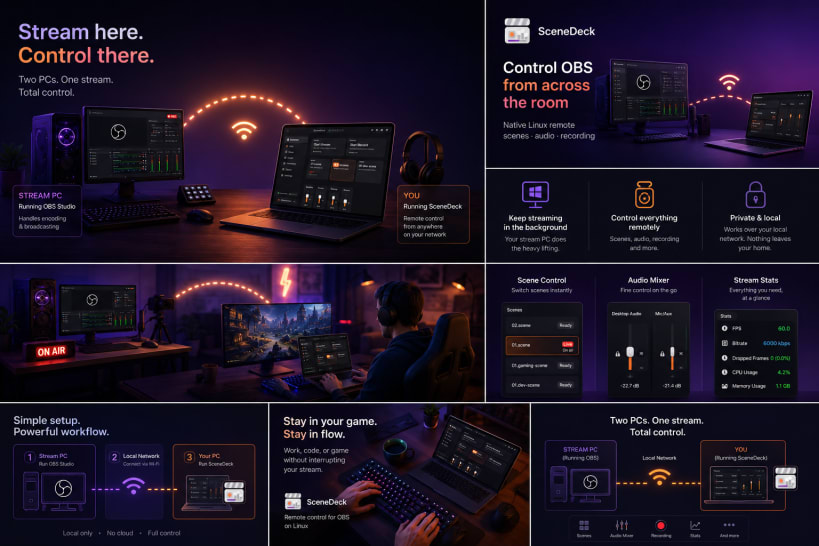
🎬 Stream from one machine. Control it from another.
You run OBS Studio on your streaming rig, but you actually work, code, present, or game on a different computer. Every scene switch means alt-tabbing back — or getting up and walking over. 😤
SceneDeck fixes that. It's a fast, native Linux remote for your whole OBS session, so you can switch scenes, roll recordings, and ride your audio without ever breaking focus on your main machine. ✨
🗂️ Scene list grown out of control?
Real setups fill up with utility scenes, camera-only scenes, overlays, and source wrappers — stuff that belongs inside other scenes but should never be clicked live by accident. One wrong click on stream and... 😬
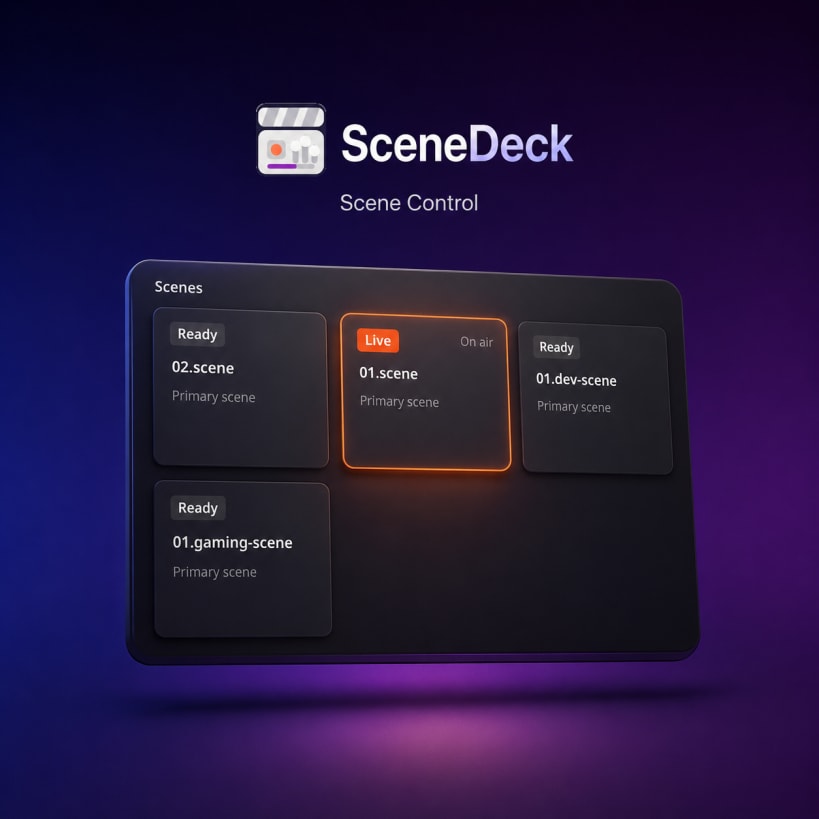
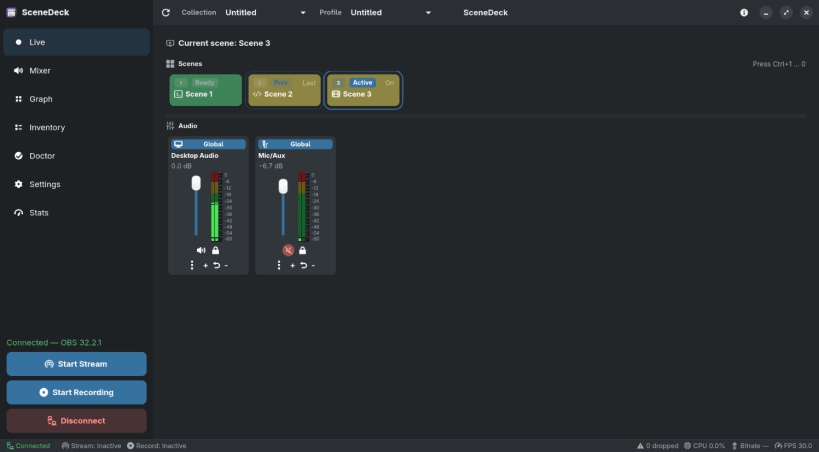
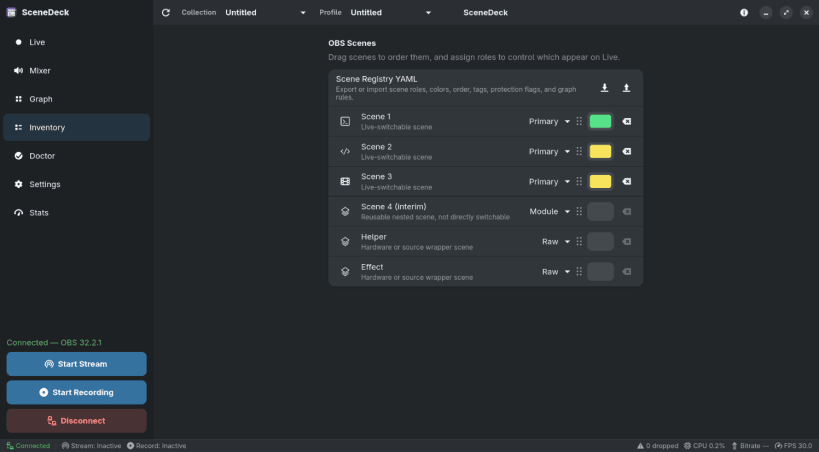
SceneDeck lets you tag scenes by role and keeps the Live view showing only the primary scenes you actually switch between. No renaming, no restructuring — your OBS setup stays exactly as it is. 👍
🎚️ Fighting with audio in the middle of a stream?
SceneDeck gives you a proper mixer for your global audio and the inputs of the active scene — even inputs nested inside other scenes and groups. 🔊
📡 Flying blind on stream health?
A status bar sits at the bottom of every page with the numbers that matter: connection state, stream and record status, FPS, streaming bitrate, OBS CPU usage, and dropped frames — so you spot trouble before your viewers do. 👀
🧭 Everything else you'd expect:
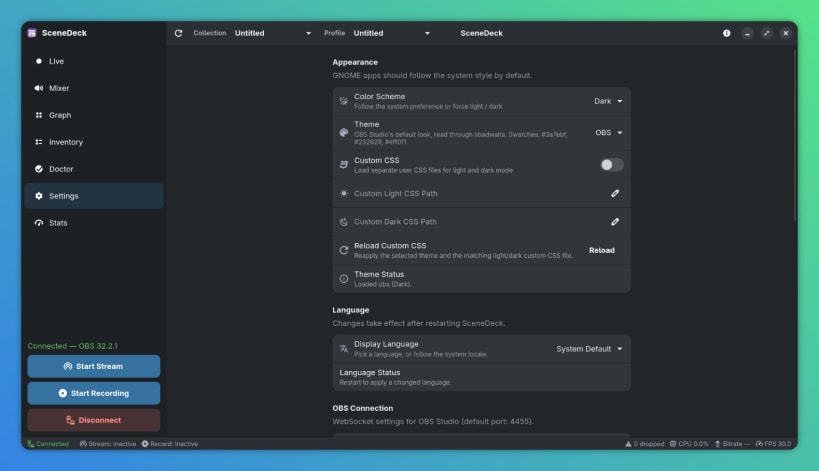
🎨 Made to feel at home on Linux:
✅ What you'll need:
127.0.0.1:4455 right out of the box.💜 Free and open source — source, issues, and docs live at https://github.com/worxbend/scenedeck
You are about to open
Do you wish to proceed?
Thank you for your report. Information you provided will help us investigate further.
There was an error while sending your report. Please try again later.
Snaps are applications packaged with all their dependencies to run on all popular Linux distributions from a single build. They update automatically and roll back gracefully.
Snaps are discoverable and installable from the Snap Store, an app store with an audience of millions.
Snap can be installed from the command line on openSUSE Leap 15.x and Tumbleweed.
You need first add the snappy repository from the terminal. Choose the appropriate command depending on your installed openSUSE flavor.
Tumbleweed:
sudo zypper addrepo --refresh https://download.opensuse.org/repositories/system:/snappy/openSUSE_Tumbleweed snappy
Leap 15.x:
sudo zypper addrepo --refresh https://download.opensuse.org/repositories/system:/snappy/openSUSE_Leap_15.6 snappy
If needed, Swap out openSUSE_Leap_15. for, openSUSE_Leap_16.0 if you’re using a different version of openSUSE.
With the repository added, import its GPG key:
sudo zypper --gpg-auto-import-keys refresh
Finally, upgrade the package cache to include the new snappy repository:
sudo zypper dup --from snappy
Snap can now be installed with the following:
sudo zypper install snapd
You then need to either reboot, logout/login or source /etc/profile to have /snap/bin added to PATH.
Additionally, enable and start both the snapd and the snapd.apparmor services with the following commands:
sudo systemctl enable --now snapd
sudo systemctl enable --now snapd.apparmor
To install SceneDeck, simply use the following command:
sudo snap install scenedeck

Browse and find snaps from the convenience of your desktop using the snap store snap.

Interested to find out more about snaps? Want to publish your own application? Visit snapcraft.io now.