

SceneDeck
Install latest/stable of SceneDeck
Ubuntu 16.04 or later?
Make sure snap support is enabled in your Desktop store.
Details for SceneDeck
Package name
- scenedeck
License
- MIT
Last updated
- 28 October 2026 - latest/stable
Websites
Source code
Report a bug
External link warning
You are about to open
Do you wish to proceed?
Report a Snap Store violation
Report SceneDeck for a Snap Store violation
Snap Store Violation Report submitted successfully
Thank you for your report. Information you provided will help us investigate further.
Error submitting report
There was an error while sending your report. Please try again later.
Share this snap
Generate an embeddable card to be shared on external websites.
OBS scene and audio controller
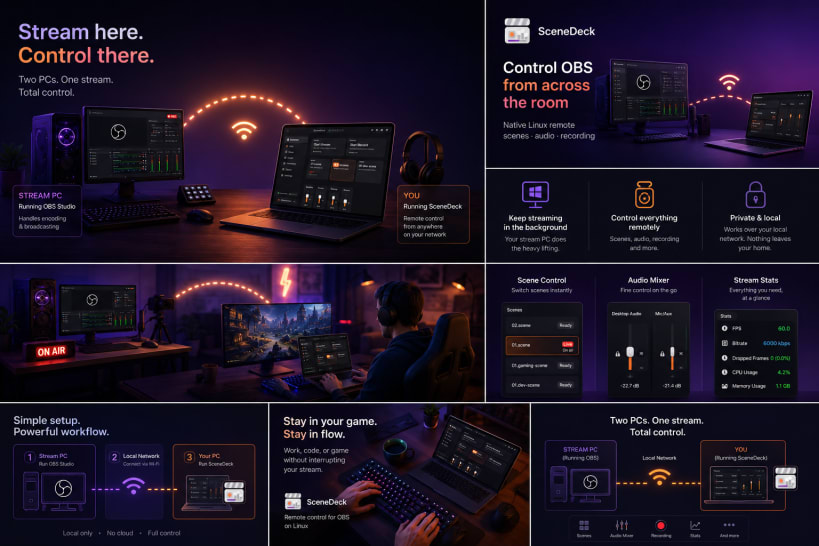
🎬 Stream from one machine. Control it from another.
You run OBS Studio on your streaming rig, but you actually work, code, present, or game on a different computer. Every scene switch means alt-tabbing back — or getting up and walking over. 😤
SceneDeck fixes that. It's a fast, native Linux remote for your whole OBS session, so you can switch scenes, roll recordings, and ride your audio without ever breaking focus on your main machine. ✨
🤝 Want a co-host or moderator on the controls?
OBS accepts more than one WebSocket client at once, so a collaborator can run their own copy of SceneDeck against the same rig. You can both switch scenes and ride the mixer, with every change reflected on both screens.
🗂️ Scene list grown out of control?
Real setups fill up with utility scenes, camera-only scenes, overlays, and source wrappers — stuff that belongs inside other scenes but should never be clicked live by accident. One wrong click on stream and... 😬
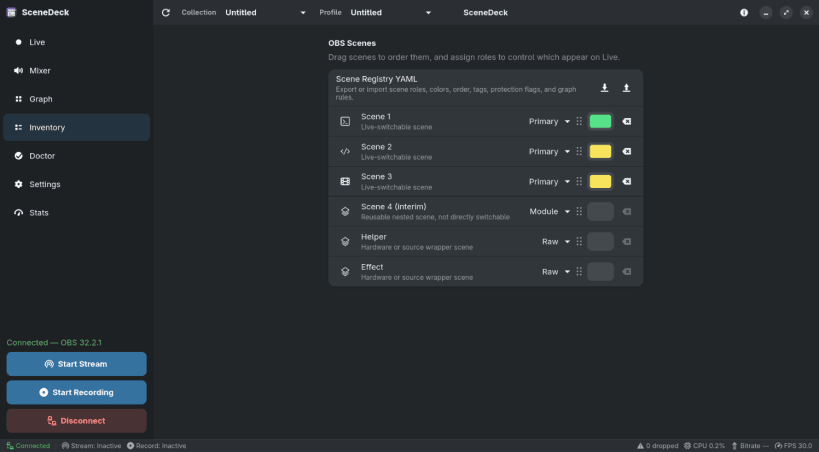
SceneDeck lets you tag scenes by role and keeps the Live view showing only the primary scenes you actually switch between. No renaming, no restructuring — your OBS setup stays exactly as it is. 👍
🎚️ Fighting with audio in the middle of a stream?
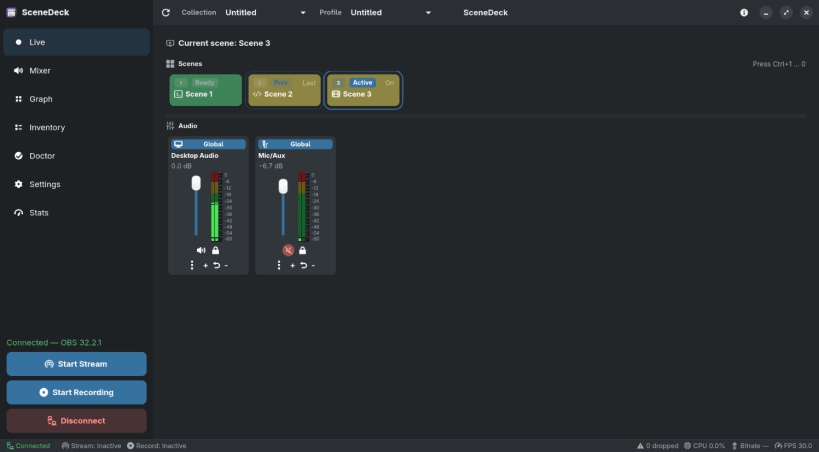
SceneDeck gives you a proper mixer for your global audio and the inputs of the active scene — even inputs nested inside other scenes and groups. 🔊
- Mute or unmute any input instantly.
- Ride levels with compact vertical sliders.
- 🔒 Lock a slider so you never nudge it by accident on air.
📡 Flying blind on stream health?
A status bar sits at the bottom of every page with the numbers that matter: connection state, stream and record status, FPS, streaming bitrate, OBS CPU usage, and dropped frames — so you spot trouble before your viewers do. 👀
🧭 Everything else you'd expect:
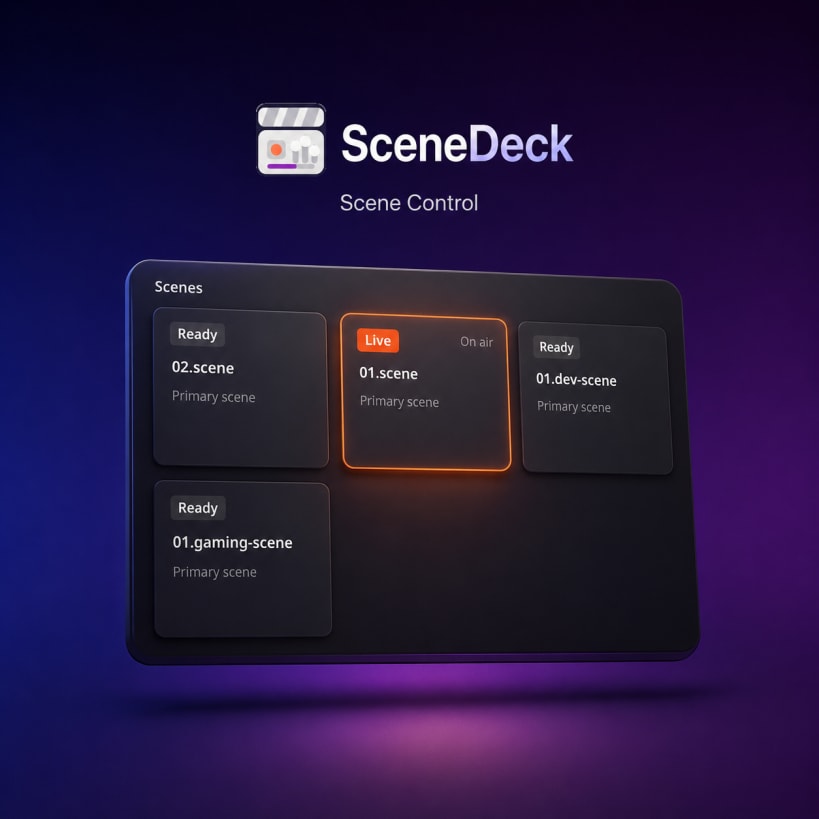
- ▶️ Switch program scenes from clean, role-aware Live cards.
- 🔴 Start and stop streaming and recording with clear feedback.
- 🔀 Switch OBS profiles and scene collections right from the header.
- 🕸️ Inspect nested scene dependencies in the Graph view.
- 🩺 Run Doctor checks over your roles and dependency structure.
- 💾 Export and import your local scene registry as YAML.
🎨 Made to feel at home on Linux:
- Built with Rust, GTK4, and libadwaita for a truly native experience.
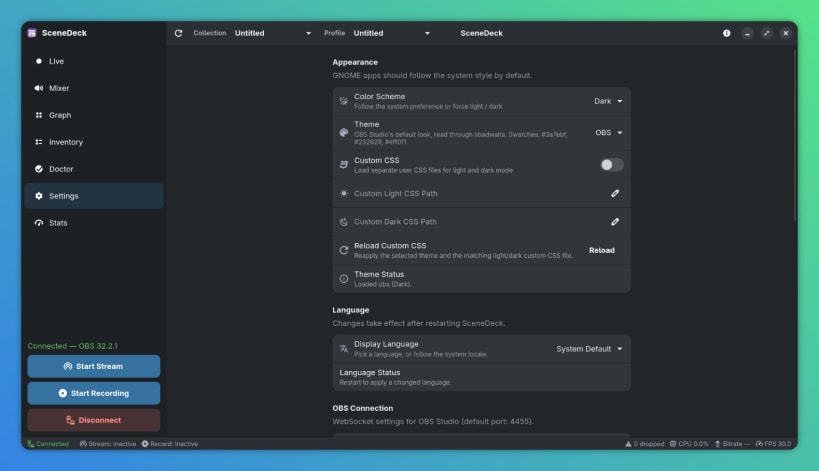
- Follows your system light/dark theme — or force either mode.
- Ships polished built-in themes and can load your own custom CSS.
- 🔐 Keeps your OBS password in the system keyring, never in plain text.
✅ What you'll need:
- A Linux desktop with GTK4 and libadwaita.
- OBS Studio 28+ with the built-in WebSocket server enabled.
- SceneDeck connects to
127.0.0.1:4455right out of the box.
💜 Free and open source — source, issues, and docs live at https://github.com/worxbend/scenedeck
| Revision | Channel | Version | Build | Commit | Download SBOM |
|---|
The build and commit information is derived from build infrastructure records.
Install SceneDeck on your Linux distribution
Choose your Linux distribution to get detailed installation instructions. If yours is not shown, get more details on the installing snapd documentation.












