

🎬 Stream from one machine. Control it from another.
You run OBS Studio on your streaming rig, but you actually work, code, present, or game on a different computer. Every scene switch means alt-tabbing back — or getting up and walking over. 😤
SceneDeck fixes that. It's a fast, native Linux remote for your whole OBS session, so you can switch scenes, roll recordings, and ride your audio without ever breaking focus on your main machine. ✨
🤝 Want a co-host or moderator on the controls?
OBS accepts more than one WebSocket client at once, so a collaborator can run their own copy of SceneDeck against the same rig. You can both switch scenes and ride the mixer, with every change reflected on both screens.
🗂️ Scene list grown out of control?
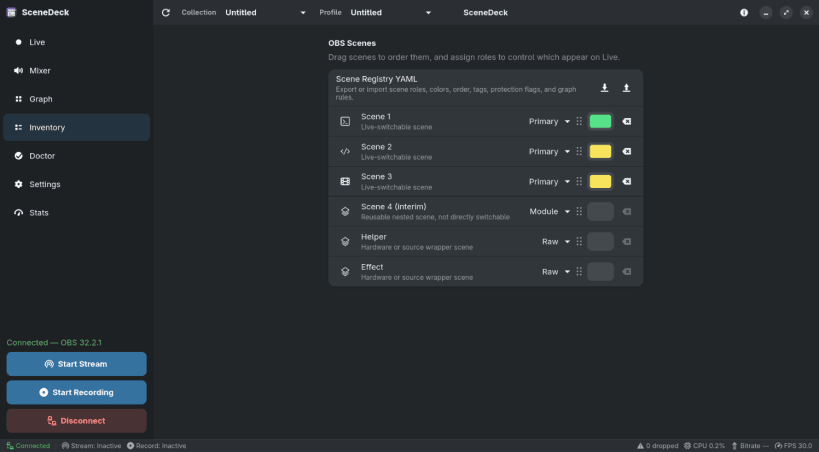
Real setups fill up with utility scenes, camera-only scenes, overlays, and source wrappers — stuff that belongs inside other scenes but should never be clicked live by accident. One wrong click on stream and... 😬
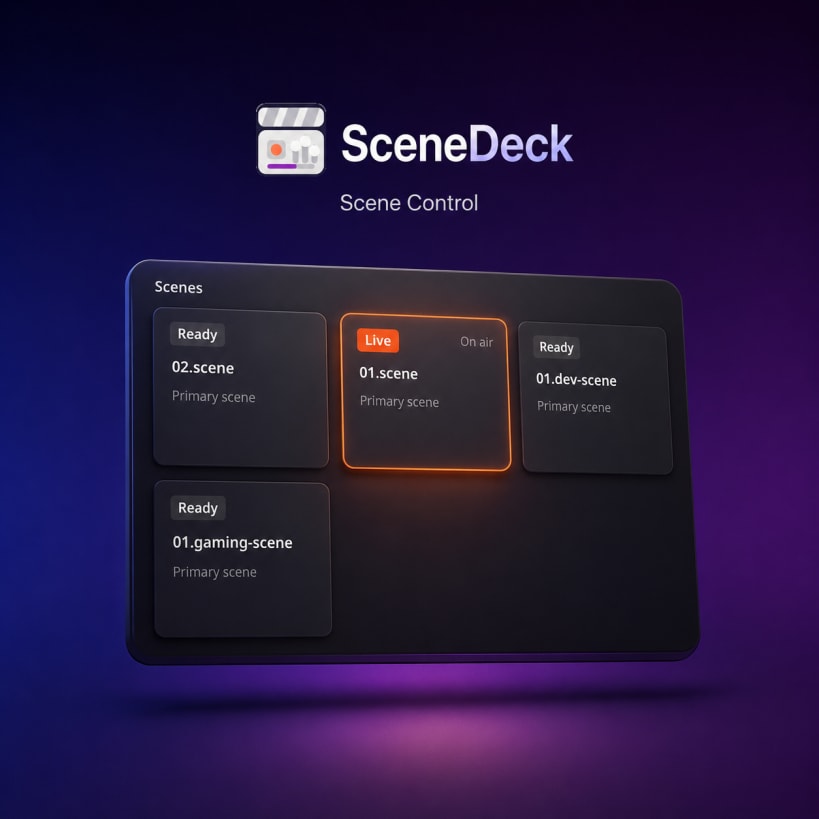
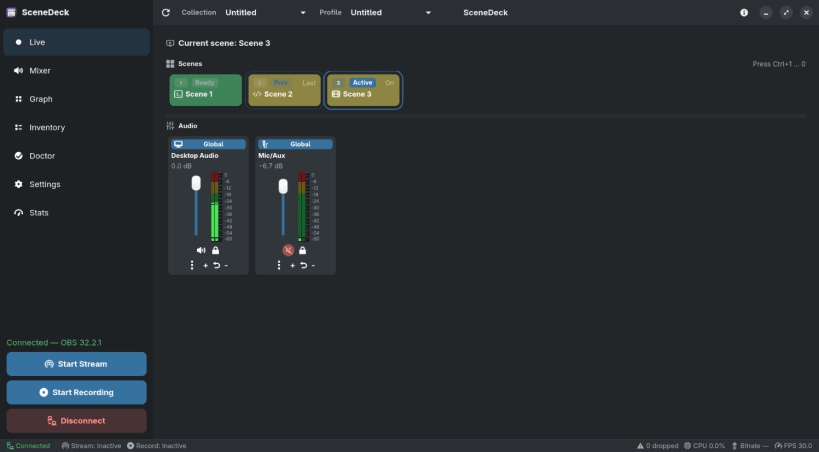
SceneDeck lets you tag scenes by role and keeps the Live view showing only the primary scenes you actually switch between. No renaming, no restructuring — your OBS setup stays exactly as it is. 👍
🎚️ Fighting with audio in the middle of a stream?
SceneDeck gives you a proper mixer for your global audio and the inputs of the active scene — even inputs nested inside other scenes and groups. 🔊
📡 Flying blind on stream health?
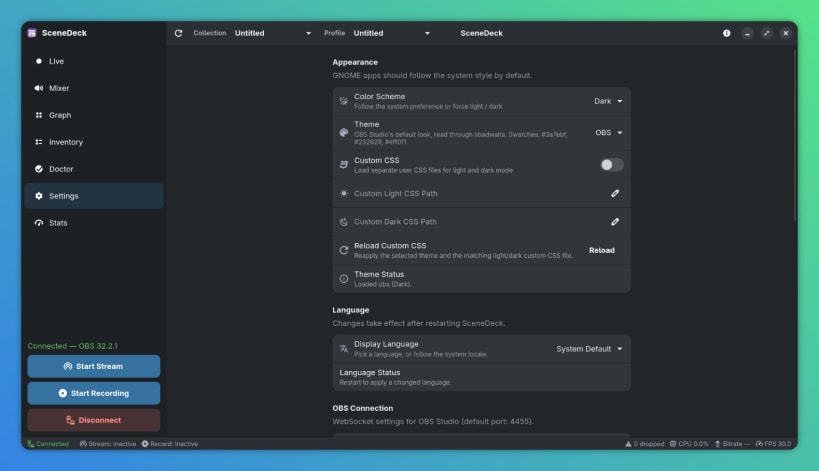
A status bar sits at the bottom of every page with the numbers that matter: connection state, stream and record status, FPS, streaming bitrate, OBS CPU usage, and dropped frames — so you spot trouble before your viewers do. 👀
🧭 Everything else you'd expect:
🎨 Made to feel at home on Linux:
✅ What you'll need:
127.0.0.1:4455 right out of the box.💜 Free and open source — source, issues, and docs live at https://github.com/worxbend/scenedeck
You are about to open
Do you wish to proceed?
Thank you for your report. Information you provided will help us investigate further.
There was an error while sending your report. Please try again later.
Snaps are applications packaged with all their dependencies to run on all popular Linux distributions from a single build. They update automatically and roll back gracefully.
Snaps are discoverable and installable from the Snap Store, an app store with an audience of millions.
Snap is available for Red Hat Enterprise Linux (RHEL) 8 and RHEL 7, from the 7.6 release onward.
The packages for RHEL 7, RHEL 8, and RHEL 9 are in each distribution’s respective Extra Packages for Enterprise Linux (EPEL) repository. The instructions for adding this repository diverge slightly between RHEL 7, RHEL 8 and RHEL 9, which is why they’re listed separately below.
The EPEL repository can be added to RHEL 9 with the following command:
sudo dnf install https://dl.fedoraproject.org/pub/epel/epel-release-latest-9.noarch.rpm
sudo dnf upgrade
The EPEL repository can be added to RHEL 8 with the following command:
sudo dnf install https://dl.fedoraproject.org/pub/epel/epel-release-latest-8.noarch.rpm
sudo dnf upgrade
The EPEL repository can be added to RHEL 7 with the following command:
sudo rpm -ivh https://dl.fedoraproject.org/pub/epel/epel-release-latest-7.noarch.rpm
Adding the optional and extras repositories is also recommended:
sudo subscription-manager repos --enable "rhel-*-optional-rpms" --enable "rhel-*-extras-rpms"
sudo yum update
Snap can now be installed as follows:
sudo yum install snapd
Once installed, the systemd unit that manages the main snap communication socket needs to be enabled:
sudo systemctl enable --now snapd.socket
To enable classic snap support, enter the following to create a symbolic link between /var/lib/snapd/snap and /snap:
sudo ln -s /var/lib/snapd/snap /snap
Either log out and back in again or restart your system to ensure snap’s paths are updated correctly.
To install SceneDeck, simply use the following command:
sudo snap install scenedeck
Browse and find snaps from the convenience of your desktop using the snap store snap.

Interested to find out more about snaps? Want to publish your own application? Visit snapcraft.io now.