
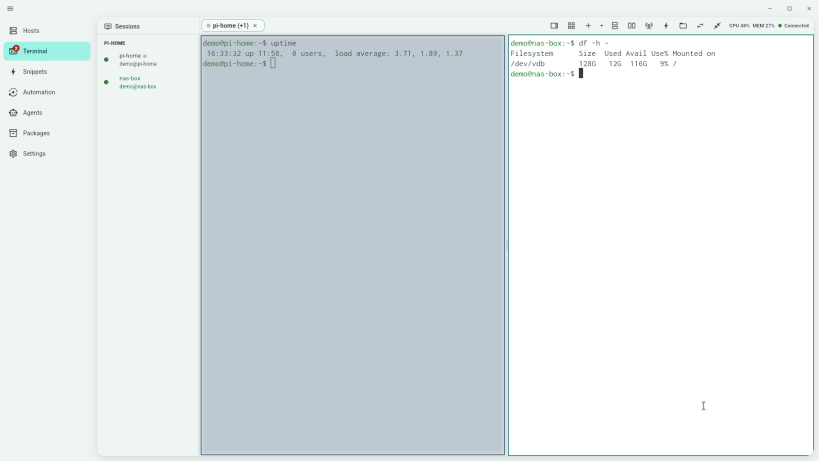
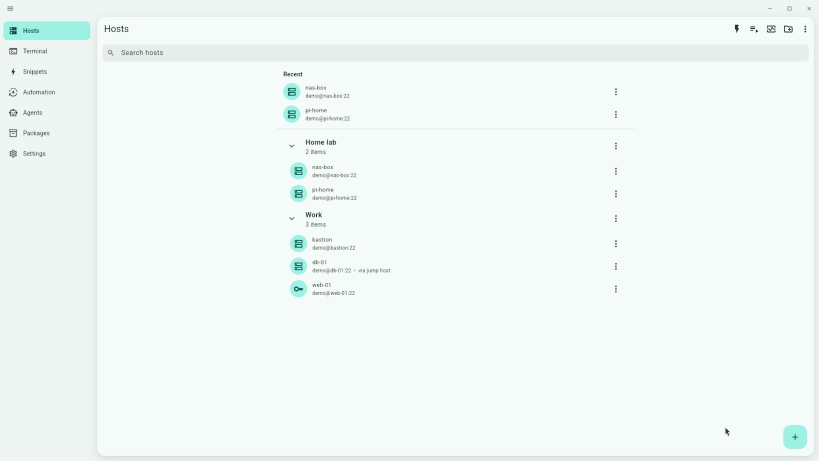
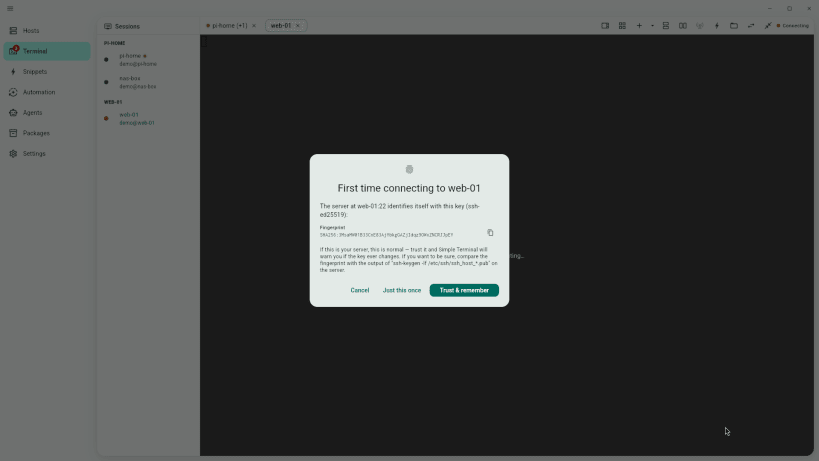
Free SSH client and terminal for Linux. Keep your servers organised, connect in one click, and work in tabs and split panes, with a local shell right beside them. No account, no cloud, no telemetry.
CONNECT TO ANY SERVER
WORK FASTER
SWITCH IN A MINUTE
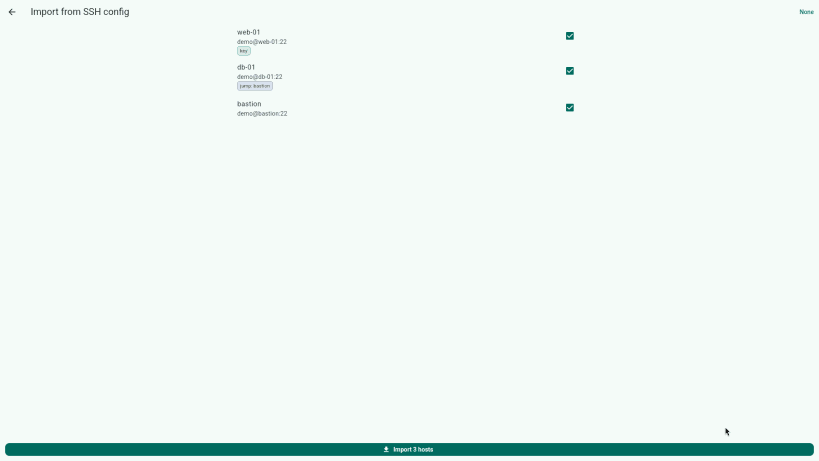
~/.ssh/config in one stepMAKE IT YOURS
PRIVATE BY DESIGN
After installing, connect these interfaces so saved passwords and your existing keys work:
sudo snap connect simple-terminal:password-manager-servicesudo snap connect simple-terminal:ssh-keysAlso on Windows (with PowerShell, WSL and Git Bash tabs): https://apps.microsoft.com/detail/9NRHN80ZLHZ4
Interface in English. ES: Cliente SSH y terminal gratuito. PT: Cliente SSH e terminal gratuito. DE: Kostenloser SSH-Client und Terminal. FR: Client SSH et terminal gratuit. JA: 無料のSSHクライアント兼ターミナル(表示は英語)。
Thank you for your report. Information you provided will help us investigate further.
There was an error while sending your report. Please try again later.
Snaps are applications packaged with all their dependencies to run on all popular Linux distributions from a single build. They update automatically and roll back gracefully.
Snaps are discoverable and installable from the Snap Store, an app store with an audience of millions.
Snap can be installed on Pop!_OS from the command line. Open Terminal from the Applications launcher and type the following:
sudo apt update
sudo apt install snapd
Either log out and back in again, or restart your system, to ensure snap’s paths are updated correctly.
To install Simple Terminal — SSH Client & Terminal, simply use the following command:
sudo snap install simple-terminal
Browse and find snaps from the convenience of your desktop using the snap store snap.
Interested to find out more about snaps? Want to publish your own application? Visit snapcraft.io now.