

Simple Terminal — SSH Client & Terminal (simple-terminal)
Install latest/stable of Simple Terminal — SSH Client & Terminal
Ubuntu 16.04 or later?
Make sure snap support is enabled in your Desktop store.
Install using the command line
sudo snap install simple-terminalDon't have snapd? Get set up for snaps.
Details for Simple Terminal — SSH Client & Terminal
Package name
- simple-terminal
License
- unset
Last updated
- 29 October 2026 - latest/stable
Report a Snap Store violation
Report Simple Terminal — SSH Client & Terminal for a Snap Store violation
Snap Store Violation Report submitted successfully
Thank you for your report. Information you provided will help us investigate further.
Error submitting report
There was an error while sending your report. Please try again later.
Share this snap
Generate an embeddable card to be shared on external websites.
Free SSH client & terminal: host groups, tabs, split panes. No account.
Free SSH client and terminal for Linux. Keep your servers organised, connect in one click, and work in tabs and split panes, with a local shell right beside them. No account, no cloud, no telemetry.
CONNECT TO ANY SERVER
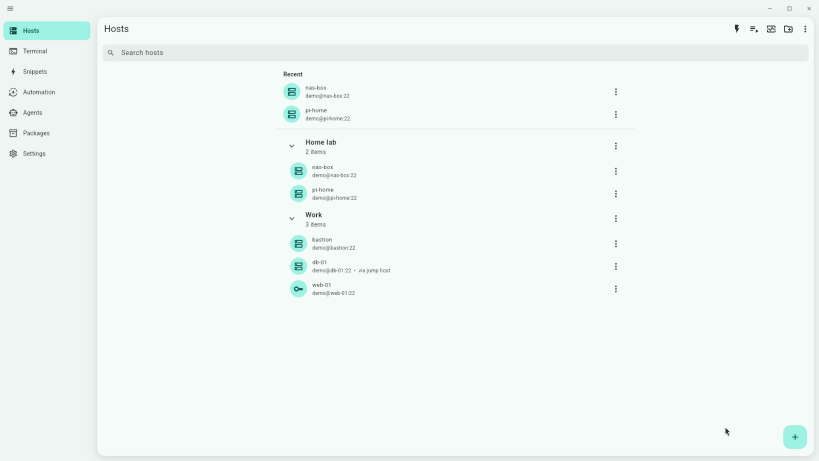
- Save hosts and sort them into groups
- Sign in with a password, an SSH key or your SSH agent
- Reach private servers through a jump host (bastion)
- Port forwards for databases, dashboards and internal tools
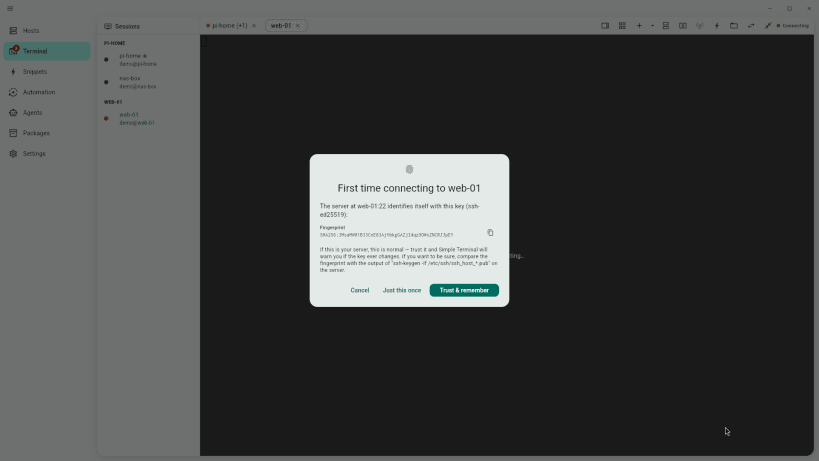
- Clear host-key check on first connect: Trust & remember, Just this once, or Cancel
WORK FASTER
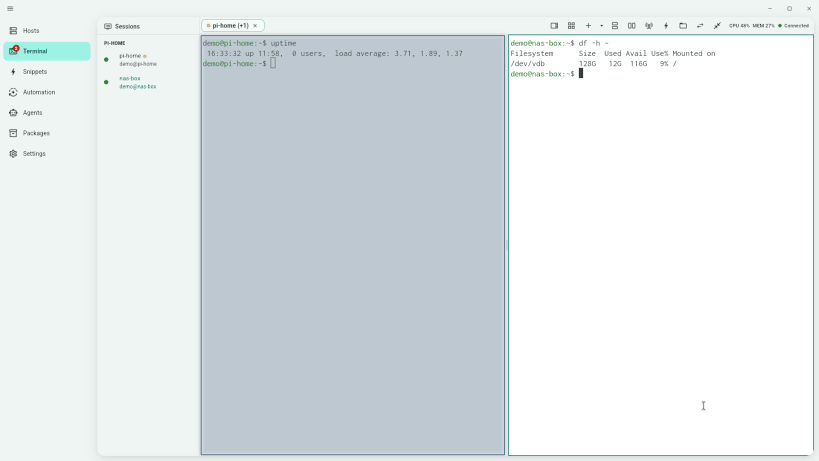
- Tabs and split panes: watch one server while you work on another
- Open a local shell or another host beside your session
- Snippets for the commands you type every day
- Session logs so you can look back at what ran
SWITCH IN A MINUTE
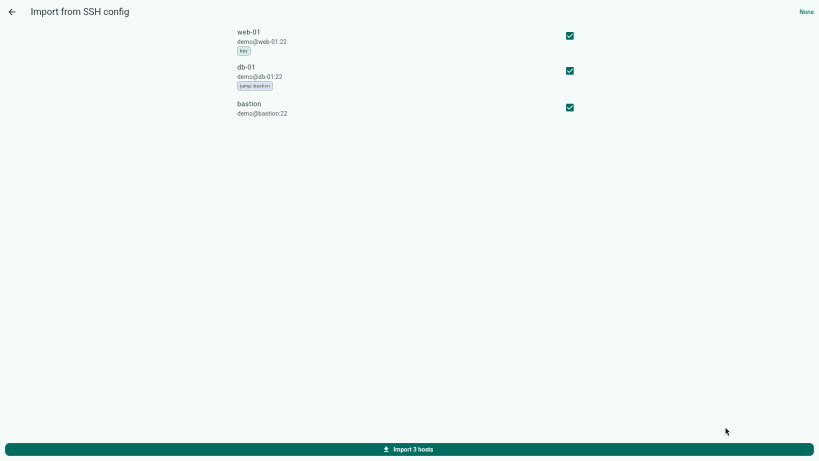
- Import your existing hosts from
~/.ssh/configin one step
MAKE IT YOURS
- 13 terminal themes, light and dark, with accent colours
- Adjustable font size
PRIVATE BY DESIGN
- No account, no cloud sync, no ads, no telemetry
- Your hosts and settings stay on your machine
After installing, connect these interfaces so saved passwords and your existing keys work:
sudo snap connect simple-terminal:password-manager-servicesudo snap connect simple-terminal:ssh-keys
Also on Windows (with PowerShell, WSL and Git Bash tabs): https://apps.microsoft.com/detail/9NRHN80ZLHZ4
Interface in English. ES: Cliente SSH y terminal gratuito. PT: Cliente SSH e terminal gratuito. DE: Kostenloser SSH-Client und Terminal. FR: Client SSH et terminal gratuit. JA: 無料のSSHクライアント兼ターミナル(表示は英語)。
| Revision | Channel | Version | Build | Commit | Download SBOM |
|---|
The build and commit information is derived from build infrastructure records.
Install Simple Terminal — SSH Client & Terminal on your Linux distribution
Choose your Linux distribution to get detailed installation instructions. If yours is not shown, get more details on the installing snapd documentation.












