
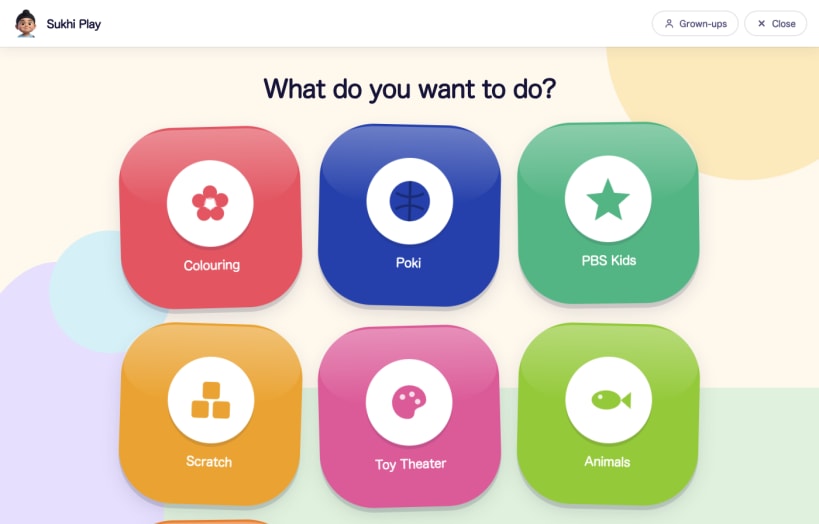

Sukhi Play turns a computer into a safe place for a very small child to play.
A grown-up chooses which websites are allowed. The child gets a full screen of large, brightly coloured buttons, one for each approved site, and nothing else. There is no address bar, no tabs, no search, no menus, and no way to reach anything you did not put there.
It was built for a three year old who wanted to play games and who also pressed every key and clicked every button on the screen.
What the child can do
What the child cannot do
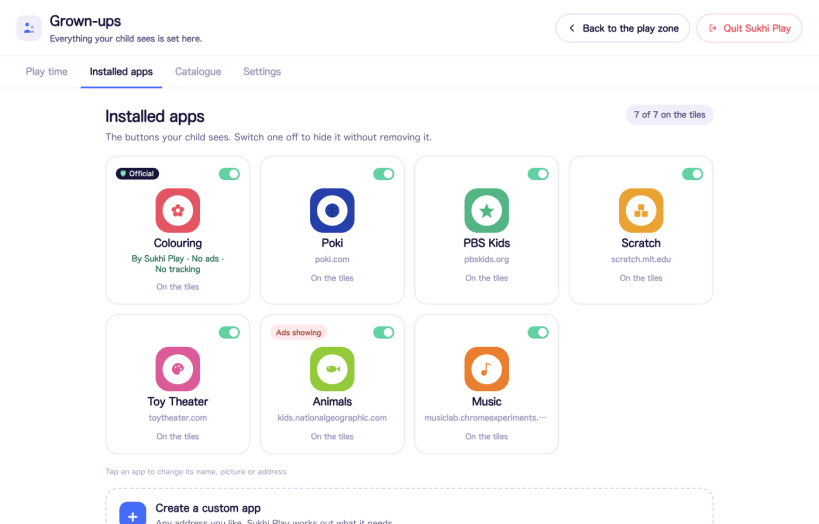
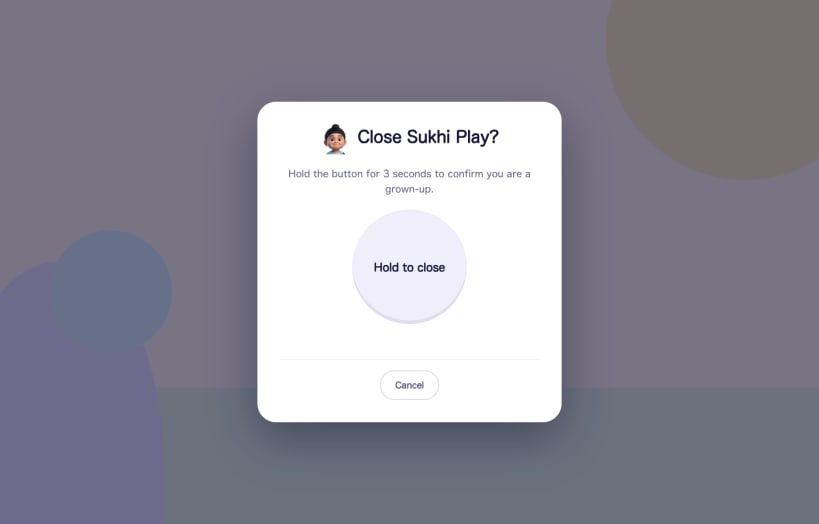
What you do as a grown-up
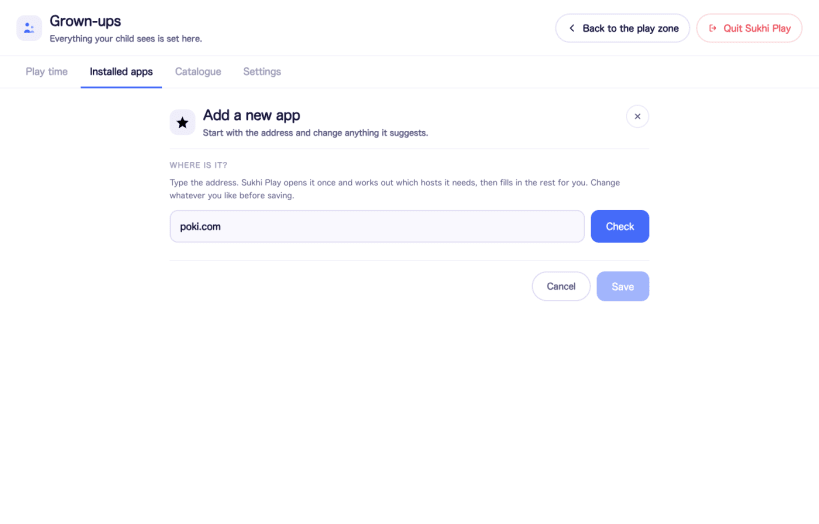
Type an address, or pick from a short list of suggestions. Sukhi Play opens the site once, works out which servers it actually needs, and fills in the rest for you. You can rename it, give it a colour and a picture, and turn it on or off at any time. Ads and trackers are filtered out by default, and you can see how many requests were blocked while your child was playing.
Nothing is allowed until you allow it. A fresh install shows an empty screen and a setup walkthrough, not a list of someone else's recommendations.
Being straight with you about the limits
Free, open source, and not connected to anything
Sukhi Play is MIT licensed and the full source is on GitHub. There is no account to create, no telemetry, no analytics and no advertising of its own. Your child's list of approved sites is a plain file on your own computer and is never uploaded.
It reaches the network in exactly three situations: loading a site your child opened, fetching a site's icon at the moment you add it, and asking GitHub whether a newer version exists when you press Check for updates. It never downloads or installs an update by itself. A kiosk that can rewrite itself is a worse problem than one that is out of date.
Sukhi Play is not affiliated with, endorsed by or connected to any of the websites it can be pointed at, and it does not recommend them. You choose where it may go, and you are responsible for reviewing each site and complying with its terms of service.
You are about to open
Do you wish to proceed?
Thank you for your report. Information you provided will help us investigate further.
There was an error while sending your report. Please try again later.
Snaps are applications packaged with all their dependencies to run on all popular Linux distributions from a single build. They update automatically and roll back gracefully.
Snaps are discoverable and installable from the Snap Store, an app store with an audience of millions.
Snap can be installed on elementary OS from the command line. Open Terminal from the Applications launcher and type the following:
sudo apt update
sudo apt install snapd
Either log out and back in again, or restart your system, to ensure snap’s paths are updated correctly.
To install Sukhi Play, simply use the following command:
sudo snap install sukhi-play
Browse and find snaps from the convenience of your desktop using the snap store snap.

Interested to find out more about snaps? Want to publish your own application? Visit snapcraft.io now.


