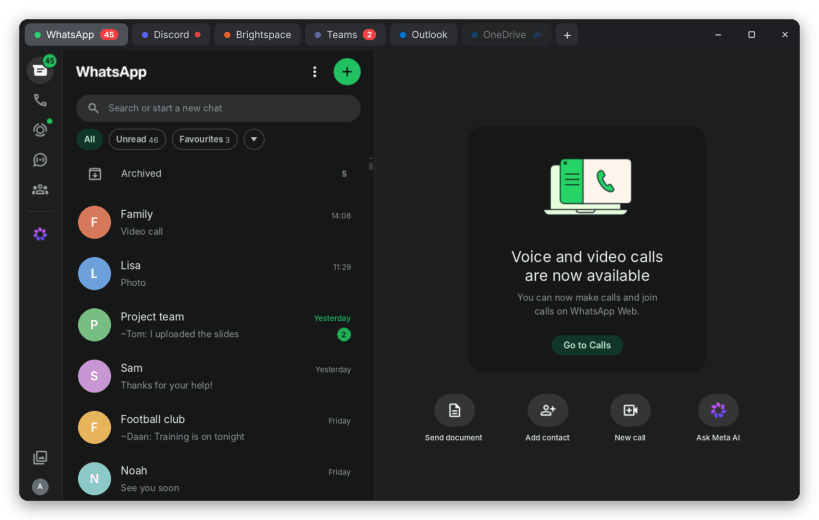
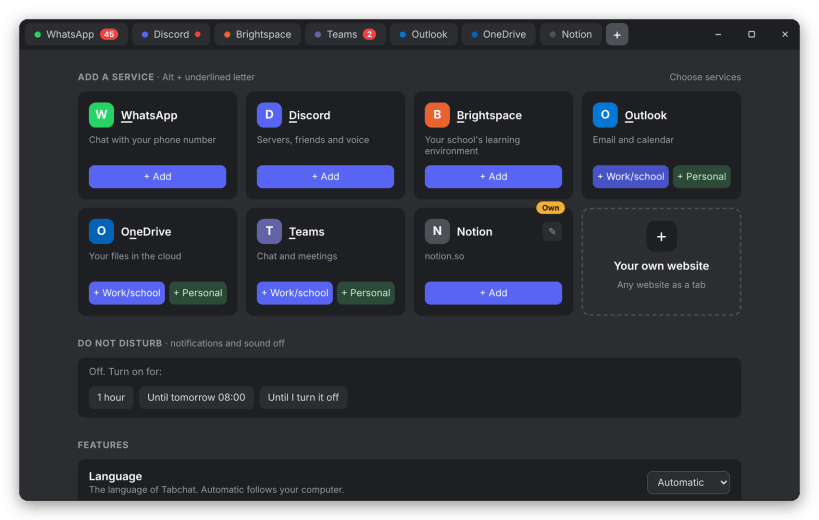
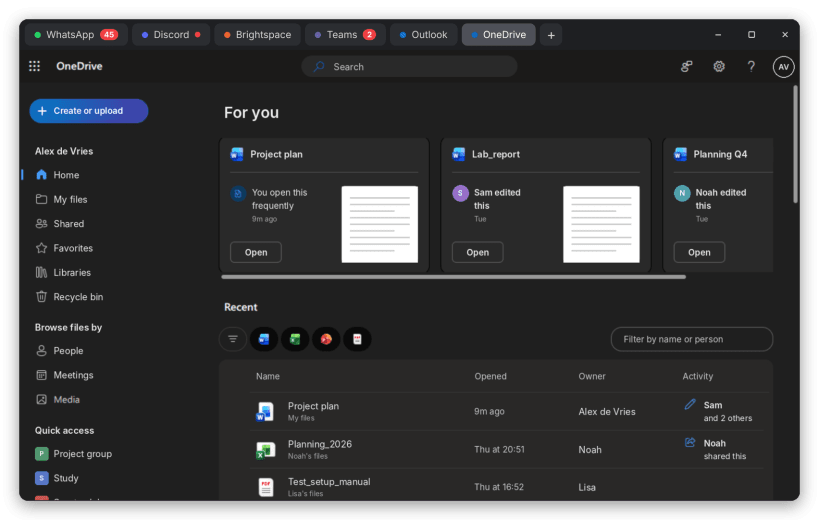
Tabchat puts your chat and school apps in one lightweight window with tabs.
- Unread counters on every tab, in the tray and on the dock icon
- Keeps running in the background with a tray icon
- Do not disturb, also following Ubuntu's own Do not disturb
- One shared Microsoft sign-in for Teams, Outlook and OneDrive that stays signed in
- Work/school and personal Microsoft accounts (Outlook.com, Hotmail) side by side
- Your school's Brightspace, signed in with the same school account
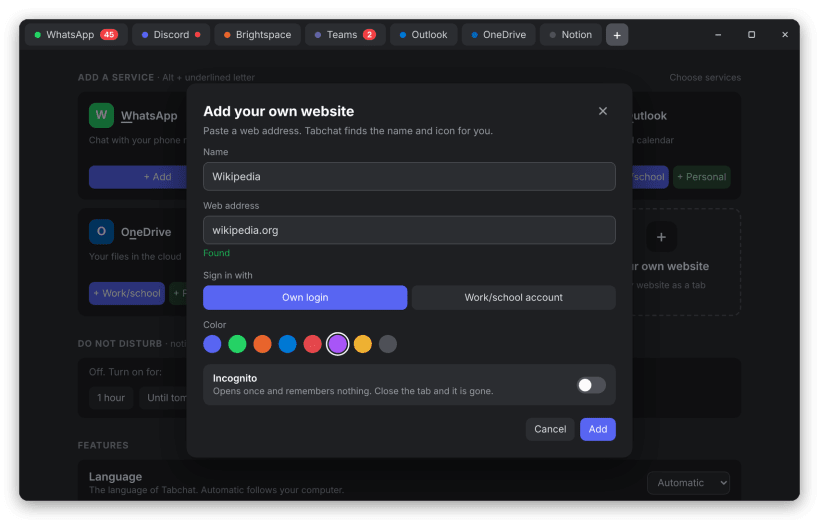
- Add any website as a tab, or open one once in incognito
- Hide the services you don't use and drag them into your own order
- WhatsApp voice and video calls
- Tab sleep, quick search (Ctrl+K) and browser-style shortcuts
- Screen sharing in Discord and Teams
- Light and dark theme, English and Dutch
You are about to open
Do you wish to proceed?
Thank you for your report. Information you provided will help us investigate further.
There was an error while sending your report. Please try again later.
Snaps are applications packaged with all their dependencies to run on all popular Linux distributions from a single build. They update automatically and roll back gracefully.
Snaps are discoverable and installable from the Snap Store, an app store with an audience of millions.
Snap can be installed from the command line. Open the Konsole terminal and enter the following:
sudo apt update
sudo apt install snapd
To install Tabchat, simply use the following command:
sudo snap install tabchat

Browse and find snaps from the convenience of your desktop using the snap store snap.

Interested to find out more about snaps? Want to publish your own application? Visit snapcraft.io now.