

Tabchat
Install latest/stable of Tabchat
Ubuntu 16.04 or later?
Make sure snap support is enabled in your Desktop store.

Details for Tabchat
Package name
- tabchat
License
- MIT
Last updated
- 15 October 2026 - latest/stable
Websites
Contact
Donations
Source code
Report a bug
External link warning
You are about to open
Do you wish to proceed?
Report a Snap Store violation
Report Tabchat for a Snap Store violation
Snap Store Violation Report submitted successfully
Thank you for your report. Information you provided will help us investigate further.
Error submitting report
There was an error while sending your report. Please try again later.
Share this snap
Generate an embeddable card to be shared on external websites.
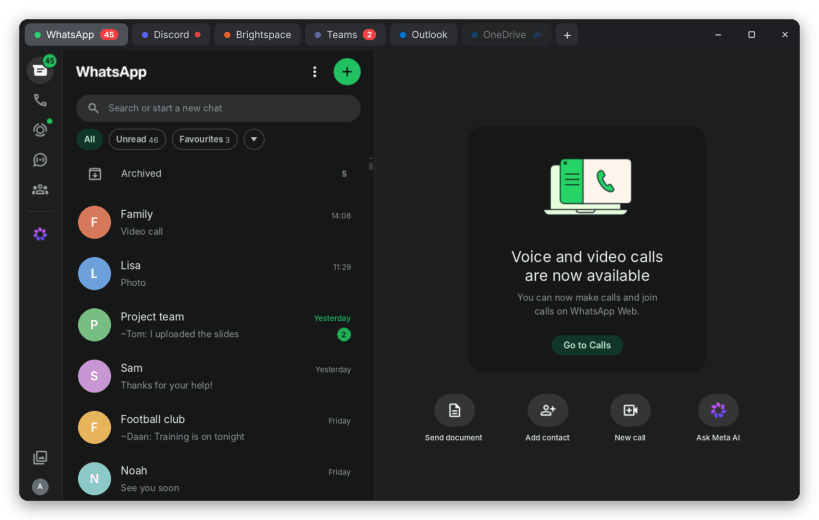
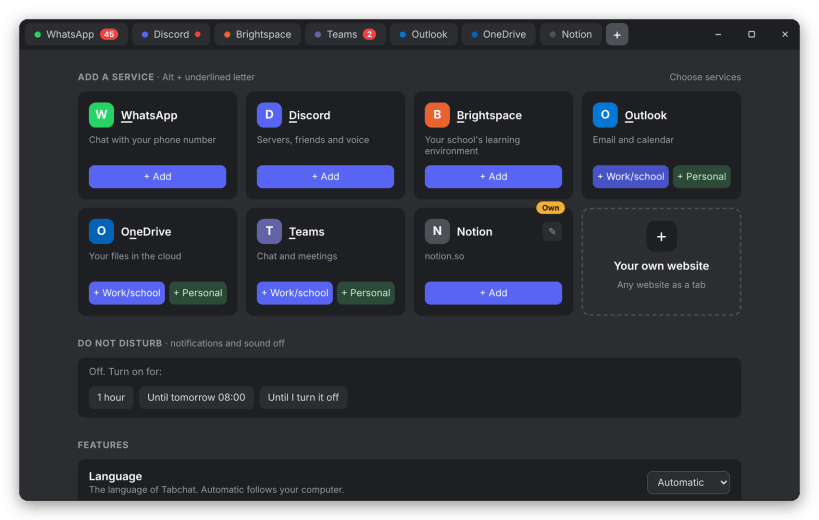
WhatsApp, Discord, Teams, Brightspace and any website in one window
Tabchat puts your chat and school apps in one lightweight window with tabs.
- Unread counters on every tab, in the tray and on the dock icon
- Keeps running in the background with a tray icon
- Do not disturb, also following Ubuntu's own Do not disturb
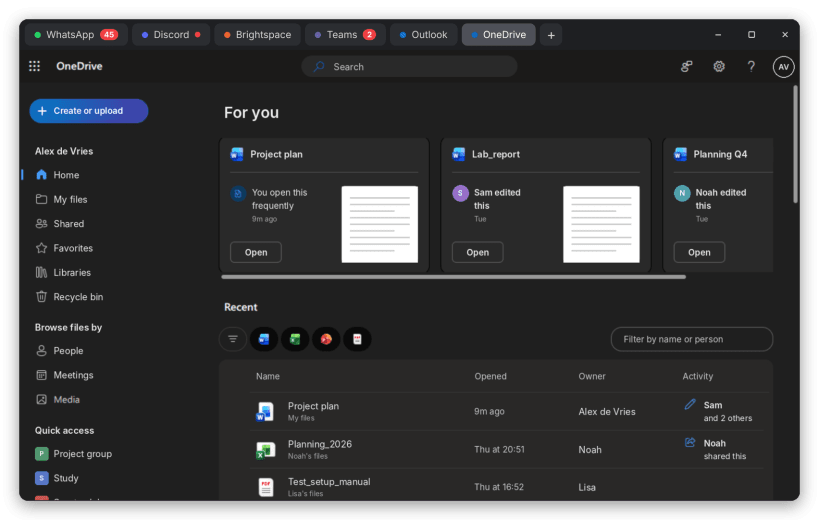
- One shared Microsoft sign-in for Teams, Outlook and OneDrive that stays signed in
- Work/school and personal Microsoft accounts (Outlook.com, Hotmail) side by side
- Your school's Brightspace, signed in with the same school account
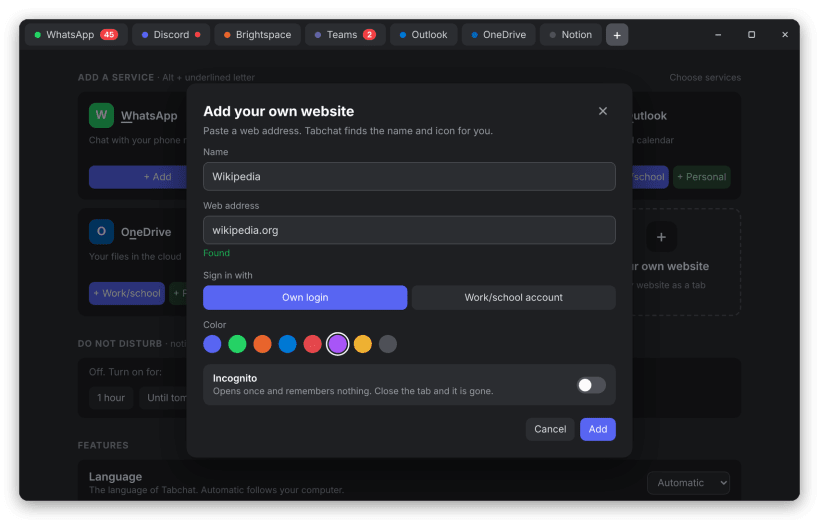
- Add any website as a tab, or open one once in incognito
- Hide the services you don't use and drag them into your own order
- WhatsApp voice and video calls
- Tab sleep, quick search (Ctrl+K) and browser-style shortcuts
- Screen sharing in Discord and Teams
- Light and dark theme, English and Dutch
| Revision | Channel | Version | Build | Commit | Download SBOM |
|---|
The build and commit information is derived from build infrastructure records.
Install Tabchat on your Linux distribution
Choose your Linux distribution to get detailed installation instructions. If yours is not shown, get more details on the installing snapd documentation.













Where people are using Tabchat
Users by distribution (log)
Ubuntu 26.04