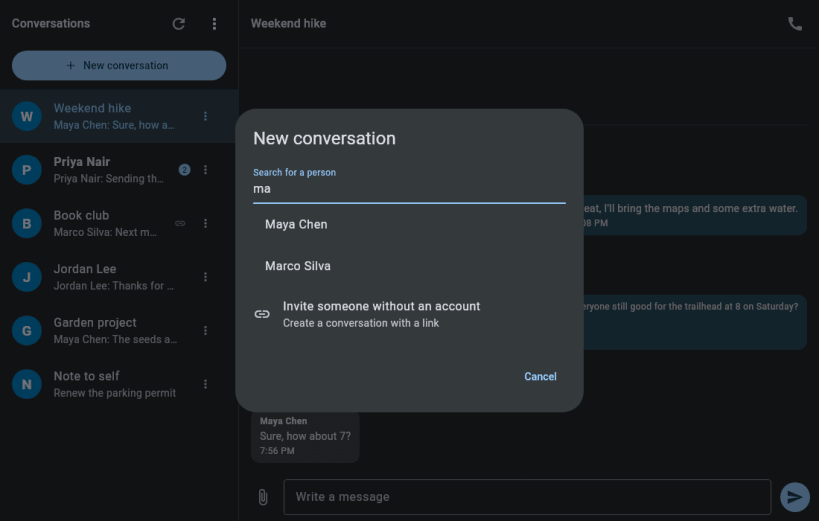
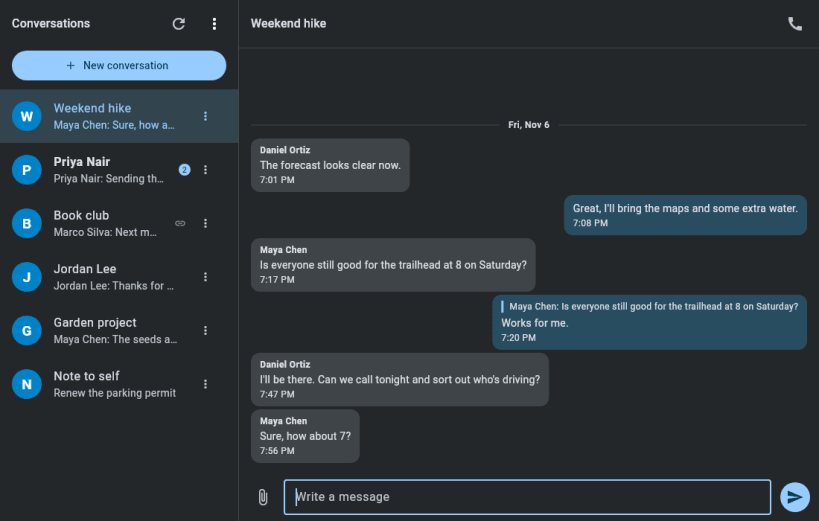
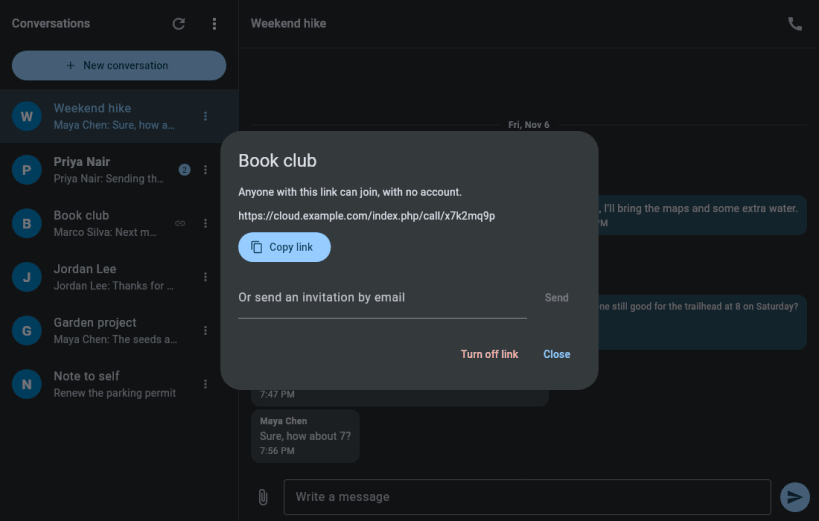
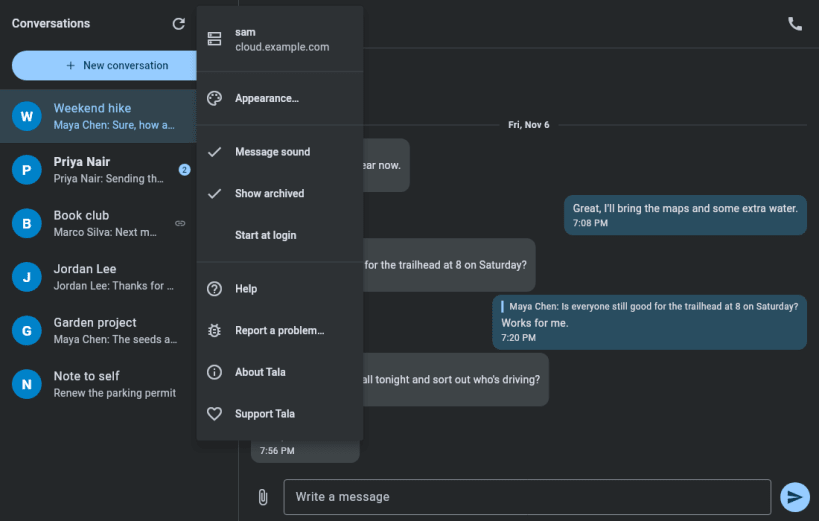
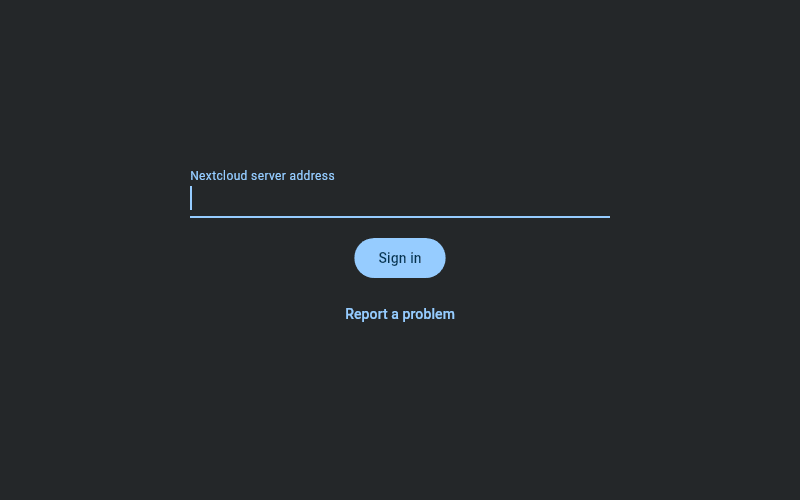
Tala is an independent desktop client for Nextcloud Talk: chat, audio calls and video calls. It isn't made or endorsed by Nextcloud.
Sign in through your server's normal browser login. Tala keeps the app password in your system keyring, stays in the tray when you close the window, and shows desktop notifications for messages and calls.
Calls work with or without Talk's High Performance Backend. Without it, everyone connects directly, which suits small calls.
After installing, connect the interfaces it needs:
sudo snap connect tala:password-manager-service sudo snap connect tala:camera sudo snap connect tala:audio-record
You are about to open
Do you wish to proceed?
Thank you for your report. Information you provided will help us investigate further.
There was an error while sending your report. Please try again later.
Snaps are applications packaged with all their dependencies to run on all popular Linux distributions from a single build. They update automatically and roll back gracefully.
Snaps are discoverable and installable from the Snap Store, an app store with an audience of millions.
Snap can be installed from the command line. Open the Konsole terminal and enter the following:
sudo apt update
sudo apt install snapd
To install Tala, simply use the following command:
sudo snap install tala
Browse and find snaps from the convenience of your desktop using the snap store snap.
Interested to find out more about snaps? Want to publish your own application? Visit snapcraft.io now.