
Install latest/stable of Tala
Ubuntu 16.04 or later?
Make sure snap support is enabled in your Desktop store.
Details for Tala
Package name
- tala
License
- AGPL-3.0-or-later
Last updated
- Today - latest/stable
- Today - latest/candidate
Websites
Contact
Donations
Source code
Report a bug
External link warning
You are about to open
Do you wish to proceed?
Report a Snap Store violation
Report Tala for a Snap Store violation
Snap Store Violation Report submitted successfully
Thank you for your report. Information you provided will help us investigate further.
Error submitting report
There was an error while sending your report. Please try again later.
Share this snap
Generate an embeddable card to be shared on external websites.
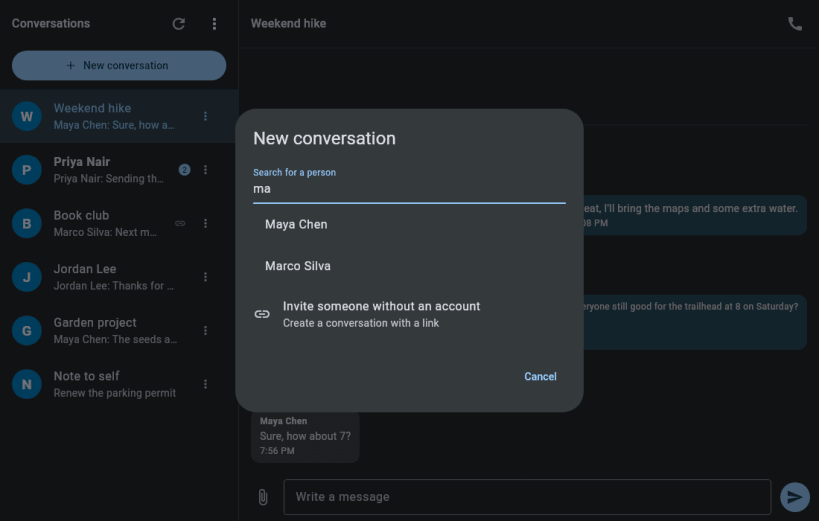
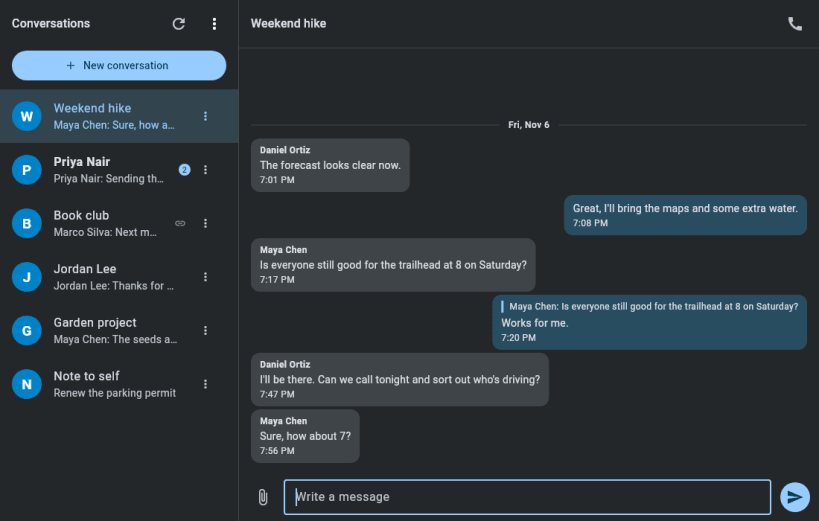
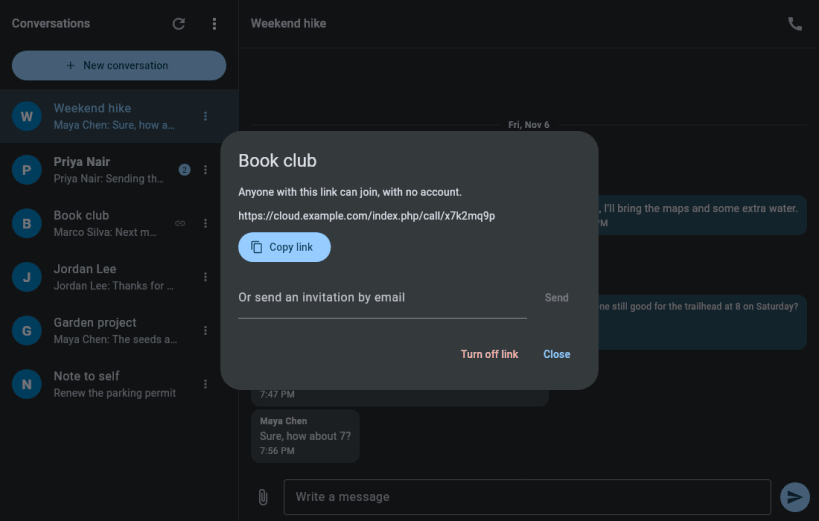
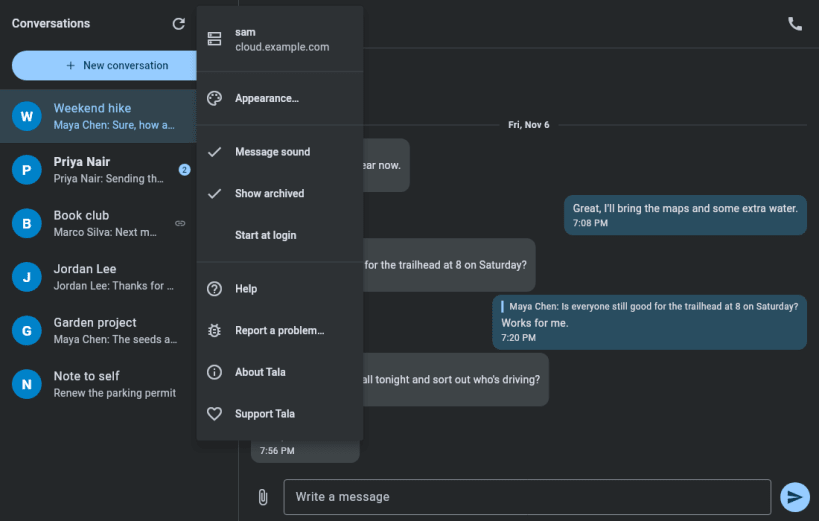
Chat and calls for Nextcloud Talk (unofficial client)
Tala is an independent desktop client for Nextcloud Talk: chat, audio calls and video calls. It isn't made or endorsed by Nextcloud.
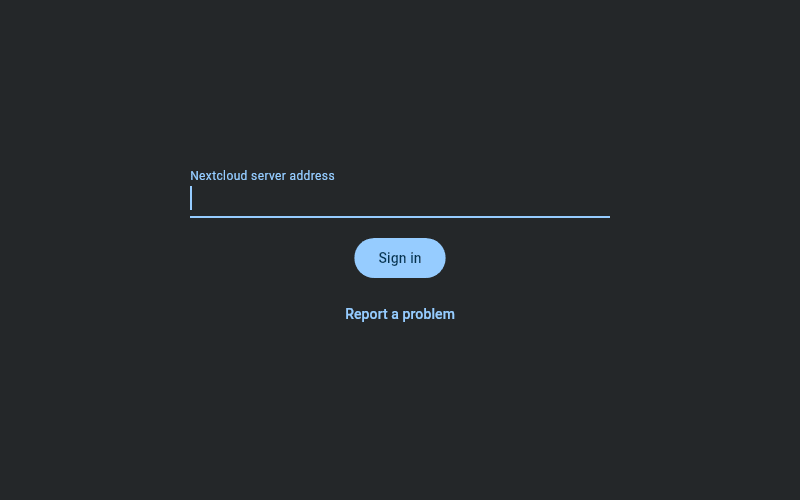
Sign in through your server's normal browser login. Tala keeps the app password in your system keyring, stays in the tray when you close the window, and shows desktop notifications for messages and calls.
Calls work with or without Talk's High Performance Backend. Without it, everyone connects directly, which suits small calls.
After installing, connect the interfaces it needs:
sudo snap connect tala:password-manager-service sudo snap connect tala:camera sudo snap connect tala:audio-record
| Revision | Channel | Version | Build | Commit | Download SBOM |
|---|
The build and commit information is derived from build infrastructure records.
Install Tala on your Linux distribution
Choose your Linux distribution to get detailed installation instructions. If yours is not shown, get more details on the installing snapd documentation.


