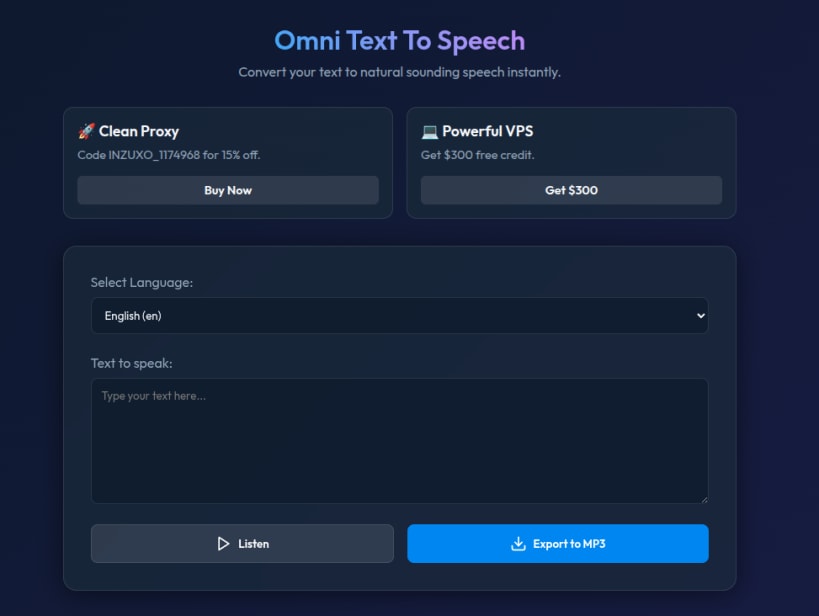
Omni Text To Speech is a straightforward and free Text-to-Speech (TTS) utility designed for Linux users. Its primary goal is to provide an instant, hassle-free way to transform written text into natural-sounding voice audio.
Key Features:
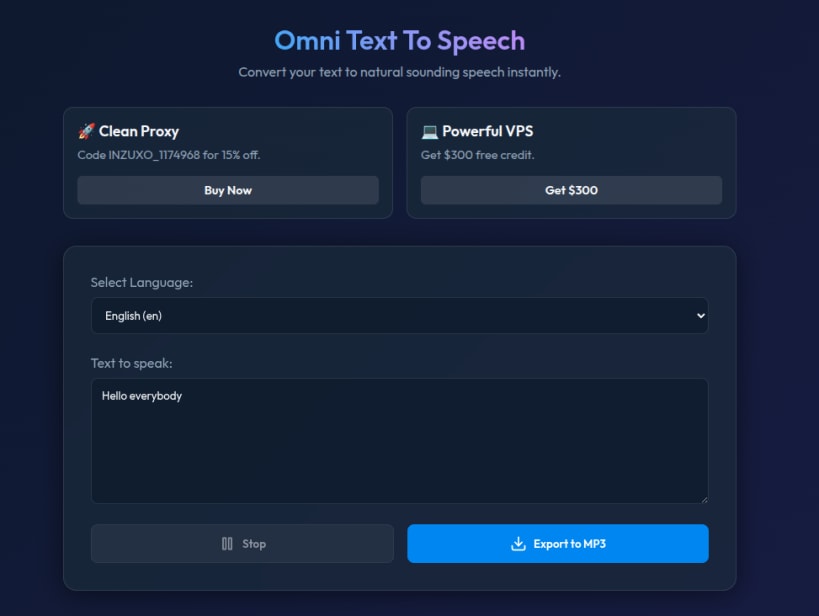
Instant Text-to-Speech: Type or paste your text into the main text box and hear it spoken aloud instantly with high-quality voices.
Language Selection: Features a simple dropdown menu to choose your desired language and regional accent (e.g., English - en).
MP3 Export: Easily save your generated audio by clicking the "Export to MP3" button, making it perfect for creating voiceovers, podcasts, or audio-notes.
Intuitive Dark Theme: The application boasts a modern, distraction-free dark interface that is gentle on the eyes and extremely easy to navigate.
Playback Controls: Includes a convenient "Stop" button to halt the audio playback at any time.
Whether you are creating content, studying, or just need a reliable tool to read text aloud, Omni Text To Speech delivers a seamless experience directly from your Linux desktop.
Thank you for your report. Information you provided will help us investigate further.
There was an error while sending your report. Please try again later.
Snaps are applications packaged with all their dependencies to run on all popular Linux distributions from a single build. They update automatically and roll back gracefully.
Snaps are discoverable and installable from the Snap Store, an app store with an audience of millions.
If you’re running Kubuntu 16.04 LTS (Xenial Xerus) or later, including Kubuntu 18.04 LTS (Bionic Beaver) and Kubuntu 18.10 (Cosmic Cuttlefish), you don’t need to do anything. Snap is already installed and ready to go.
Versions of Kubuntu between 14.04 LTS (Trusty Tahr) and 15.10 (Wily Werewolf) don’t include snap by default, but snap can be installed from the command line as follows:
sudo apt update
sudo apt install snapd
To install Omni Text To Speech, simply use the following command:
sudo snap install text-to-speech
Browse and find snaps from the convenience of your desktop using the snap store snap.

Interested to find out more about snaps? Want to publish your own application? Visit snapcraft.io now.