
Install latest/stable of Omni Text To Speech
Ubuntu 16.04 or later?
Make sure snap support is enabled in your Desktop store.
Install using the command line
sudo snap install text-to-speechDon't have snapd? Get set up for snaps.
Thank you for your report. Information you provided will help us investigate further.
There was an error while sending your report. Please try again later.
Generate an embeddable card to be shared on external websites.
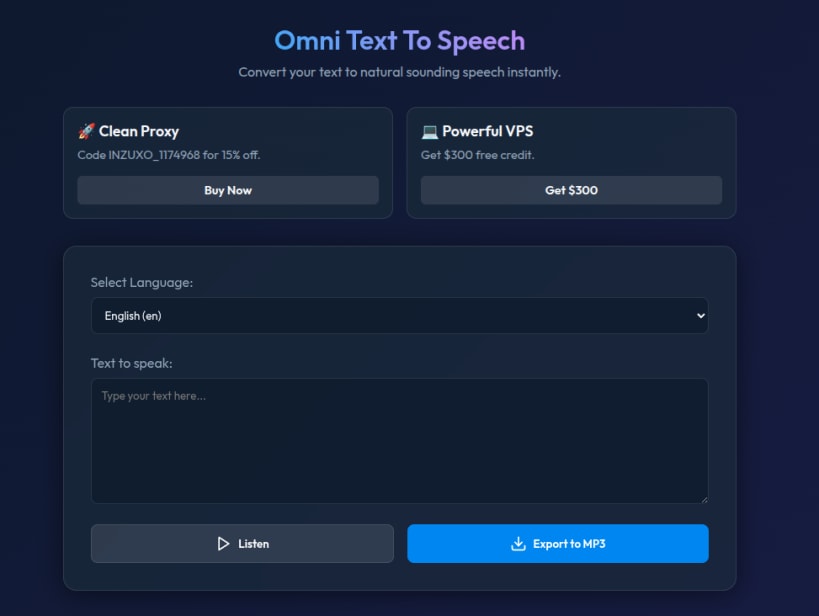
Omni Text To Speech is a straightforward and free Text-to-Speech (TTS) utility designed for Linux users. Its primary goal is to provide an instant, hassle-free way to transform written text into natural-sounding voice audio.
Key Features:
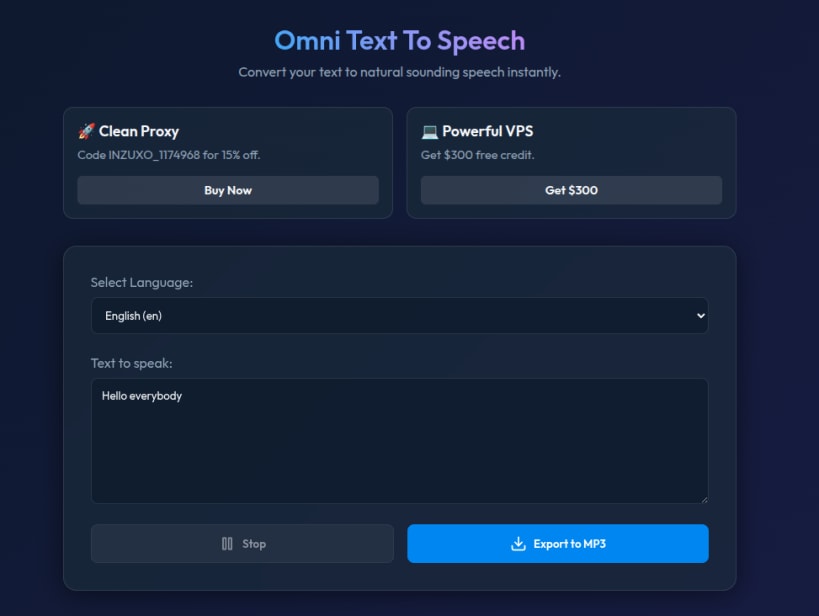
Instant Text-to-Speech: Type or paste your text into the main text box and hear it spoken aloud instantly with high-quality voices.
Language Selection: Features a simple dropdown menu to choose your desired language and regional accent (e.g., English - en).
MP3 Export: Easily save your generated audio by clicking the "Export to MP3" button, making it perfect for creating voiceovers, podcasts, or audio-notes.
Intuitive Dark Theme: The application boasts a modern, distraction-free dark interface that is gentle on the eyes and extremely easy to navigate.
Playback Controls: Includes a convenient "Stop" button to halt the audio playback at any time.
Whether you are creating content, studying, or just need a reliable tool to read text aloud, Omni Text To Speech delivers a seamless experience directly from your Linux desktop.
| Revision | Channel | Version | Build | Commit |
|---|
The build and commit information is derived from build infrastructure records.
Choose your Linux distribution to get detailed installation instructions. If yours is not shown, get more details on the installing snapd documentation.












