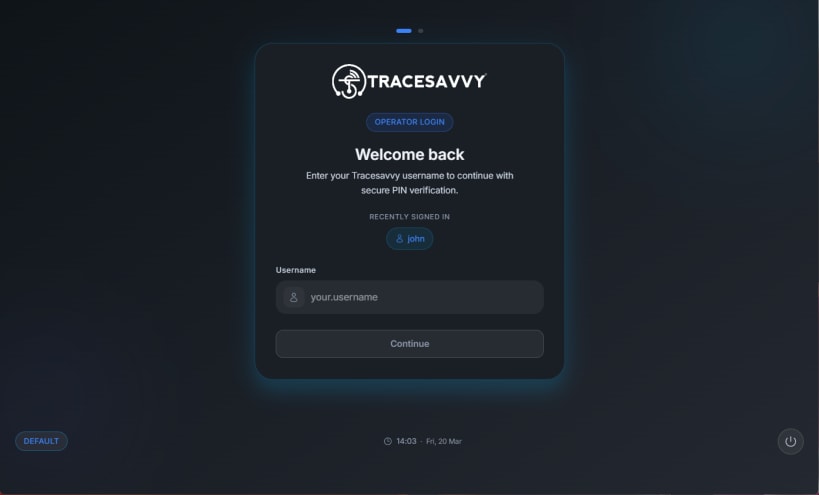
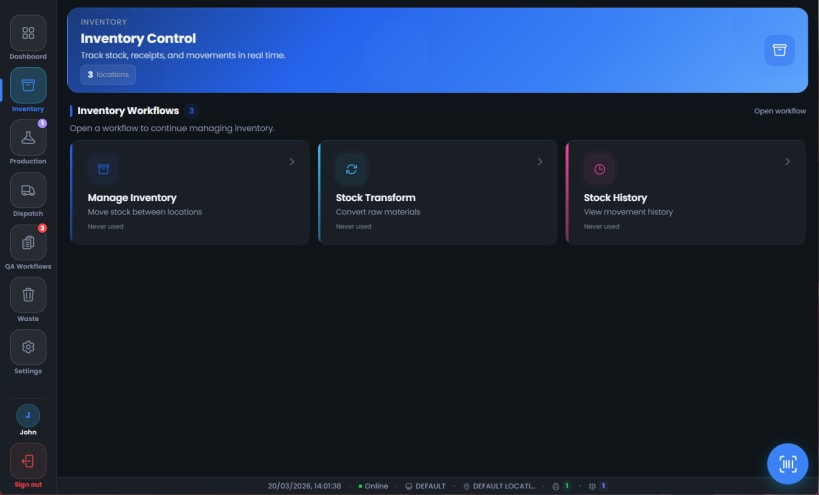

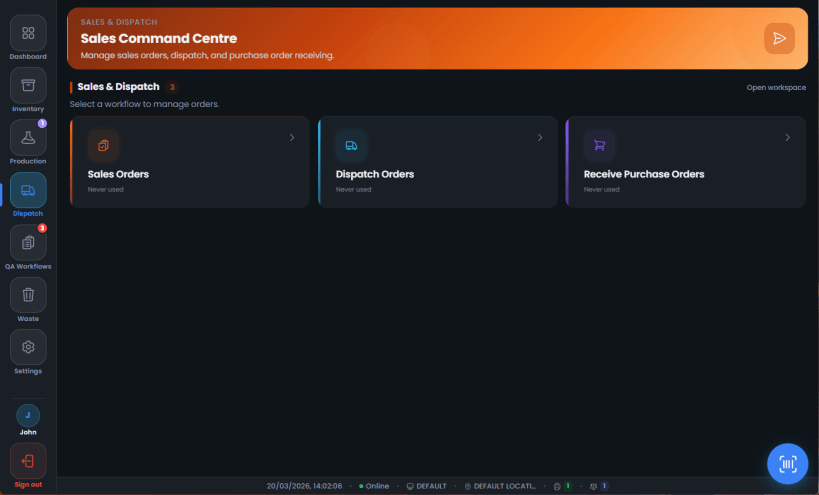
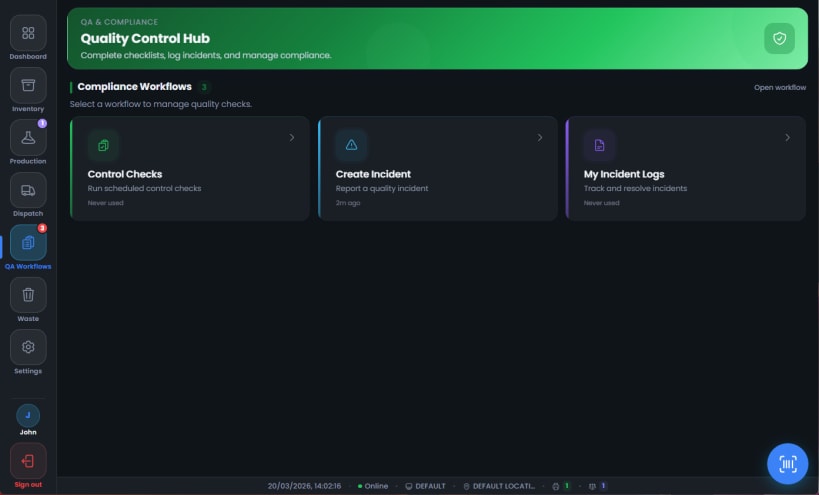
Turn any workstation into a Tracesavvy production terminal. This companion app connects your on‑site hardware—USB weighing scales and network label printers—to the Tracesavvy platform for real‑time, paperless traceability.
The app runs quietly in the background and bridges communication between physical devices and the Tracesavvy web interface. Weight readings from USB serial scales are streamed live, and label print commands are sent directly to your network printers without extra drivers or middleware.
A built‑in kiosk mode launches a dedicated full‑screen terminal for the shop floor. Operators get a focused, distraction‑free interface for production, dispatch, inventory, and quality control tasks, keeping records audit‑ready with zero paperwork when used with Tracesavvy.
Designed for food manufacturers, bakeries, and production facilities using Tracesavvy. Sign in with your Tracesavvy account, connect your USB scale(s), add your network label printer(s) by IP, start the service, and you’re ready to run.
Requirements: an active Tracesavvy account, compatible USB serial weighing scales, and network label printers available on your LAN. Learn more at tracesavvy.co.uk.
You are about to open
Do you wish to proceed?
Thank you for your report. Information you provided will help us investigate further.
There was an error while sending your report. Please try again later.
Snaps are applications packaged with all their dependencies to run on all popular Linux distributions from a single build. They update automatically and roll back gracefully.
Snaps are discoverable and installable from the Snap Store, an app store with an audience of millions.
Snap can be installed on Fedora from the command line:
sudo dnf install snapd
Either log out and back in again, or restart your system, to ensure snap’s paths are updated correctly.
To enable classic snap support, enter the following to create a symbolic link between /var/lib/snapd/snap and /snap:
sudo ln -s /var/lib/snapd/snap /snap
To install Tracesavvy, simply use the following command:
sudo snap install tracesavvy-bridge
Browse and find snaps from the convenience of your desktop using the snap store snap.

Interested to find out more about snaps? Want to publish your own application? Visit snapcraft.io now.