

Tracesavvy (tracesavvy-bridge)
Contact us about Snaps and IoT ›
Install latest/stable of Tracesavvy
Ubuntu 16.04 or later?
Make sure snap support is enabled in your Desktop store.
Install using the command line
sudo snap install tracesavvy-bridgeDon't have snapd? Get set up for snaps.

Details for Tracesavvy
Package name
- tracesavvy-bridge
License
- Proprietary
Last updated
- 29 June 2026 - latest/stable
Websites
External link warning
You are about to open
Do you wish to proceed?
Report a Snap Store violation
Report Tracesavvy for a Snap Store violation
Snap Store Violation Report submitted successfully
Thank you for your report. Information you provided will help us investigate further.
Error submitting report
There was an error while sending your report. Please try again later.
Share this snap
Generate an embeddable card to be shared on external websites.
Paperless Traceability for Manufacturers
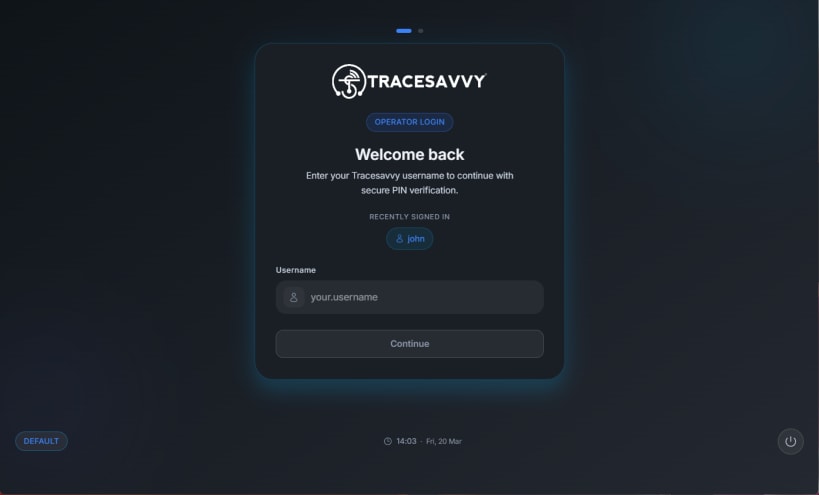
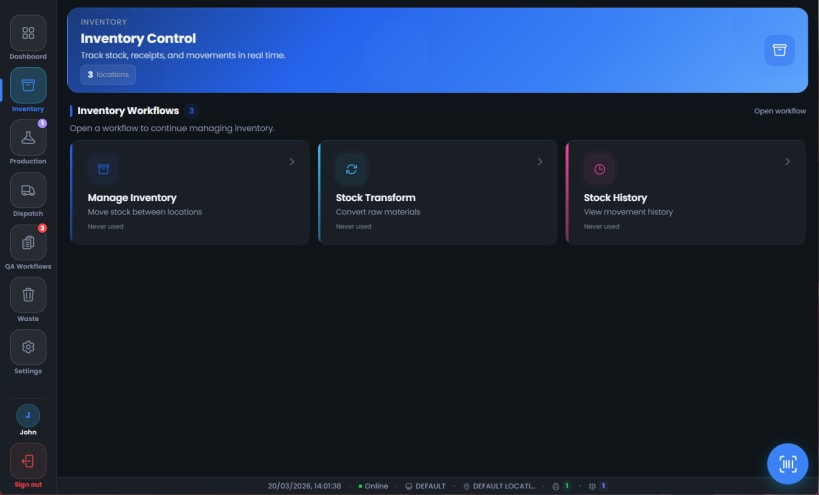
Turn any workstation into a Tracesavvy production terminal. This companion app connects your on‑site hardware—USB weighing scales and network label printers—to the Tracesavvy platform for real‑time, paperless traceability.
The app runs quietly in the background and bridges communication between physical devices and the Tracesavvy web interface. Weight readings from USB serial scales are streamed live, and label print commands are sent directly to your network printers without extra drivers or middleware.
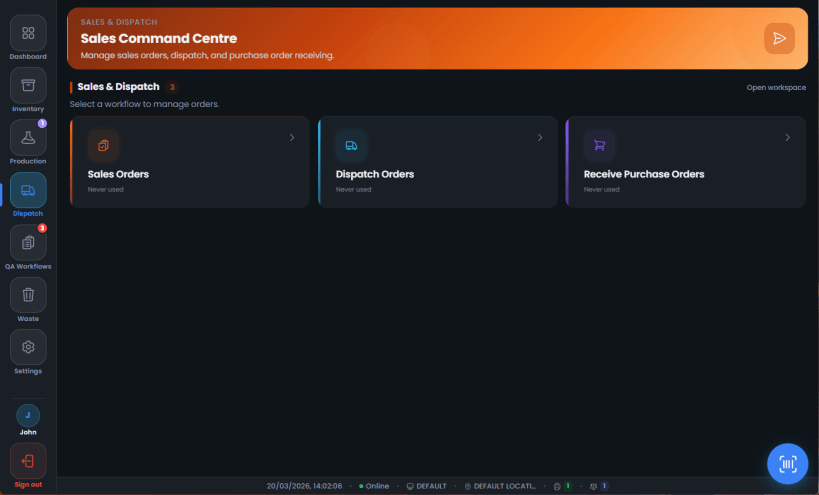
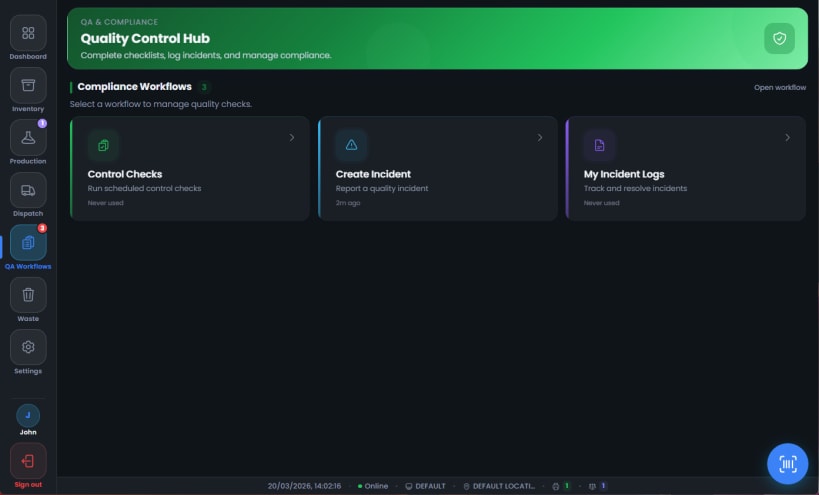
A built‑in kiosk mode launches a dedicated full‑screen terminal for the shop floor. Operators get a focused, distraction‑free interface for production, dispatch, inventory, and quality control tasks, keeping records audit‑ready with zero paperwork when used with Tracesavvy.
Designed for food manufacturers, bakeries, and production facilities using Tracesavvy. Sign in with your Tracesavvy account, connect your USB scale(s), add your network label printer(s) by IP, start the service, and you’re ready to run.
Requirements: an active Tracesavvy account, compatible USB serial weighing scales, and network label printers available on your LAN. Learn more at tracesavvy.co.uk.
| Revision | Channel | Version | Build | Commit | Download SBOM |
|---|
The build and commit information is derived from build infrastructure records.
Install Tracesavvy on your Linux distribution
Choose your Linux distribution to get detailed installation instructions. If yours is not shown, get more details on the installing snapd documentation.












