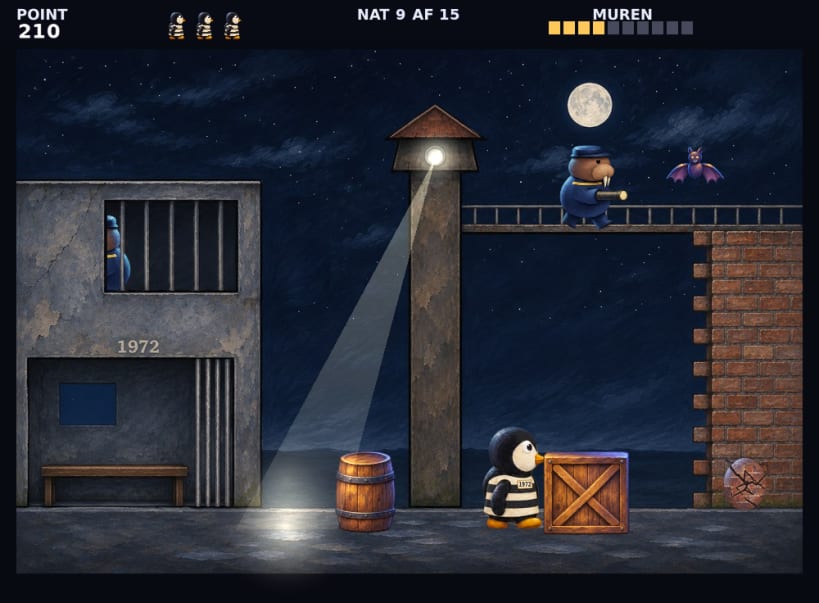
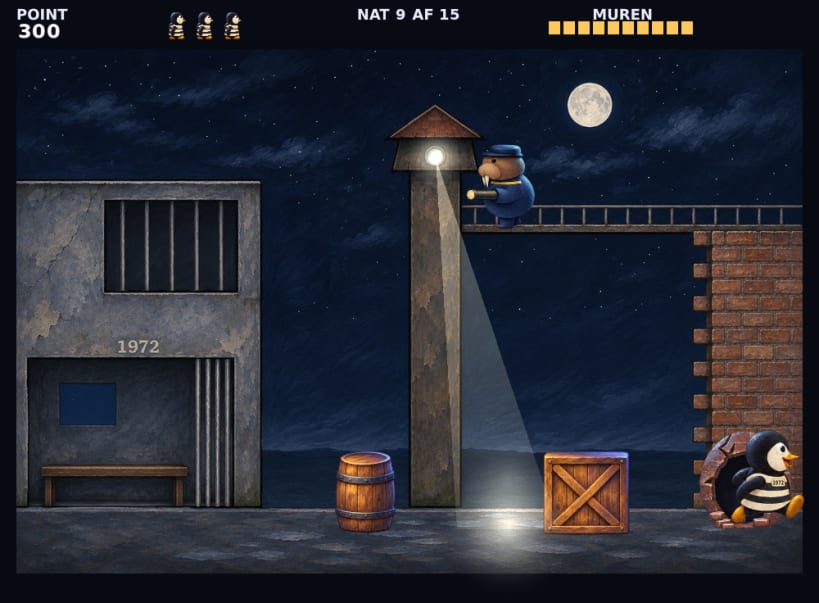
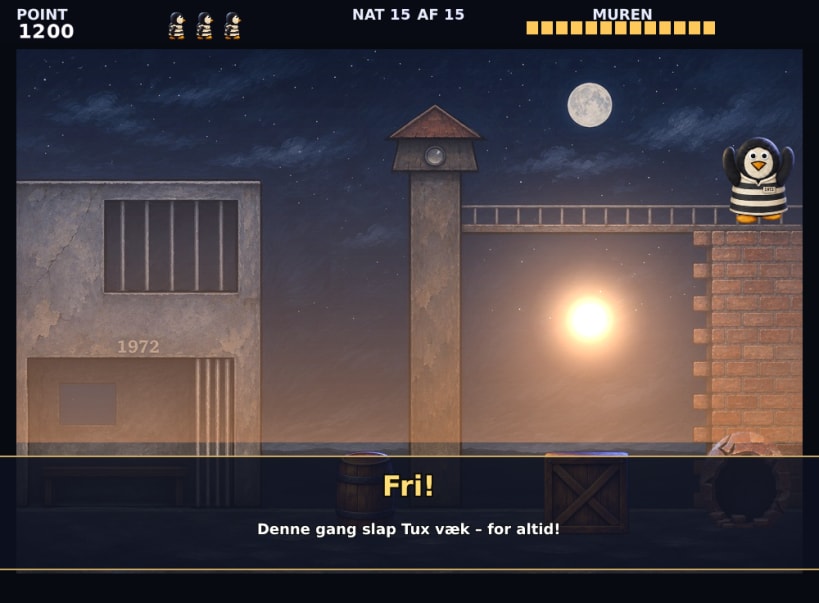
Tux is prisoner no. 1972, and he wants out. Every night he sneaks out of his cell, across the yard and over to the high wall, where he hacks a hole with his pickaxe – one step and one blow at a time.
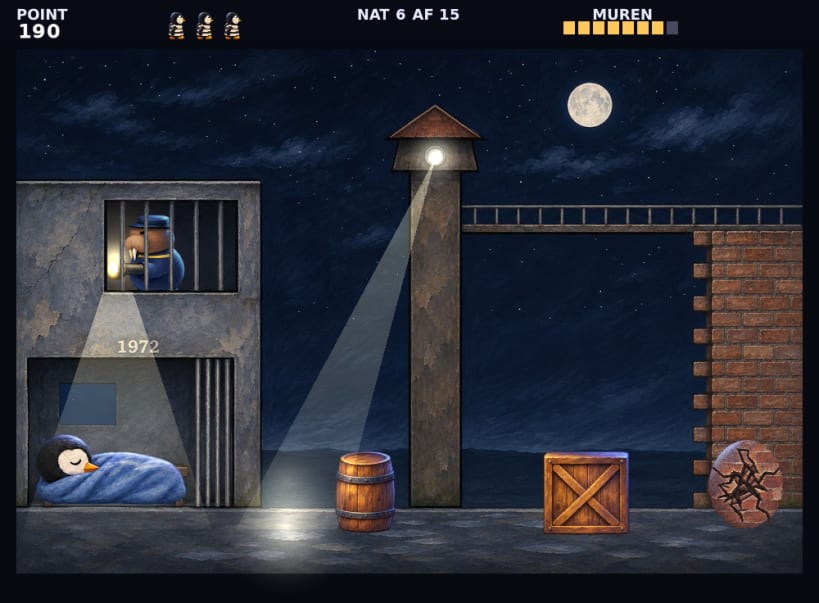
Everything moves to a steady beat on one painted screen. Hide behind the barrel and the crate when the searchlight comes, be back in your bunk when the night guard looks in through the window, and step away from the wall when the guard on top looks down. 15 nights, each a little faster, and only on the last night does Tux get away for good.
Available in 32 languages. The game follows the language of your system, and L changes the language on the title screen.
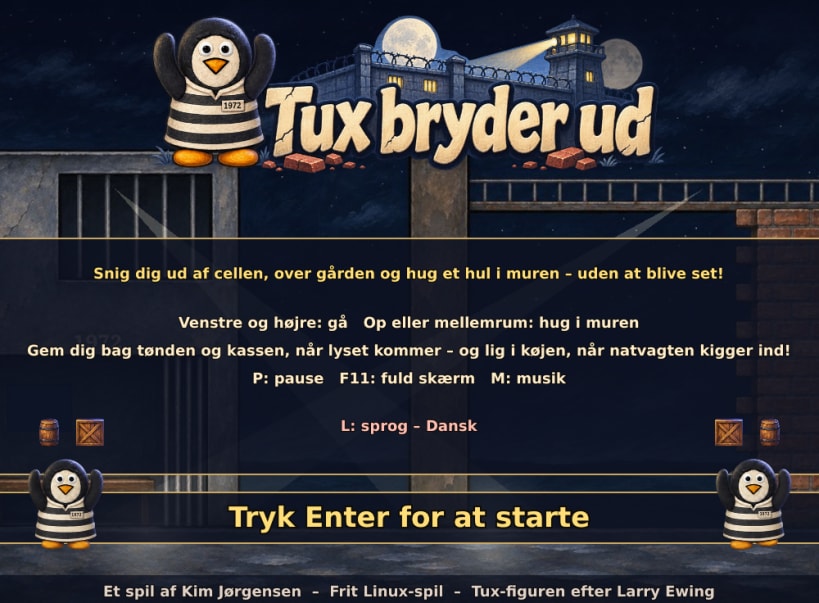
Tux sidder i fængsel og vil ud. Snig ham forbi lyskasteren og vagterne, og hug et hul i muren. Spillet er på dansk og 31 andre sprog.
Keys: left and right move Tux, up, X or space hacks at the wall. P pauses, M turns the music off, F11 gives full screen. A gamepad also works.
You are about to open
Do you wish to proceed?
Thank you for your report. Information you provided will help us investigate further.
There was an error while sending your report. Please try again later.
Snaps are applications packaged with all their dependencies to run on all popular Linux distributions from a single build. They update automatically and roll back gracefully.
Snaps are discoverable and installable from the Snap Store, an app store with an audience of millions.
On Debian 9 (Stretch) and newer, snap can be installed directly from the command line:
sudo apt update
sudo apt install snapd
After this, install the snapd snap in order to get the latest snapd:
sudo snap install snapd
To install Tux bryder ud, simply use the following command:
sudo snap install tux-bryder-ud
Browse and find snaps from the convenience of your desktop using the snap store snap.
Interested to find out more about snaps? Want to publish your own application? Visit snapcraft.io now.