

Tux bryder ud
Install latest/stable of Tux bryder ud
Ubuntu 16.04 or later?
Make sure snap support is enabled in your Desktop store.
Install using the command line
sudo snap install tux-bryder-udDon't have snapd? Get set up for snaps.
Details for Tux bryder ud
Package name
- tux-bryder-ud
License
- MIT
Last updated
- Today - latest/stable
Websites
Contact
External link warning
You are about to open
Do you wish to proceed?
Report a Snap Store violation
Report Tux bryder ud for a Snap Store violation
Snap Store Violation Report submitted successfully
Thank you for your report. Information you provided will help us investigate further.
Error submitting report
There was an error while sending your report. Please try again later.
Share this snap
Generate an embeddable card to be shared on external websites.
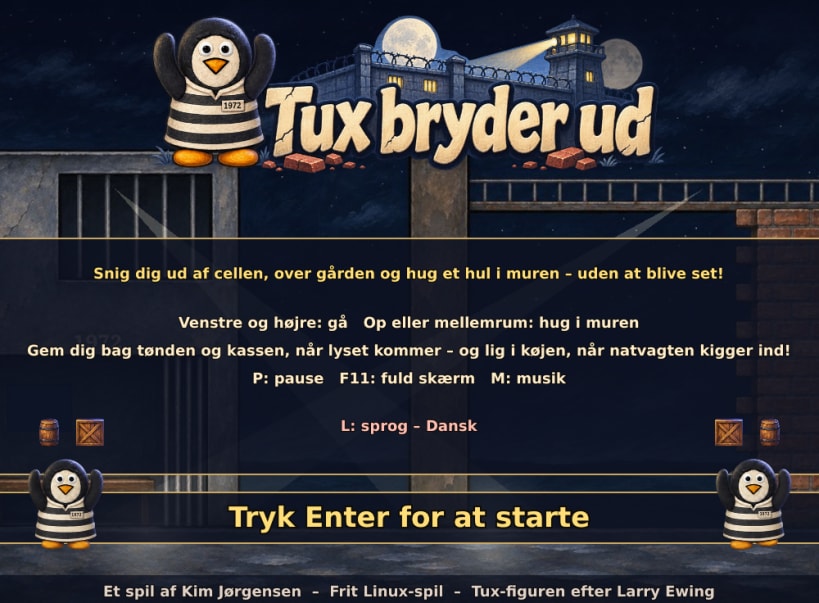
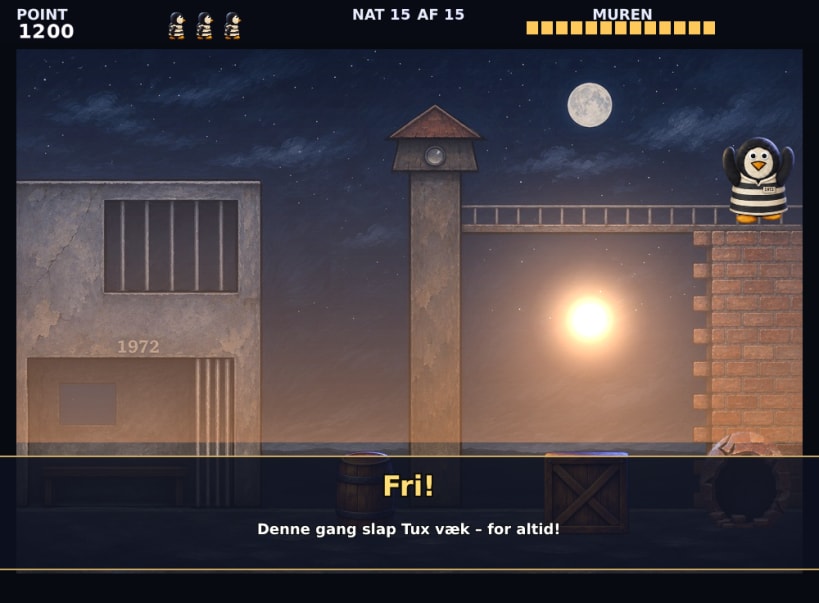
A prison escape game – sneak Tux past the searchlight and guards
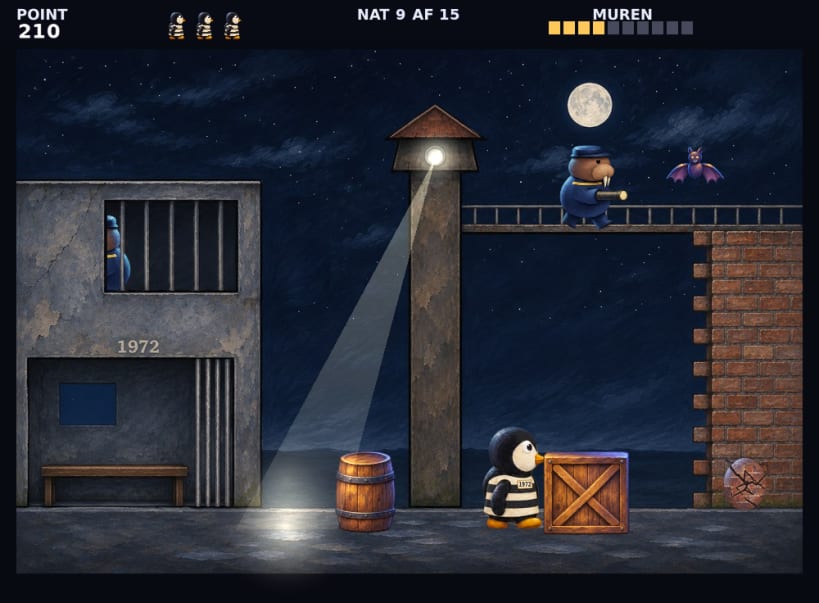
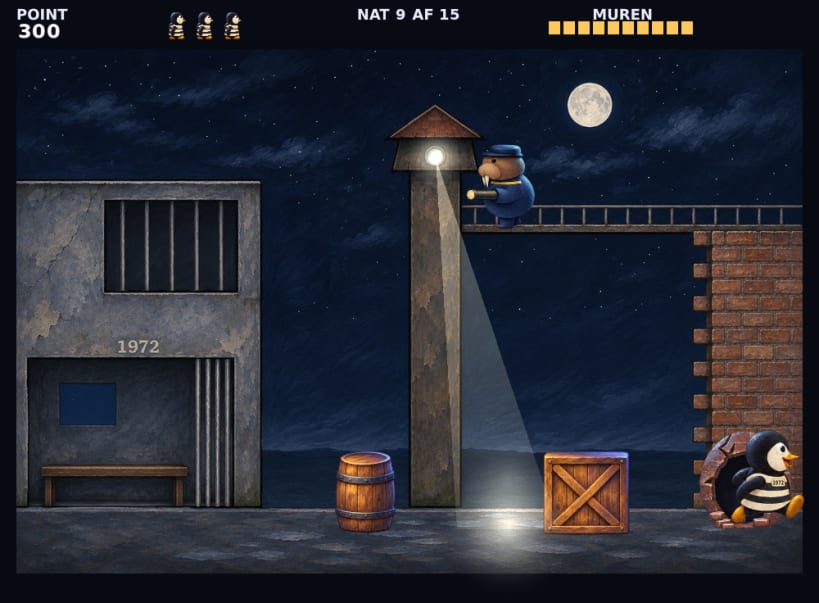
Tux is prisoner no. 1972, and he wants out. Every night he sneaks out of his cell, across the yard and over to the high wall, where he hacks a hole with his pickaxe – one step and one blow at a time.
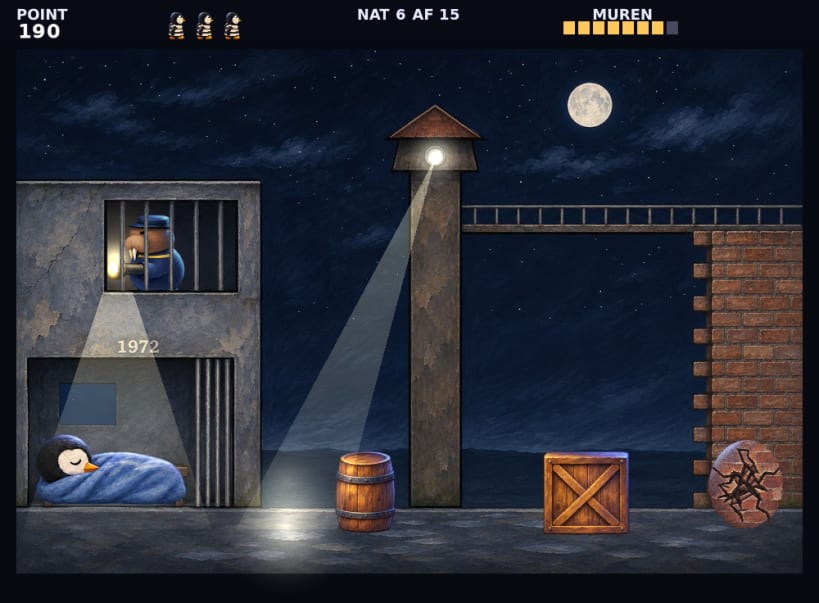
Everything moves to a steady beat on one painted screen. Hide behind the barrel and the crate when the searchlight comes, be back in your bunk when the night guard looks in through the window, and step away from the wall when the guard on top looks down. 15 nights, each a little faster, and only on the last night does Tux get away for good.
Available in 32 languages. The game follows the language of your system, and L changes the language on the title screen.
Tux sidder i fængsel og vil ud. Snig ham forbi lyskasteren og vagterne, og hug et hul i muren. Spillet er på dansk og 31 andre sprog.
Keys: left and right move Tux, up, X or space hacks at the wall. P pauses, M turns the music off, F11 gives full screen. A gamepad also works.
| Revision | Channel | Version | Build | Commit | Download SBOM |
|---|
The build and commit information is derived from build infrastructure records.
Install Tux bryder ud on your Linux distribution
Choose your Linux distribution to get detailed installation instructions. If yours is not shown, get more details on the installing snapd documentation.


