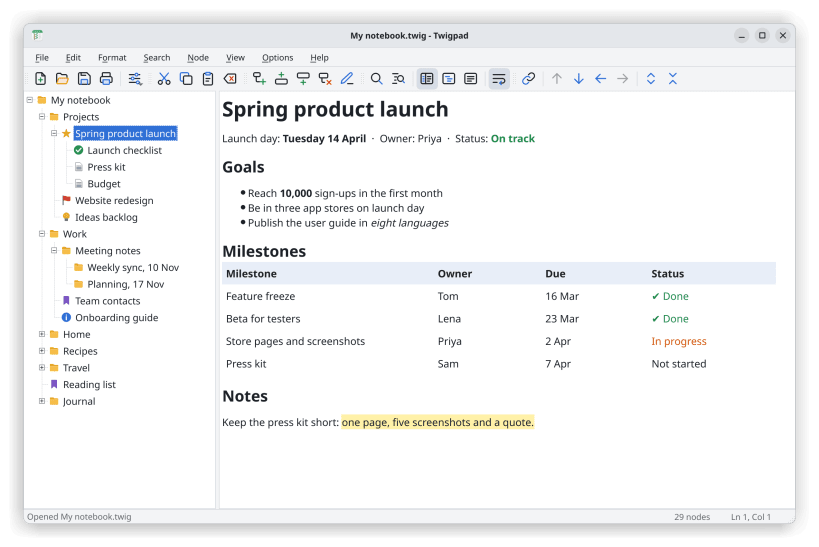
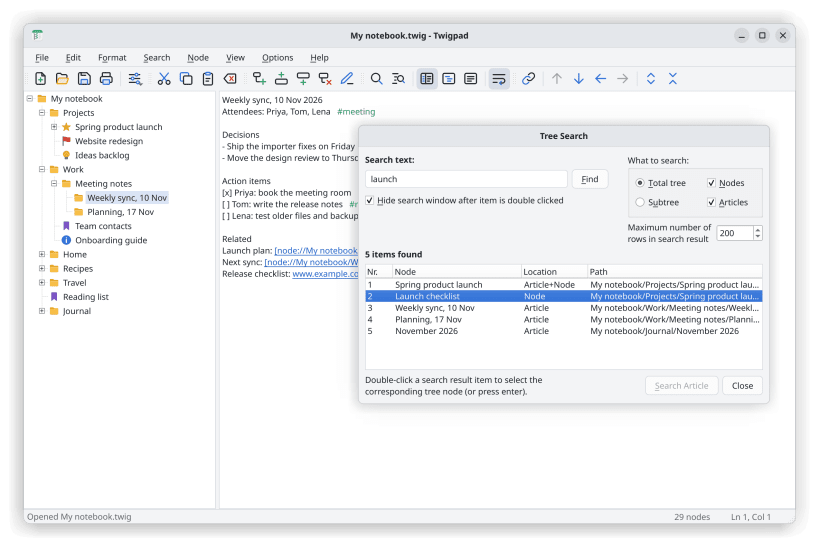
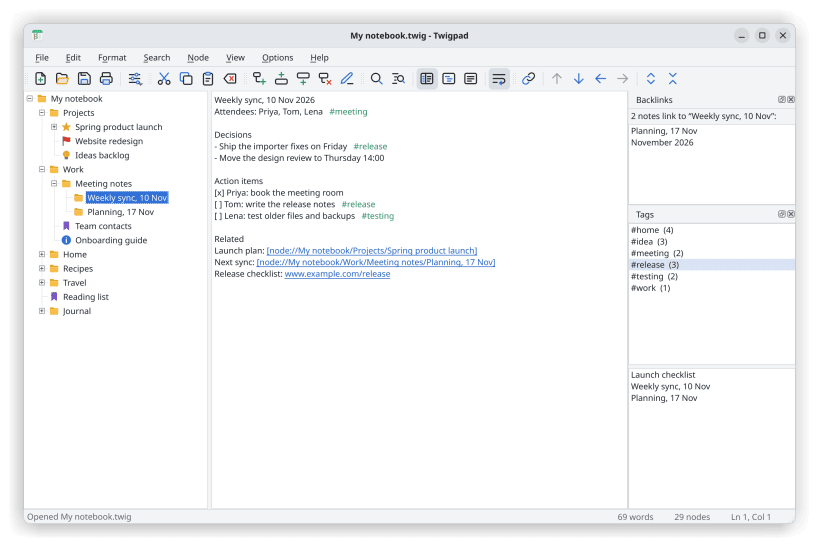
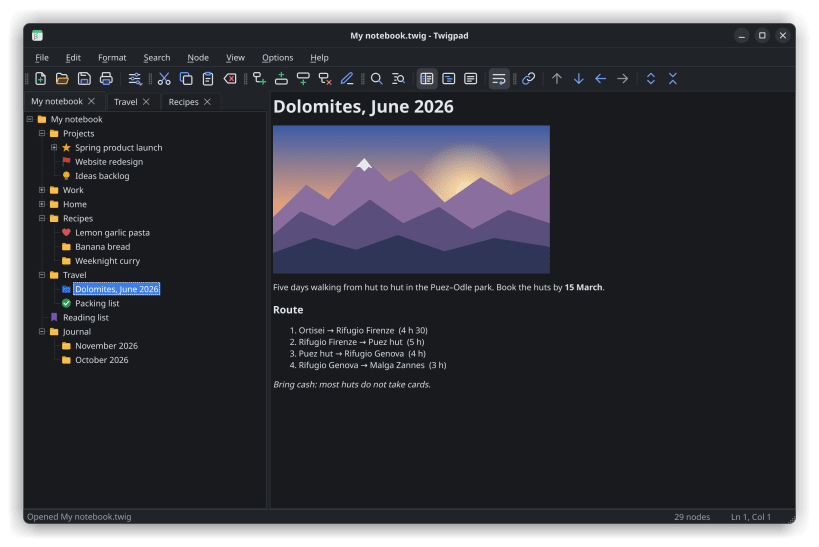
Twigpad is a fast, free tree notes editor and outliner for Linux. Your notes sit in a tree on the left and the text of the selected note on the right: the classic two-pane notepad layout. Nest notes as deep as you like, move whole branches around and search everything at once. It works offline, needs no account and keeps a whole notebook in one file.
Coming from TreePad Lite? Twigpad opens and saves .hjt files directly, with no Wine and no converting. Your tree, titles, text and links between notes come across as they are, the familiar keys work (Ins, Shift+Ins, Shift+arrows, F2, Ctrl+H), and the files you save still open on Windows. Backup copies, zipped backups and damaged .hjt files open too.
What you get
Use it for a personal knowledge base or wiki, meeting and project notes, research and writing outlines, a journal, recipes, code snippets, or as a personal information manager.
USB drives: to open notes on USB sticks and other drives, run once: sudo snap connect twigpad:removable-media
Twigpad is free software (GPL-3.0-or-later). It is an independent project and is not affiliated with TreePad or its makers.
You are about to open
Do you wish to proceed?
Thank you for your report. Information you provided will help us investigate further.
There was an error while sending your report. Please try again later.
Snaps are applications packaged with all their dependencies to run on all popular Linux distributions from a single build. They update automatically and roll back gracefully.
Snaps are discoverable and installable from the Snap Store, an app store with an audience of millions.
If you’re running Kubuntu 16.04 LTS (Xenial Xerus) or later, including Kubuntu 18.04 LTS (Bionic Beaver) and Kubuntu 18.10 (Cosmic Cuttlefish), you don’t need to do anything. Snap is already installed and ready to go.
Versions of Kubuntu between 14.04 LTS (Trusty Tahr) and 15.10 (Wily Werewolf) don’t include snap by default, but snap can be installed from the command line as follows:
sudo apt update
sudo apt install snapd
To install Twigpad, simply use the following command:
sudo snap install twigpad
Browse and find snaps from the convenience of your desktop using the snap store snap.
Interested to find out more about snaps? Want to publish your own application? Visit snapcraft.io now.