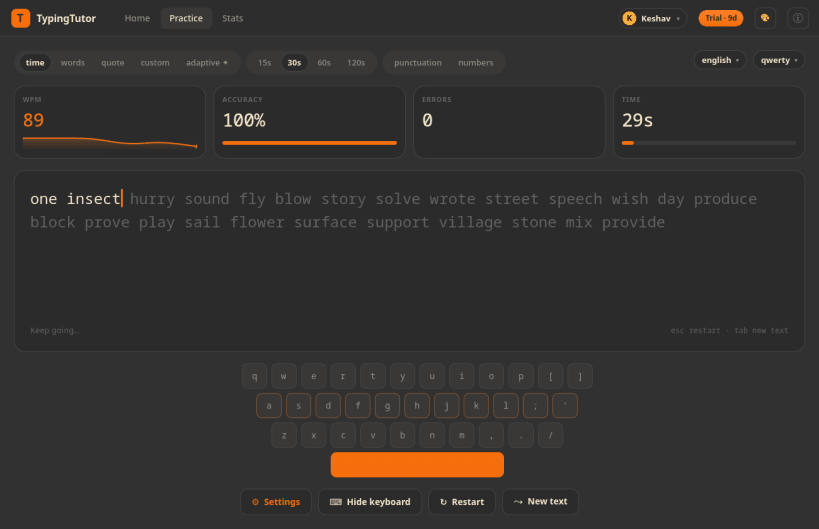
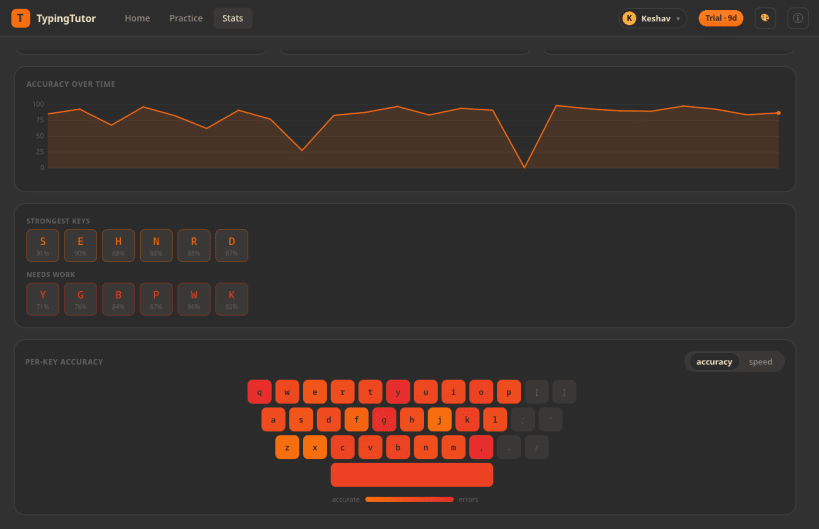
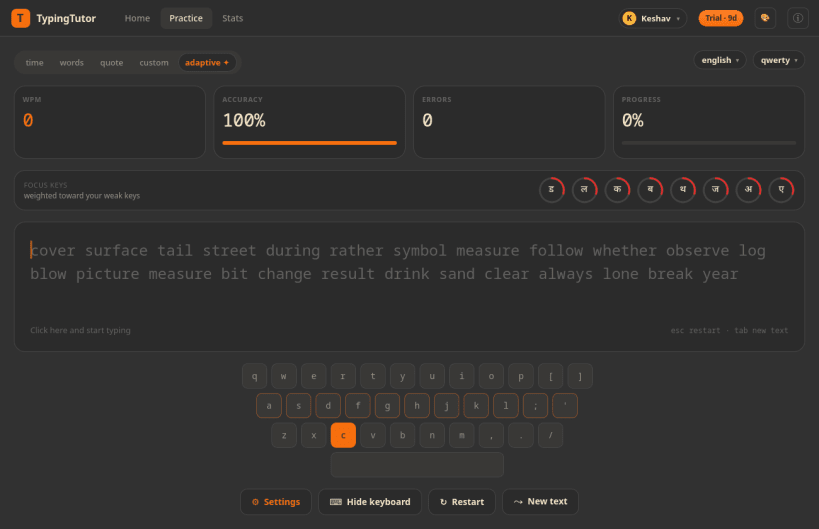
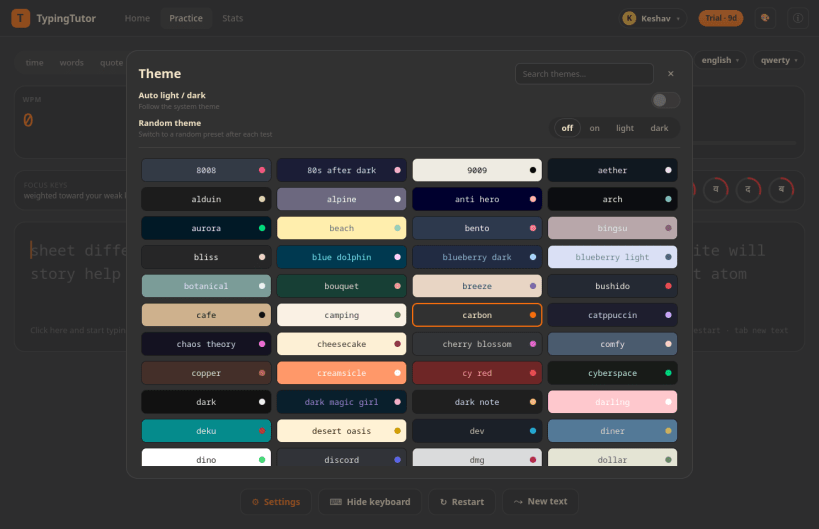
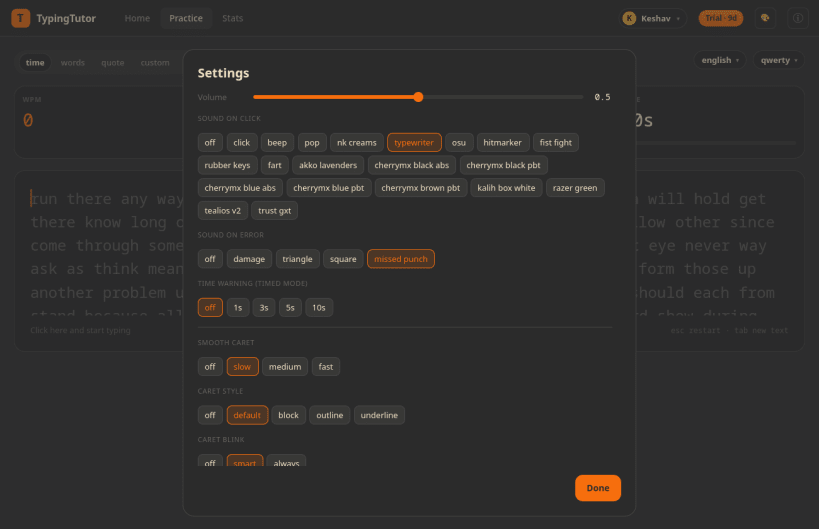
TypingTutor is a touch typing tutor and typing speed test for the Linux desktop. Learn touch typing from scratch, or train an existing skill with adaptive drills that target your weakest keys, and watch your words per minute (WPM) and accuracy climb.
Practise in words, timed, quote and custom text modes across 265 languages and 200 keyboard layouts, then see exactly where your fingers slow down. Think of it as an offline typing trainer in the spirit of Monkeytype and keybr: no account, no browser, no distractions.
You are about to open
Do you wish to proceed?
Thank you for your report. Information you provided will help us investigate further.
There was an error while sending your report. Please try again later.
Snaps are applications packaged with all their dependencies to run on all popular Linux distributions from a single build. They update automatically and roll back gracefully.
Snaps are discoverable and installable from the Snap Store, an app store with an audience of millions.
Snap can be installed on elementary OS from the command line. Open Terminal from the Applications launcher and type the following:
sudo apt update
sudo apt install snapd
Either log out and back in again, or restart your system, to ensure snap’s paths are updated correctly.
To install TypingTutor - Typing Tutor for Linux, simply use the following command:
sudo snap install typingtutor
Browse and find snaps from the convenience of your desktop using the snap store snap.

Interested to find out more about snaps? Want to publish your own application? Visit snapcraft.io now.