


Install latest/stable of TypingTutor - Typing Tutor for Linux
Ubuntu 16.04 or later?
Make sure snap support is enabled in your Desktop store.
Install using the command line
sudo snap install typingtutorDon't have snapd? Get set up for snaps.
Details for TypingTutor - Typing Tutor for Linux
Package name
- typingtutor
License
- Proprietary
Last updated
- 30 September 2026 - latest/stable
- 30 September 2026 - latest/edge
Websites
Contact
Donations
Source code
Report a bug
External link warning
You are about to open
Do you wish to proceed?
Report a Snap Store violation
Report TypingTutor - Typing Tutor for Linux for a Snap Store violation
Snap Store Violation Report submitted successfully
Thank you for your report. Information you provided will help us investigate further.
Error submitting report
There was an error while sending your report. Please try again later.
Share this snap
Generate an embeddable card to be shared on external websites.
Typing Practice, Tests & Typing Tutor Software for Linux
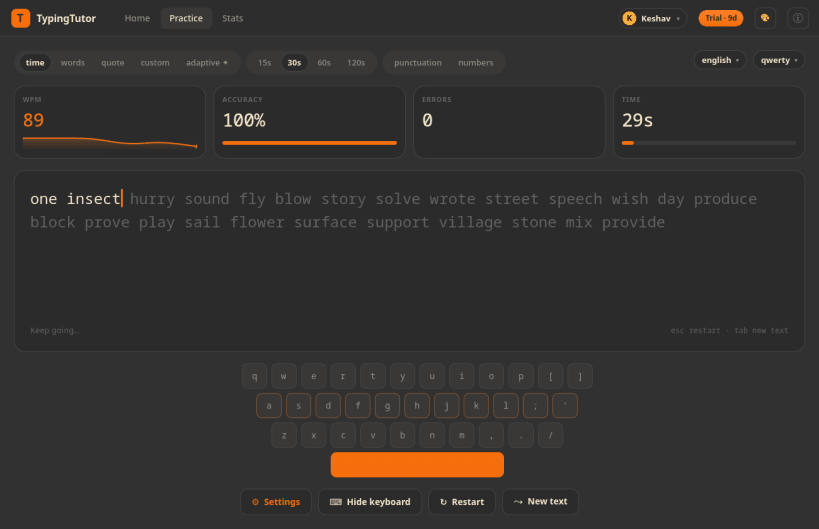
TypingTutor is a touch typing tutor and typing speed test for the Linux desktop. Learn touch typing from scratch, or train an existing skill with adaptive drills that target your weakest keys, and watch your words per minute (WPM) and accuracy climb.
Practise in words, timed, quote and custom text modes across 265 languages and 200 keyboard layouts, then see exactly where your fingers slow down. Think of it as an offline typing trainer in the spirit of Monkeytype and keybr: no account, no browser, no distractions.
- Typing test modes: words, timed, quote and custom text
- Live WPM and accuracy with a smooth animated caret
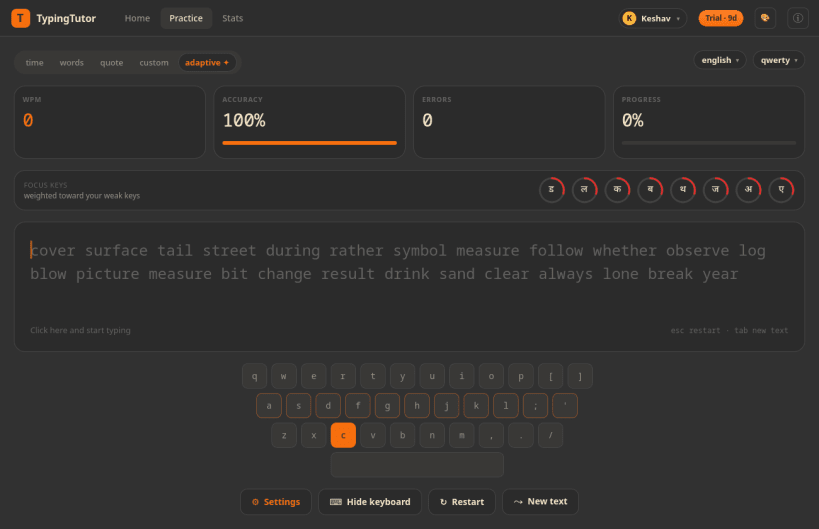
- Adaptive weak-key drills: lessons that retrain your slowest and least accurate keys
- Finger guidance: colour-coded finger zones and next-key hints on the on-screen keyboard
- 265 languages and 200 keyboard layouts, including Hindi, Arabic and other complex scripts
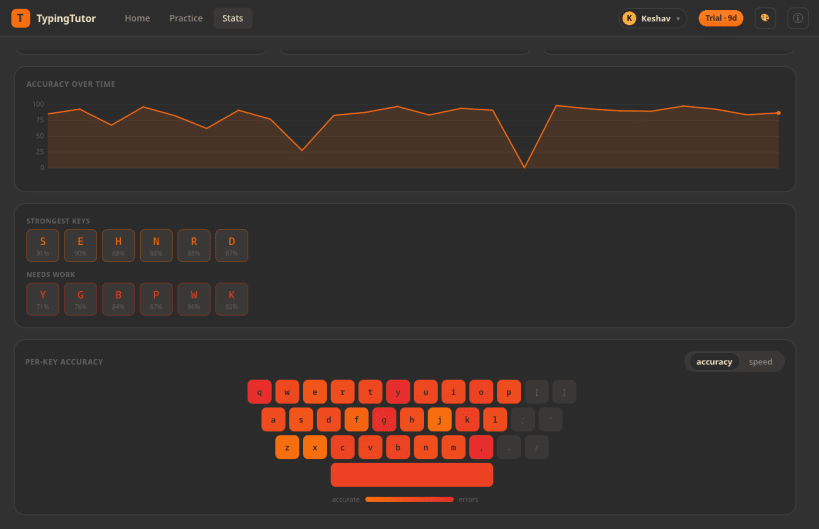
- Per-key heatmap that highlights your weakest keys
- Speed and accuracy history graphs to track your progress
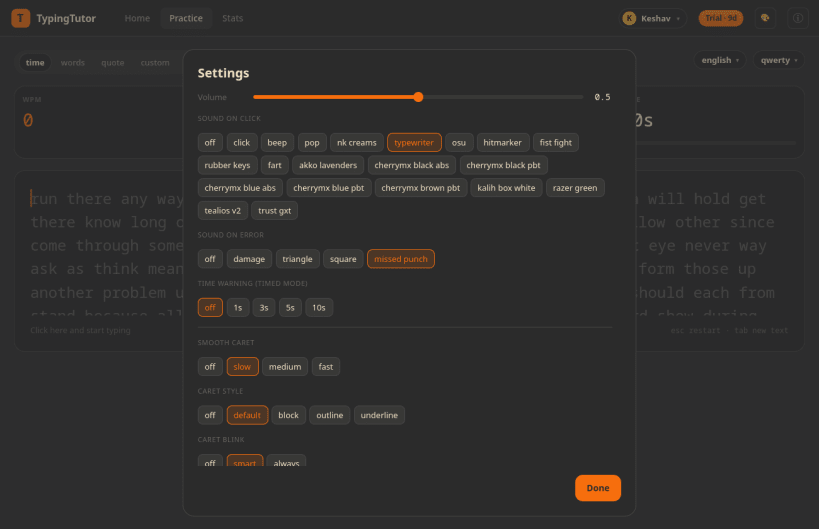
- Crisp, low-latency key-press sounds you can turn on or off
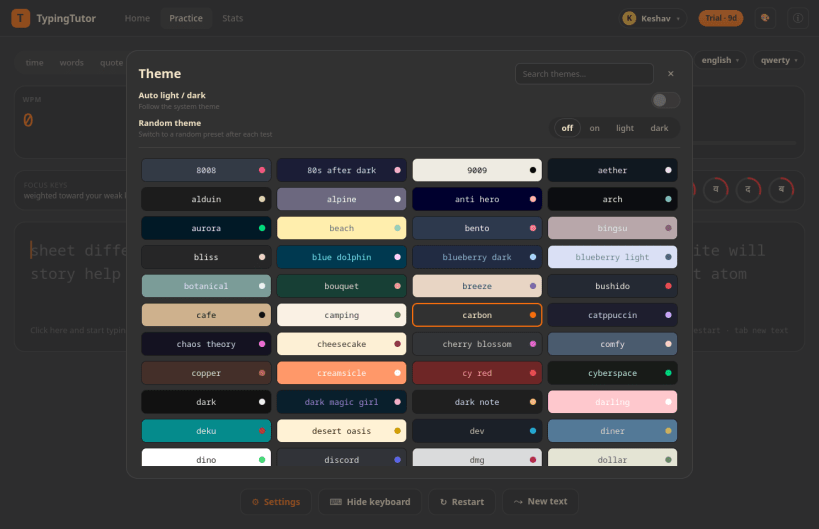
- 189 colour themes (including Ubuntu Yaru) with automatic and random switching
- Distraction-free focus mode that fades the interface while you type
- Multiple user profiles and advanced analytics with CSV export
- Interface in English, German, Spanish, French, Italian and Brazilian Portuguese
| Revision | Channel | Version | Build | Commit | Download SBOM |
|---|
The build and commit information is derived from build infrastructure records.
Install TypingTutor - Typing Tutor for Linux on your Linux distribution
Choose your Linux distribution to get detailed installation instructions. If yours is not shown, get more details on the installing snapd documentation.












