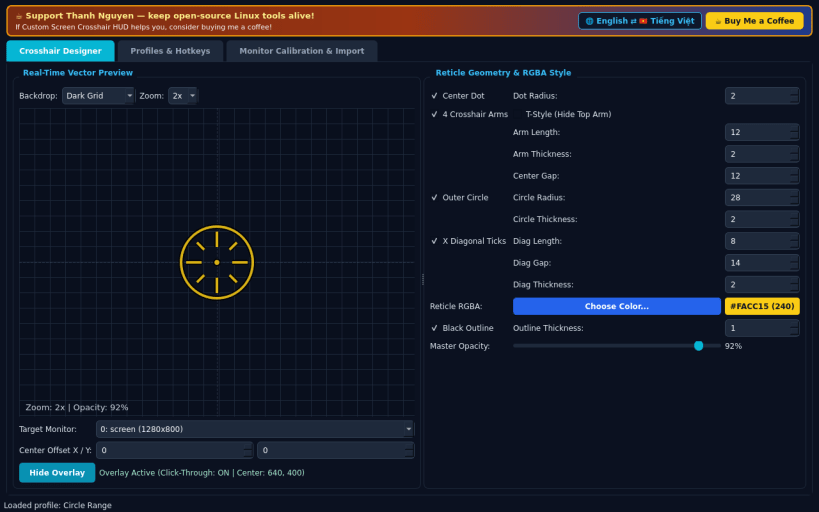
An independent open-source Linux vector crosshair overlay and reticle designer, alternative to custom screen crosshair tools. Not affiliated with or endorsed by any third-party game or overlay vendor.
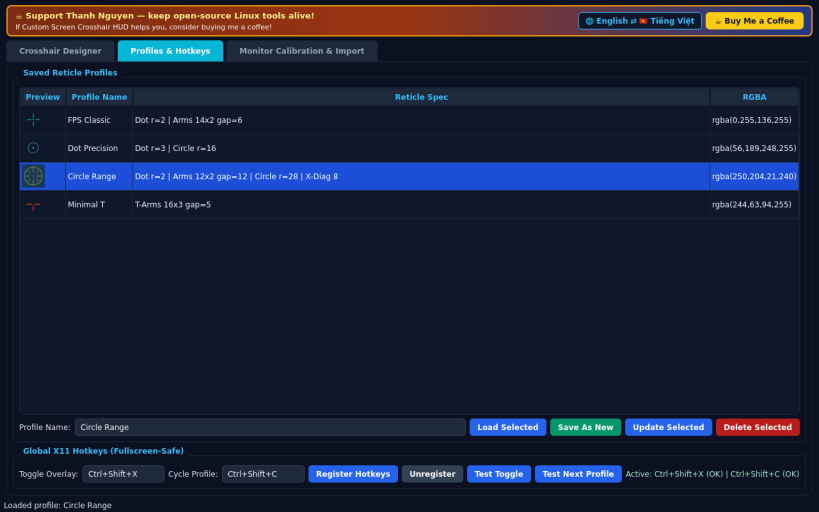
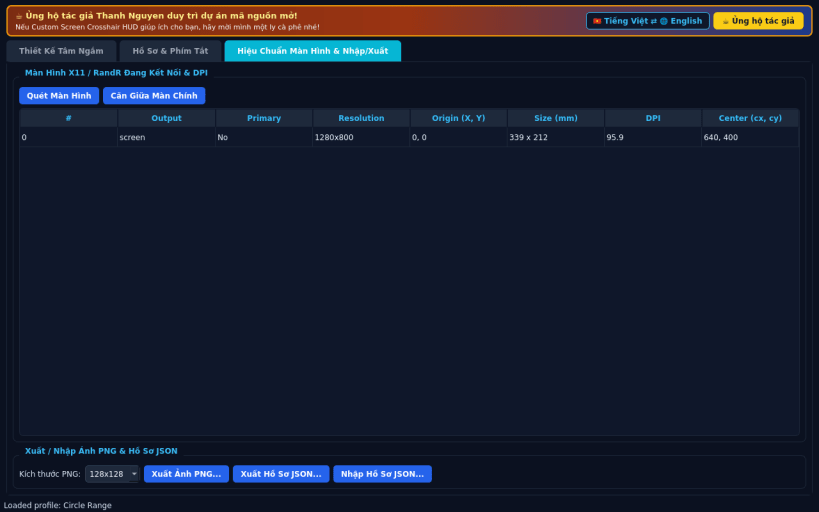
FEATURES • Precision Vector Crosshair Designer: customize center dot, 4 crosshair arms, length, thickness, center gap, T-style top toggle, outer circle, diagonal X ticks, RGBA color, dark outline, and master opacity with zoomed preview. • Fullscreen-Safe Click-Through X11 Overlay: choose target monitor via RandR, fine-tune X/Y pixel offsets, and display an Always-on-Top translucent click-through reticle centered on screen. • Profiles, Global X11 Hotkeys & Export: switch between saved presets using global X11 shortcuts, inspect monitor DPI/resolutions, and export PNG/JSON. • Bilingual Interface: defaults to English with instant Vietnamese toggle.
SUPPORT & DONATE • Created by Thanh Nguyen — https://buymeacoffee.com/thanhnv128b
You are about to open
Do you wish to proceed?
Thank you for your report. Information you provided will help us investigate further.
There was an error while sending your report. Please try again later.
Snaps are applications packaged with all their dependencies to run on all popular Linux distributions from a single build. They update automatically and roll back gracefully.
Snaps are discoverable and installable from the Snap Store, an app store with an audience of millions.
Snap can be installed on elementary OS from the command line. Open Terminal from the Applications launcher and type the following:
sudo apt update
sudo apt install snapd
Either log out and back in again, or restart your system, to ensure snap’s paths are updated correctly.
To install Custom Screen Crosshair HUD, simply use the following command:
sudo snap install vector-crosshair-hud
Browse and find snaps from the convenience of your desktop using the snap store snap.
Interested to find out more about snaps? Want to publish your own application? Visit snapcraft.io now.