

Custom Screen Crosshair HUD (vector-crosshair-hud)
Install latest/stable of Custom Screen Crosshair HUD
Ubuntu 16.04 or later?
Make sure snap support is enabled in your Desktop store.
Install using the command line
sudo snap install vector-crosshair-hudDon't have snapd? Get set up for snaps.
Details for Custom Screen Crosshair HUD
Package name
- vector-crosshair-hud
License
- MIT
Last updated
- Yesterday - latest/stable
Websites
Contact
External link warning
You are about to open
Do you wish to proceed?
Report a Snap Store violation
Report Custom Screen Crosshair HUD for a Snap Store violation
Snap Store Violation Report submitted successfully
Thank you for your report. Information you provided will help us investigate further.
Error submitting report
There was an error while sending your report. Please try again later.
Share this snap
Generate an embeddable card to be shared on external websites.
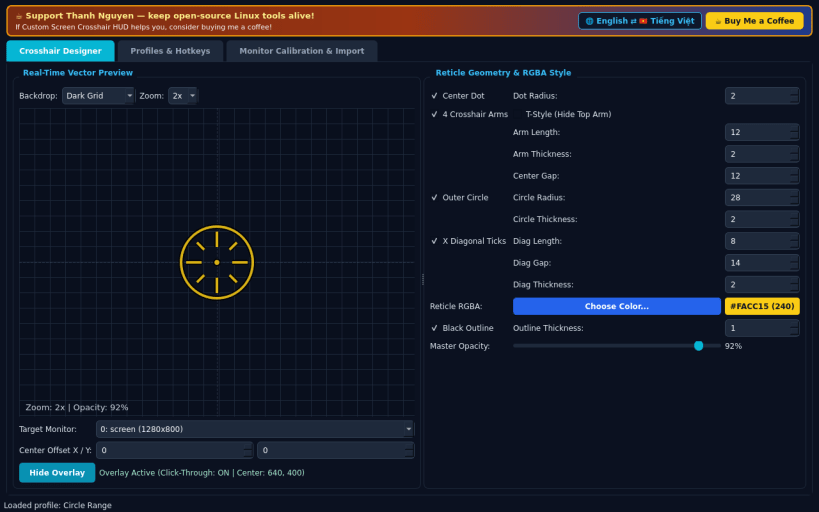
Vector crosshair designer and click-through X11 screen reticle HUD
An independent open-source Linux vector crosshair overlay and reticle designer, alternative to custom screen crosshair tools. Not affiliated with or endorsed by any third-party game or overlay vendor.
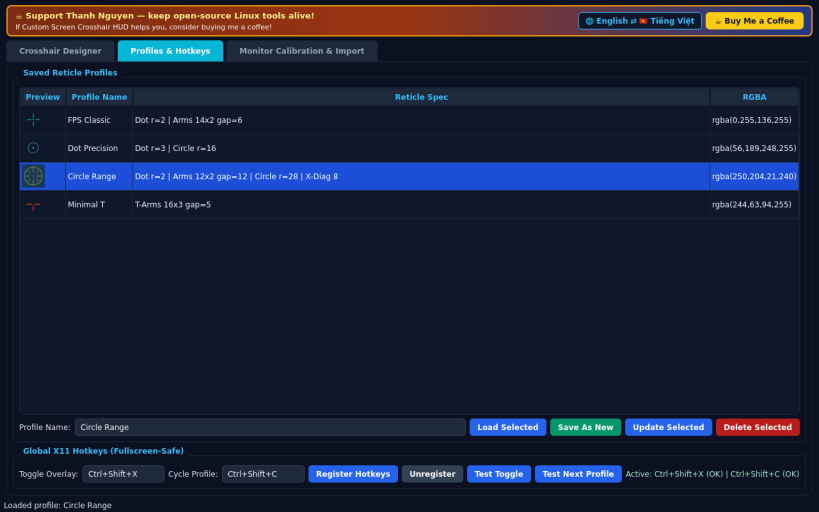
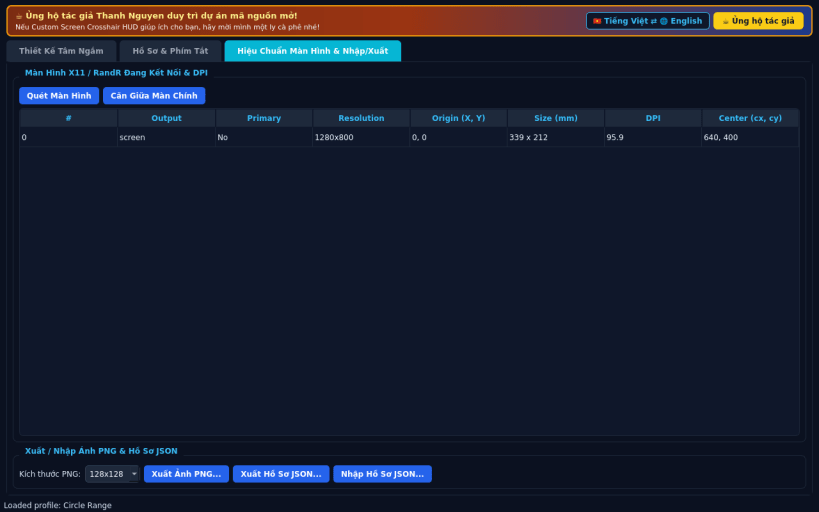
FEATURES • Precision Vector Crosshair Designer: customize center dot, 4 crosshair arms, length, thickness, center gap, T-style top toggle, outer circle, diagonal X ticks, RGBA color, dark outline, and master opacity with zoomed preview. • Fullscreen-Safe Click-Through X11 Overlay: choose target monitor via RandR, fine-tune X/Y pixel offsets, and display an Always-on-Top translucent click-through reticle centered on screen. • Profiles, Global X11 Hotkeys & Export: switch between saved presets using global X11 shortcuts, inspect monitor DPI/resolutions, and export PNG/JSON. • Bilingual Interface: defaults to English with instant Vietnamese toggle.
SUPPORT & DONATE • Created by Thanh Nguyen — https://buymeacoffee.com/thanhnv128b
| Revision | Channel | Version | Build | Commit | Download SBOM |
|---|
The build and commit information is derived from build infrastructure records.
Install Custom Screen Crosshair HUD on your Linux distribution
Choose your Linux distribution to get detailed installation instructions. If yours is not shown, get more details on the installing snapd documentation.


