
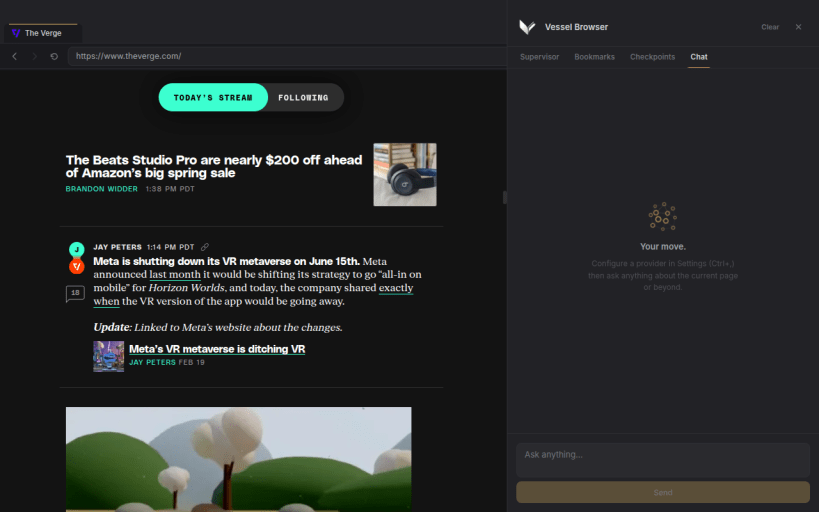
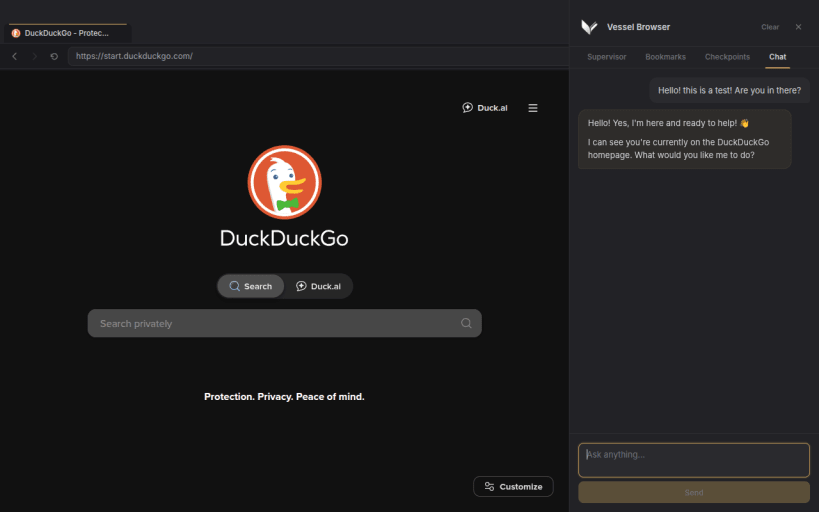
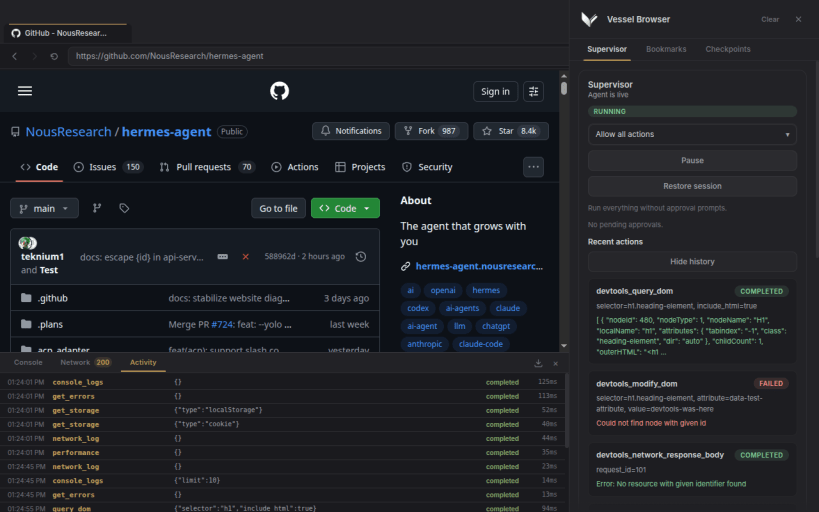
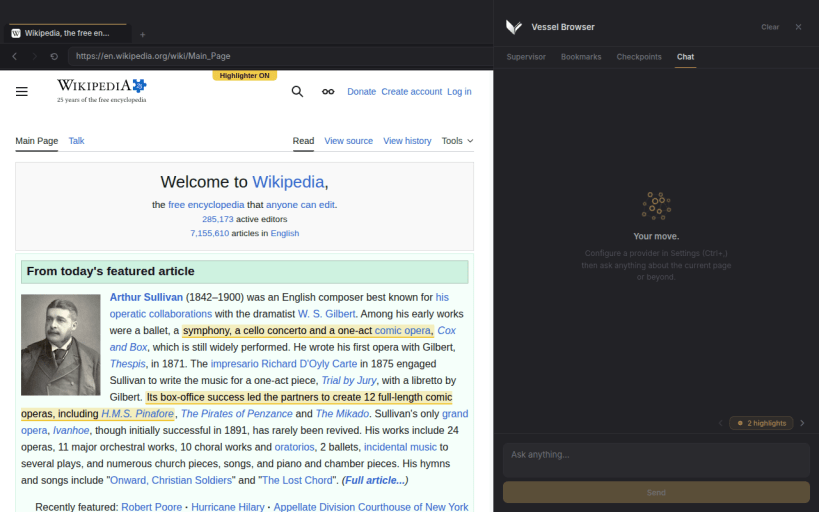
Vessel is a simple, clean web browser with an AI assistant built in. Browse the web normally, then ask Vessel to help research, navigate pages, summarize what you are reading, fill forms, or keep track of longer tasks.
Unlike invisible browser automation, Vessel shows you what the AI is doing in a real browser window. You can follow along, approve important actions, pause or redirect the work, and take over whenever you want.
Features
Ctrl+L) — a secondary operator surface for harness-driven workflows and future runtime commandsCtrl+Shift+L) — live supervision across five tabs: Supervisor, Bookmarks, Checkpoints, Chat, and AutomateF12) — inspect console output, network requests, and MCP/agent activity in a resizable panel at the bottom of the window; export logs by category and date range as JSONflow_start; progress is tracked step-by-step with flow_advance and visible in the sidebar throughout executionYou are about to open
Do you wish to proceed?
Thank you for your report. Information you provided will help us investigate further.
There was an error while sending your report. Please try again later.
Snaps are applications packaged with all their dependencies to run on all popular Linux distributions from a single build. They update automatically and roll back gracefully.
Snaps are discoverable and installable from the Snap Store, an app store with an audience of millions.
Snap can be installed on Pop!_OS from the command line. Open Terminal from the Applications launcher and type the following:
sudo apt update
sudo apt install snapd
Either log out and back in again, or restart your system, to ensure snap’s paths are updated correctly.
To install Vessel Browser, simply use the following command:
sudo snap install vessel-browser
Browse and find snaps from the convenience of your desktop using the snap store snap.

Interested to find out more about snaps? Want to publish your own application? Visit snapcraft.io now.