

Vessel Browser
Install latest/stable of Vessel Browser
Ubuntu 16.04 or later?
Make sure snap support is enabled in your Desktop store.
Install using the command line
sudo snap install vessel-browserDon't have snapd? Get set up for snaps.
Details for Vessel Browser
Package name
- vessel-browser
License
- MIT
Last updated
- 15 September 2026 - latest/stable
Websites
Source code
Report a bug
External link warning
You are about to open
Do you wish to proceed?
Report a Snap Store violation
Report Vessel Browser for a Snap Store violation
Snap Store Violation Report submitted successfully
Thank you for your report. Information you provided will help us investigate further.
Error submitting report
There was an error while sending your report. Please try again later.
Share this snap
Generate an embeddable card to be shared on external websites.
AI-Powered Web Browser for Linux
Vessel is a simple, clean web browser with an AI assistant built in. Browse the web normally, then ask Vessel to help research, navigate pages, summarize what you are reading, fill forms, or keep track of longer tasks.
Unlike invisible browser automation, Vessel shows you what the AI is doing in a real browser window. You can follow along, approve important actions, pause or redirect the work, and take over whenever you want.
- A familiar browser, with AI help nearby — tabs, bookmarks, reader mode, downloads, and a sidebar assistant for web tasks
- Great for longer browsing sessions — save named sessions, checkpoints, notes, bookmarks, and page changes so you can pick up where you left off
- You stay in control — review what the AI is doing, approve sensitive actions, undo recent changes, and switch back to manual browsing at any time
- Open source and extensible — built on Chromium, with advanced automation support for MCP clients and agent tools when you need it
Features
- Agent-first browser model — Vessel is designed around an agent driving the browser while a human watches, intervenes, and redirects
- Human-visible browser UI — pages render like a normal browser so agent activity stays legible instead of disappearing into a headless run
- Command Bar (
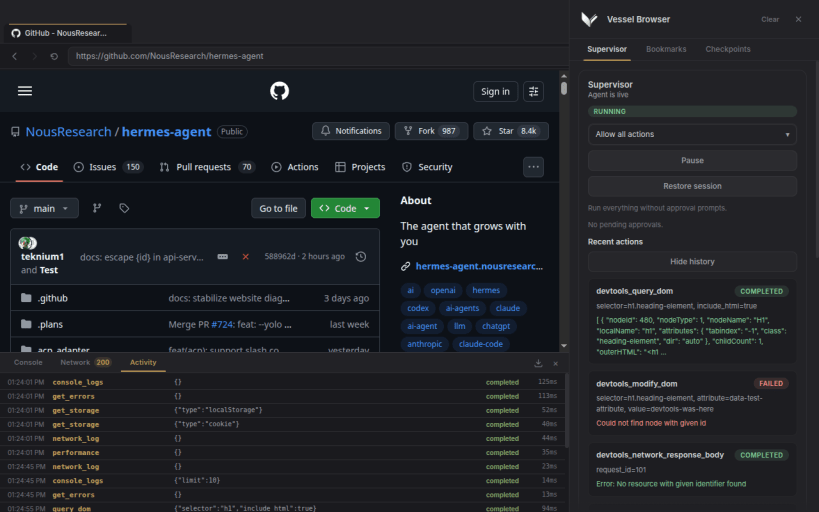
Ctrl+L) — a secondary operator surface for harness-driven workflows and future runtime commands - Supervisor Sidebar (
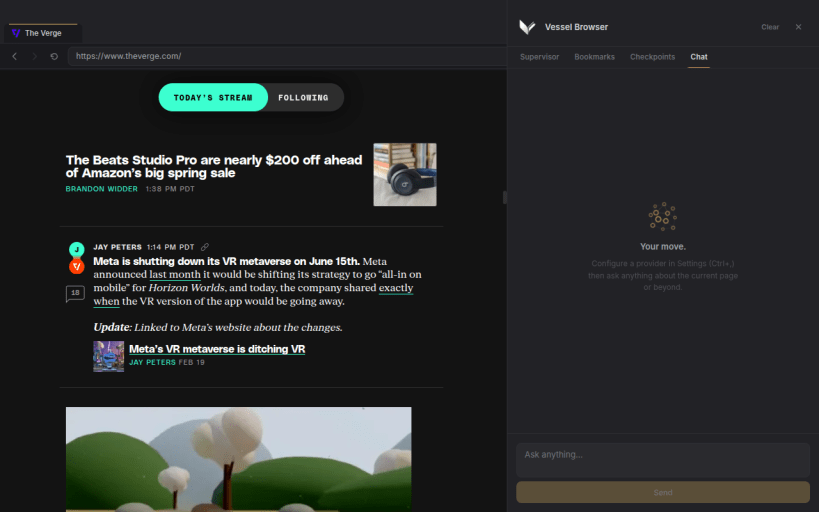
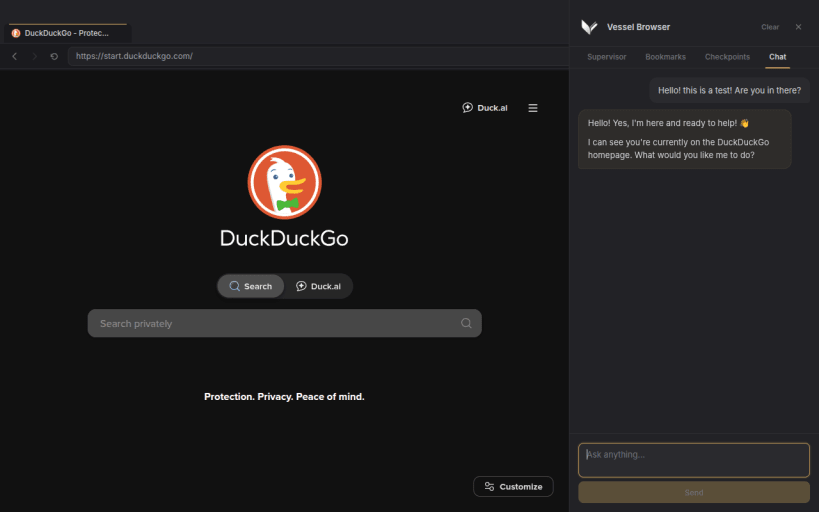
Ctrl+Shift+L) — live supervision across five tabs: Supervisor, Bookmarks, Checkpoints, Chat, and Automate - Chat Assistant — built-in conversational AI in the sidebar Chat tab; supports Anthropic, OpenAI, Ollama, Mistral, xAI, Google Gemini, OpenRouter, and any OpenAI-compatible endpoint; reads the current page automatically; has full access to the same browser tools as external agents; multi-turn session history; configure provider, model, and API key in Settings
- Automation Kits (Premium) — parameterized workflow templates in the sidebar Automate tab; fill in a short form and the built-in agent executes the workflow autonomously; bundled kits include Research & Collect (multi-source research with bookmark saving) and Price Scout (cross-retailer price comparison); designed for a future kit marketplace
- Dev Tools Panel (
F12) — inspect console output, network requests, and MCP/agent activity in a resizable panel at the bottom of the window; export logs by category and date range as JSON - Bookmarks for Agents — save pages into folders, attach one-line folder summaries, and search bookmarks over MCP instead of dumping the entire library
- Named Session Persistence — save cookies, localStorage, and current tab layout under a reusable name, then reload it after a restart
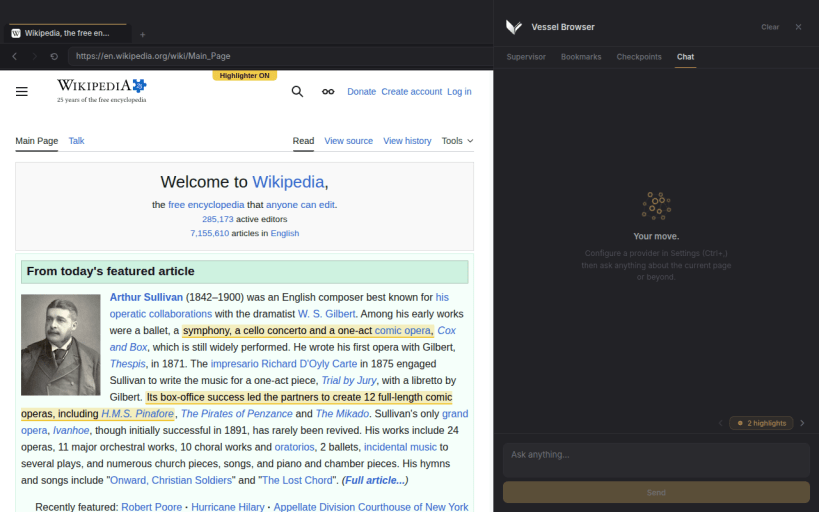
- Page Highlights — agents can visually highlight text or elements on any page with labeled, color-coded markers that persist across navigation; highlight count and navigation controls appear in the sidebar; cleared explicitly or via tool call
- Agent Transcript Dock — floating transcript overlay anchored to the browser chrome; configurable display modes (off, summary, full) set in Settings; shows live agent thinking and status updates without occupying sidebar space
- Workflow Flow Tracking — agents can declare a named multi-step workflow at runtime using
flow_start; progress is tracked step-by-step withflow_advanceand visible in the sidebar throughout execution - Structured Page Visibility Context — extraction can report in-viewport elements, obscured controls, active overlays, and dormant consent/modal UI
- Popup Recovery Tools — agents can explicitly dismiss common popups, newsletter gates, and consent walls instead of brute-forcing generic clicks
- Per-Tab Ad Blocking Controls — tabs default to ad blocking on, but agents can selectively disable and re-enable blocking when a page misbehaves
- Bi-Directional Highlighting - Both you and the agent can highlight anything on screen
- And much more...
| Revision | Channel | Version | Build | Commit | Download SBOM |
|---|
The build and commit information is derived from build infrastructure records.
Install Vessel Browser on your Linux distribution
Choose your Linux distribution to get detailed installation instructions. If yours is not shown, get more details on the installing snapd documentation.











