
Veylo – Streaming for Linux
Your favourite streaming services. One Linux app.
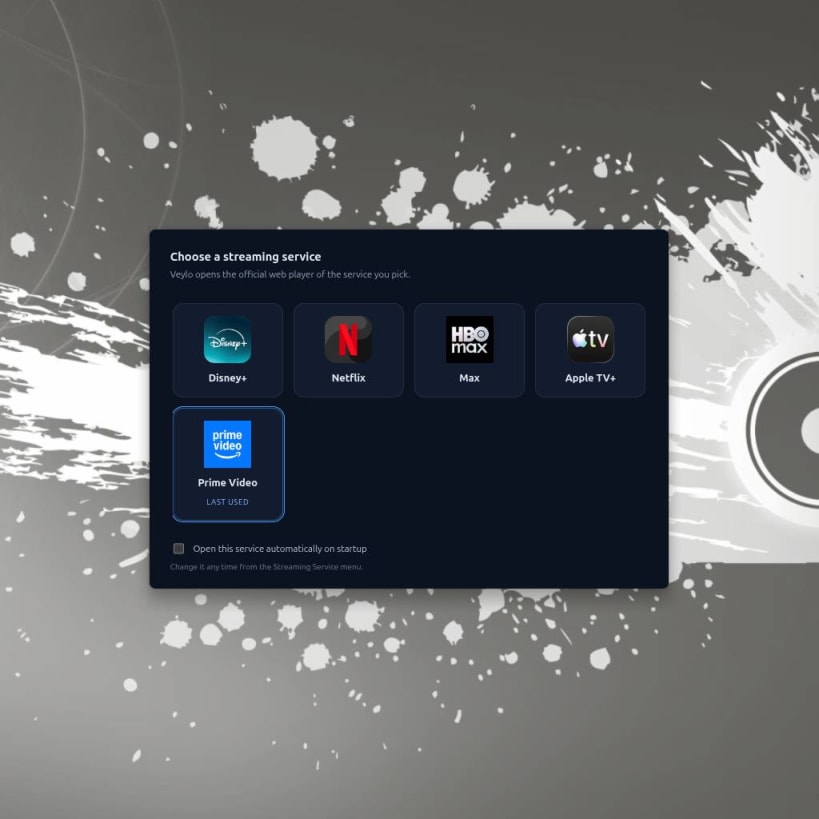
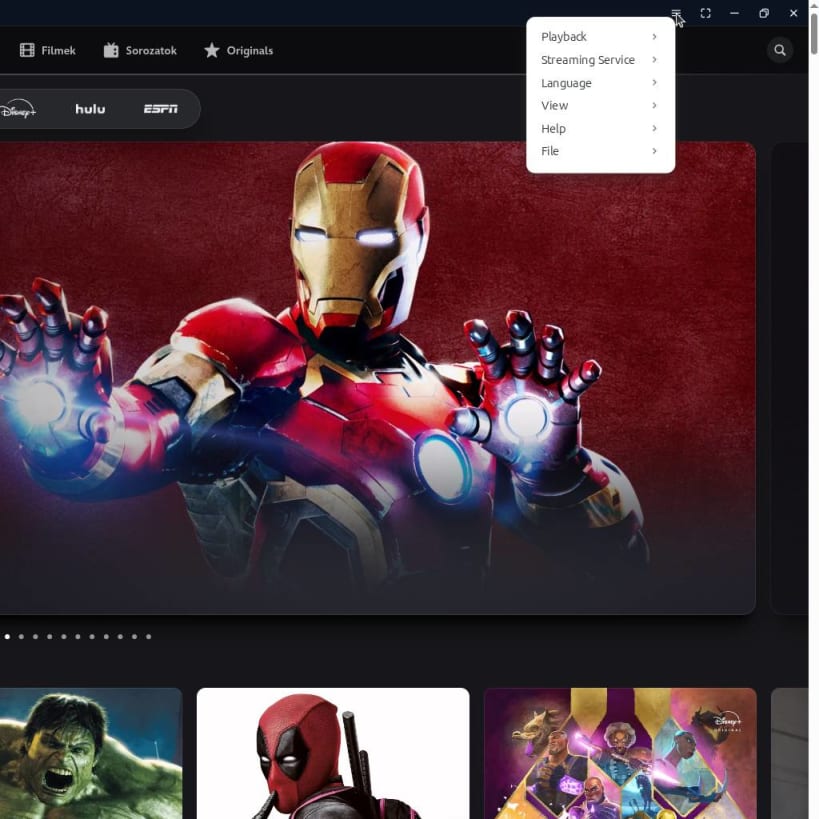
Veylo brings your favourite streaming platforms together in one convenient Linux desktop application. Enjoy Disney+, Netflix, Max, Apple TV+ and Prime Video without keeping a full web browser open just for streaming.
Built with castLabs' Electron, Veylo supports Widevine-protected playback and integrates with your Linux desktop for a convenient viewing experience.
Features
Designed for Linux
Veylo is built for Linux desktop environments and supports both X11 and Wayland sessions.
Install the Snap package for convenient installation and updates through the Snap ecosystem.
Playback and Compatibility
Streaming availability, video quality and playback compatibility depend on your region, subscription, hardware, drivers and each provider's requirements.
Widevine support does not guarantee that every service or resolution will work on every system. The current configuration generally targets up to 720p playback through Widevine L3. Higher resolutions may require hardware-secure DRM capabilities that are not available in this configuration.
Hardware video decoding also depends on compatible GPU drivers and system configuration.
A valid account or subscription may be required to access paid content.
Independent and Unofficial
Veylo is an independent, unofficial third-party application. It is not affiliated with, endorsed by or sponsored by Disney, Netflix, Warner Bros. Discovery, Apple or Amazon.
Veylo does not provide streaming subscriptions, host copyrighted content or bypass DRM protections. It provides a desktop interface for accessing the streaming services' own web players.
All trademarks belong to their respective owners.
Get Started
Install Veylo, choose your streaming service, sign in with your existing account and enjoy your favourite entertainment on Linux.
Veylo – Your streaming services. One Linux app.
Project and technical documentation: https://github.com/rajen77/veylo
You are about to open
Do you wish to proceed?
Thank you for your report. Information you provided will help us investigate further.
There was an error while sending your report. Please try again later.
Snaps are applications packaged with all their dependencies to run on all popular Linux distributions from a single build. They update automatically and roll back gracefully.
Snaps are discoverable and installable from the Snap Store, an app store with an audience of millions.
If you’re running Ubuntu 16.04 LTS (Xenial Xerus) or later, including Ubuntu 18.04 LTS (Bionic Beaver) and Ubuntu 20.04 LTS (Focal Fossa), you don’t need to do anything. Snap is already installed and ready to go.
For versions of Ubuntu between 14.04 LTS (Trusty Tahr) and 15.10 (Wily Werewolf), as well as Ubuntu flavours that don’t include snap by default, snap can be installed from the Ubuntu Software Centre by searching for snapd.
Alternatively, snapd can be installed from the command line:
sudo apt update
sudo apt install snapd
Either log out and back in again, or restart your system, to ensure snap’s paths are updated correctly.
To install Veylo – Streaming for Linux, simply use the following command:
sudo snap install veylo
Browse and find snaps from the convenience of your desktop using the snap store snap.

Interested to find out more about snaps? Want to publish your own application? Visit snapcraft.io now.