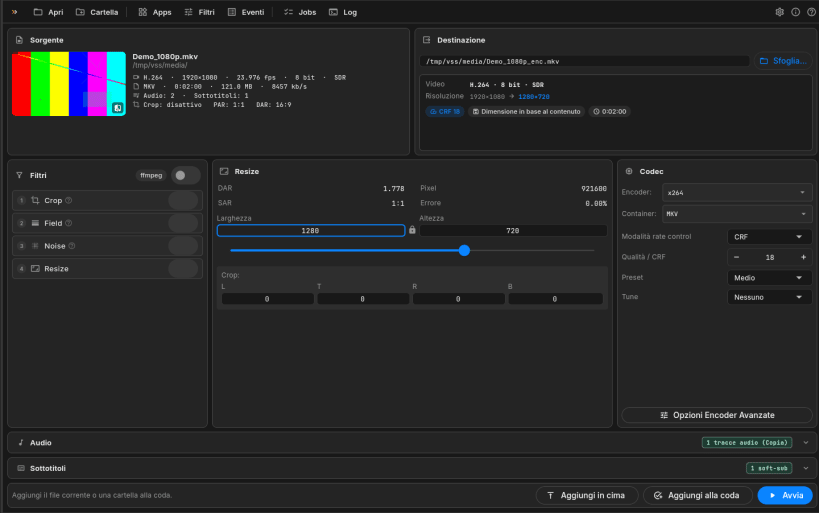
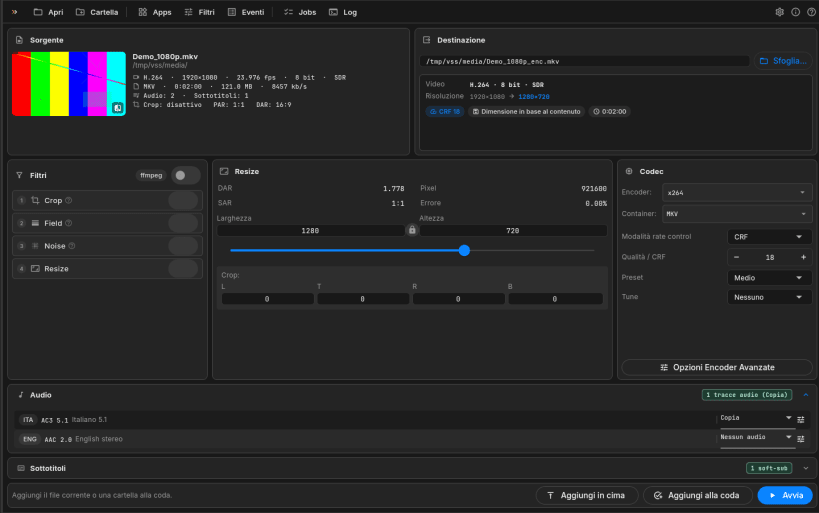
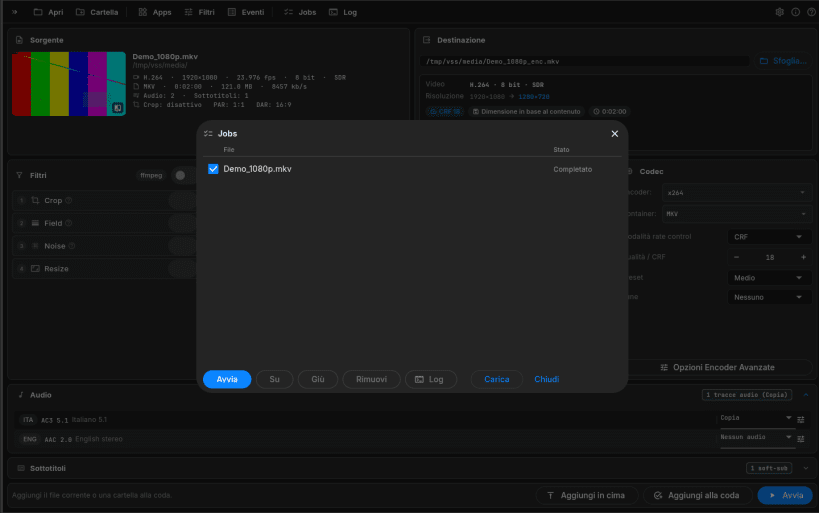
VideoSTAX compresses and converts video files. Open a file, choose how the result should look (codec, quality, size, audio and subtitle tracks) and VideoSTAX produces the new file, alone or in a queue of many files. Everything happens on one screen, in the spirit of StaxRip.
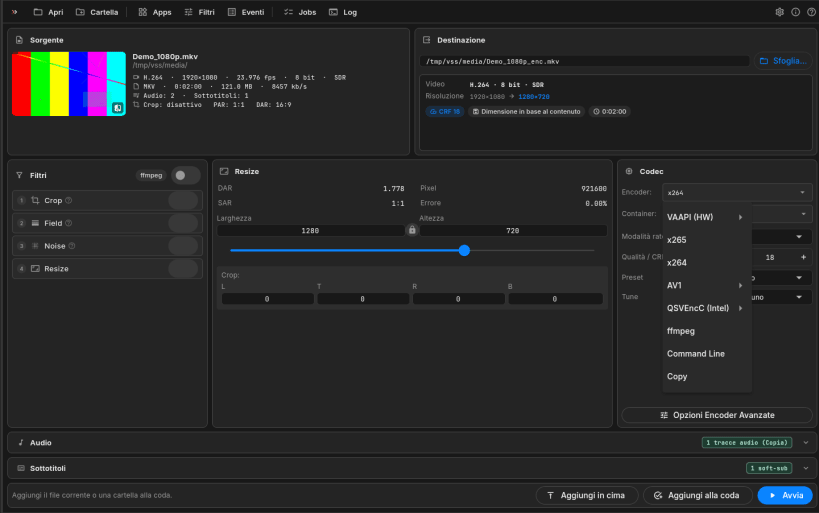
It uses well-known tools under the hood (FFmpeg, MKVToolNix, VapourSynth) and the hardware encoders of your graphics card when available: NVIDIA NVENC, Intel Quick Sync, AMD VCE and VAAPI. All tools are included, so there is nothing else to install.
One-screen workbench
Files and queue
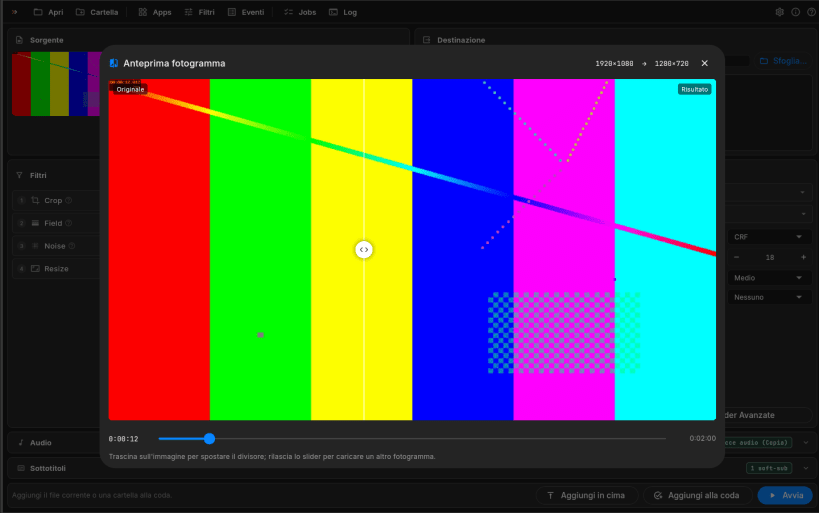
Quality control
Private by design
VideoSTAX opens files in your home folder and on removable drives (/media, /run/media). The NVIDIA, Intel and AMD encoders are included in the amd64 snap only; on arm64 use VAAPI or the software encoders.
You are about to open
Do you wish to proceed?
Thank you for your report. Information you provided will help us investigate further.
There was an error while sending your report. Please try again later.
Snaps are applications packaged with all their dependencies to run on all popular Linux distributions from a single build. They update automatically and roll back gracefully.
Snaps are discoverable and installable from the Snap Store, an app store with an audience of millions.
Snap can be installed on Fedora from the command line:
sudo dnf install snapd
Either log out and back in again, or restart your system, to ensure snap’s paths are updated correctly.
To enable classic snap support, enter the following to create a symbolic link between /var/lib/snapd/snap and /snap:
sudo ln -s /var/lib/snapd/snap /snap
To install VideoSTAX, simply use the following command:
sudo snap install videostax
Browse and find snaps from the convenience of your desktop using the snap store snap.
Interested to find out more about snaps? Want to publish your own application? Visit snapcraft.io now.