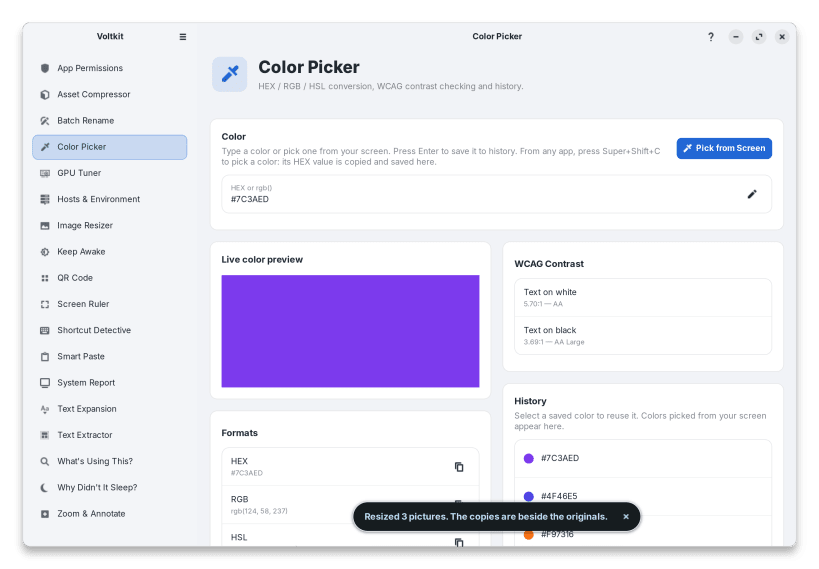
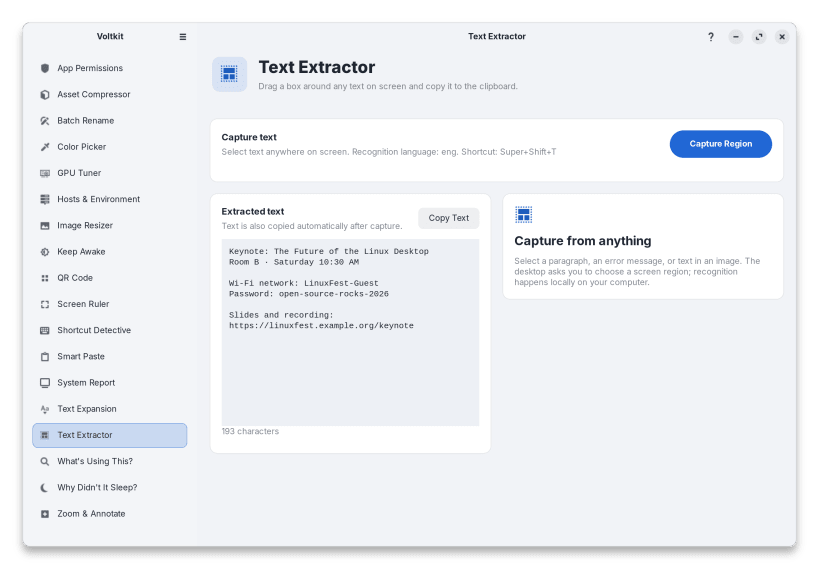
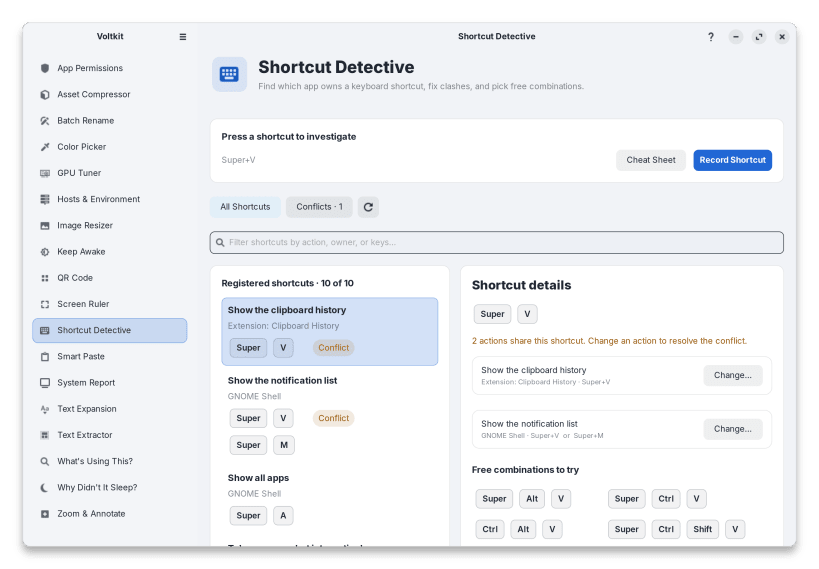
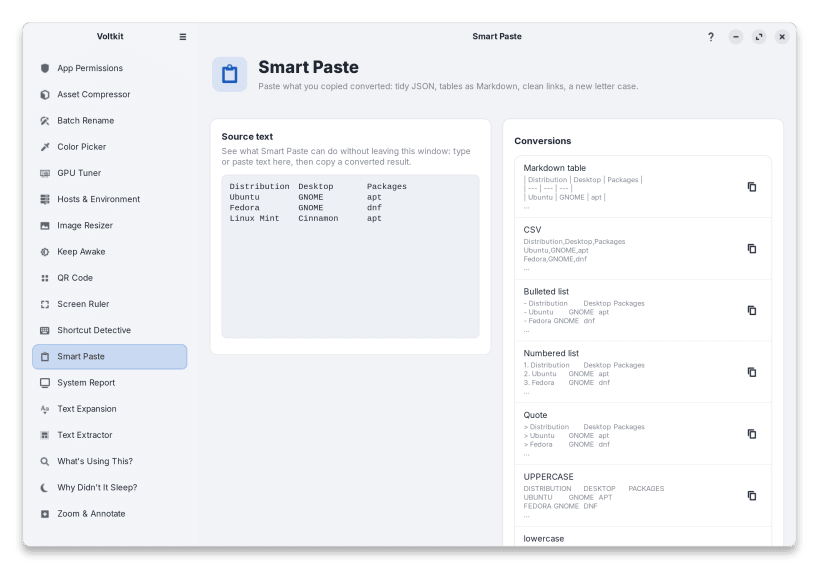
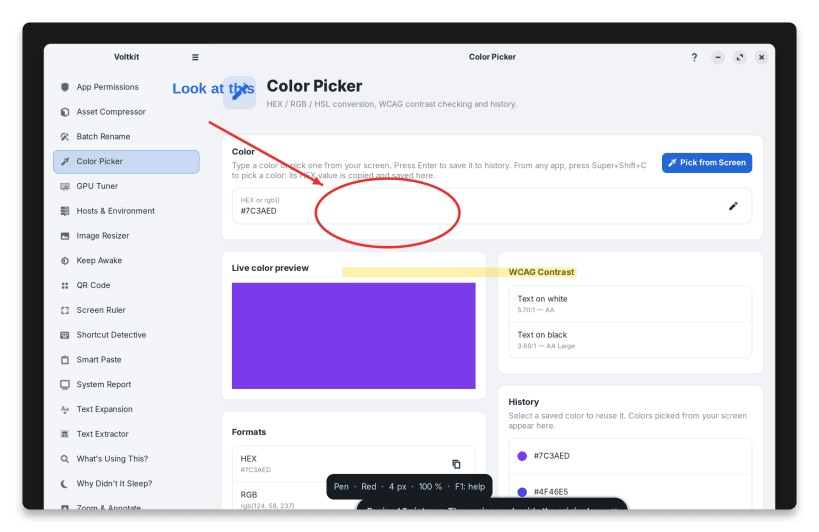
Voltkit puts the everyday tools you'd otherwise hunt down one by one into a single native GTK4 app, with one set of keyboard shortcuts. Built for Wayland and X11, it runs locally with no network access and no telemetry.
Tools in the snap
Manual
The Voltkit Manual explains every tool step by step: https://arios4k.github.io/voltkit/manual/
About the snap version
Snaps run in a sandbox that can't ask for your administrator password, change system files or read the desktop's permission store. These work only when Voltkit is installed with APT (Ubuntu, Debian) or DNF (Fedora):
Each affected page in the app says so. A few tools need a permission you connect once with sudo snap connect; the app lists the exact commands, and so does voltkit doctor. After installing: https://arios4k.github.io/voltkit/manual/install.html#snap-store
You are about to open
Do you wish to proceed?
Thank you for your report. Information you provided will help us investigate further.
There was an error while sending your report. Please try again later.
Snaps are applications packaged with all their dependencies to run on all popular Linux distributions from a single build. They update automatically and roll back gracefully.
Snaps are discoverable and installable from the Snap Store, an app store with an audience of millions.
Snap can be installed on elementary OS from the command line. Open Terminal from the Applications launcher and type the following:
sudo apt update
sudo apt install snapd
Either log out and back in again, or restart your system, to ensure snap’s paths are updated correctly.
To install Voltkit, simply use the following command:
sudo snap install voltkit
Browse and find snaps from the convenience of your desktop using the snap store snap.
Interested to find out more about snaps? Want to publish your own application? Visit snapcraft.io now.