
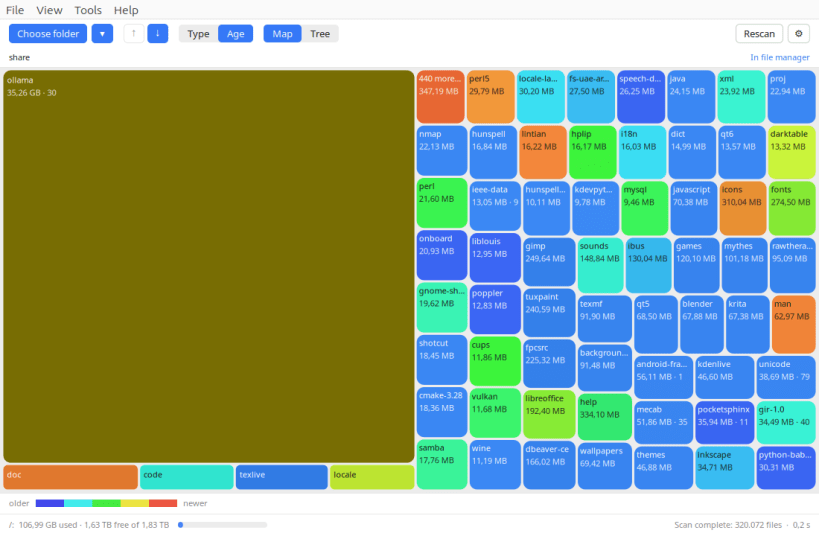
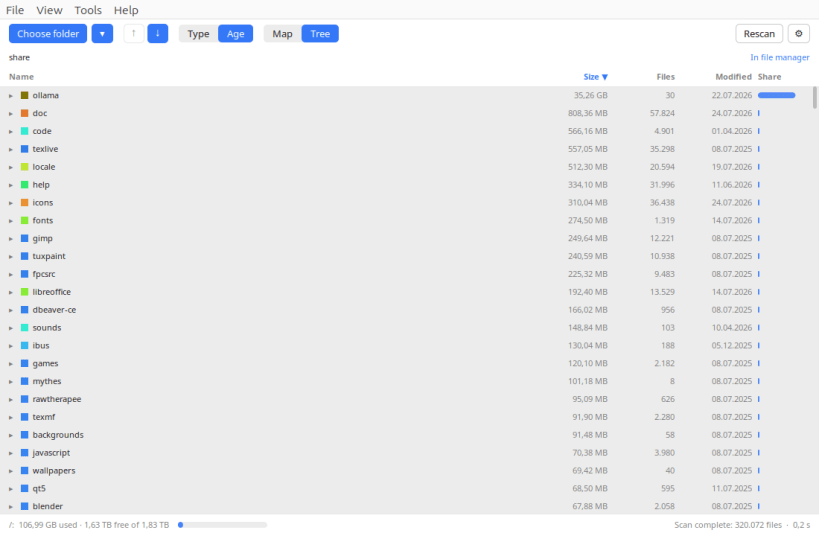
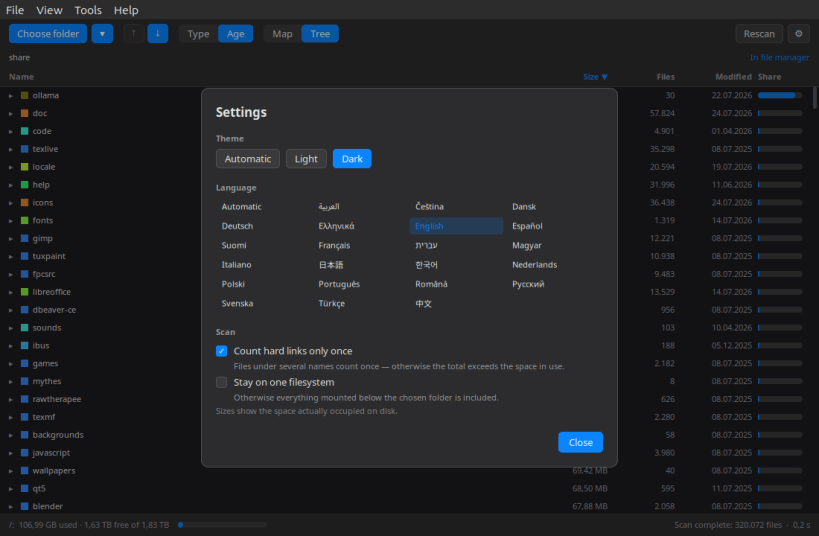
Ever wondered where your disk space went? This shows you — as a colourful map where every folder is a box, and the bigger the box, the more space it takes. The heavy folders jump straight out at you. Click one to look inside, mark what you no longer need, and send it all to the trash in one go.
What it does:
▶ SCANNING SYSTEM FOLDERS
sudo snap connect wheredidmystoragego:system-backup
Your home directory and removable media work straight away. System directories such as /usr and /var stay invisible until the command above is run once — snapd confines the app until you allow it. No reboot required, just restart the app.
Supported systems:
Also available as .deb and .rpm, flatpack, AppImage at www.budbrain.de
Developed by Josef Sejrek / Budbrain Software Contact: wheredidmystoragego@budbrain.de | www.budbrain.de
You are about to open
Do you wish to proceed?
Thank you for your report. Information you provided will help us investigate further.
There was an error while sending your report. Please try again later.
Snaps are applications packaged with all their dependencies to run on all popular Linux distributions from a single build. They update automatically and roll back gracefully.
Snaps are discoverable and installable from the Snap Store, an app store with an audience of millions.
Snap can be installed on elementary OS from the command line. Open Terminal from the Applications launcher and type the following:
sudo apt update
sudo apt install snapd
Either log out and back in again, or restart your system, to ensure snap’s paths are updated correctly.
To install Where Did My Storage Go?, simply use the following command:
sudo snap install wheredidmystoragego
Browse and find snaps from the convenience of your desktop using the snap store snap.

Interested to find out more about snaps? Want to publish your own application? Visit snapcraft.io now.


