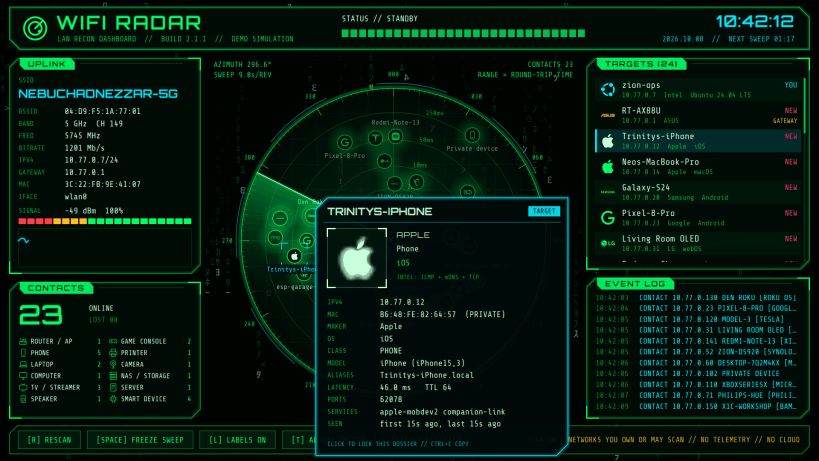
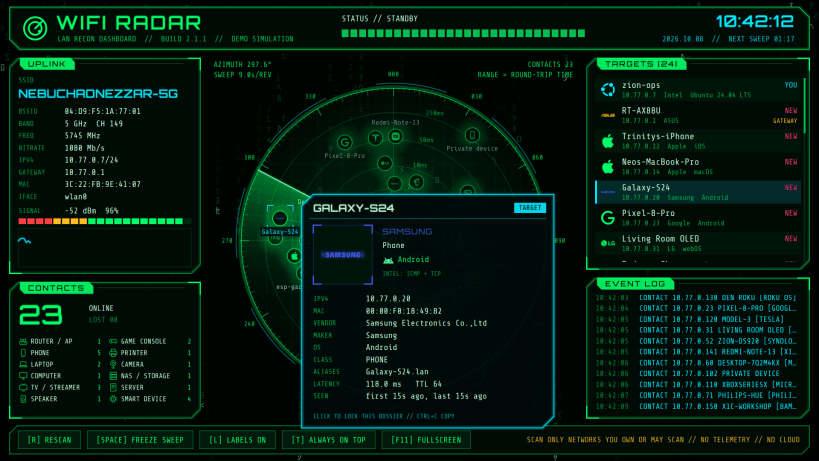
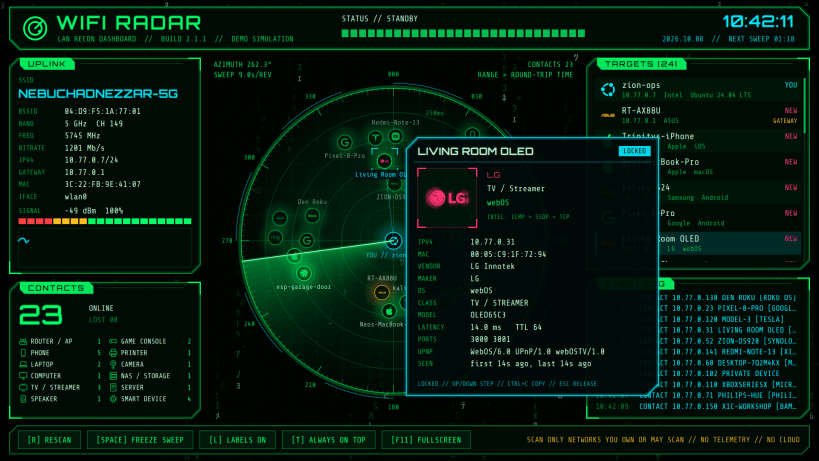
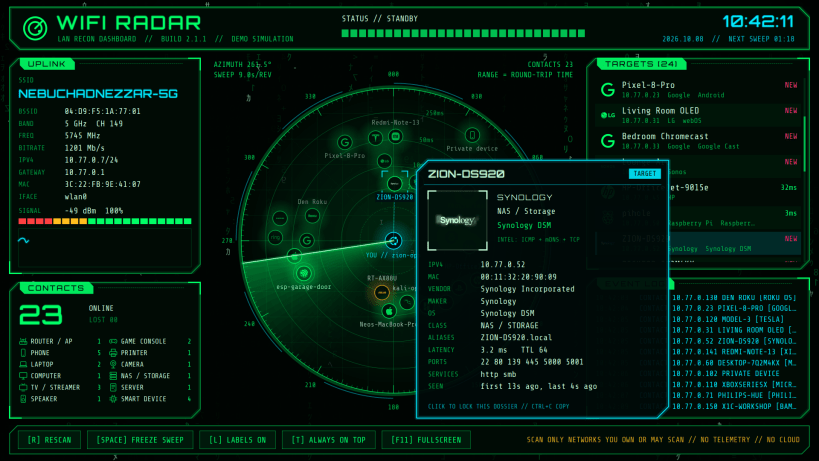
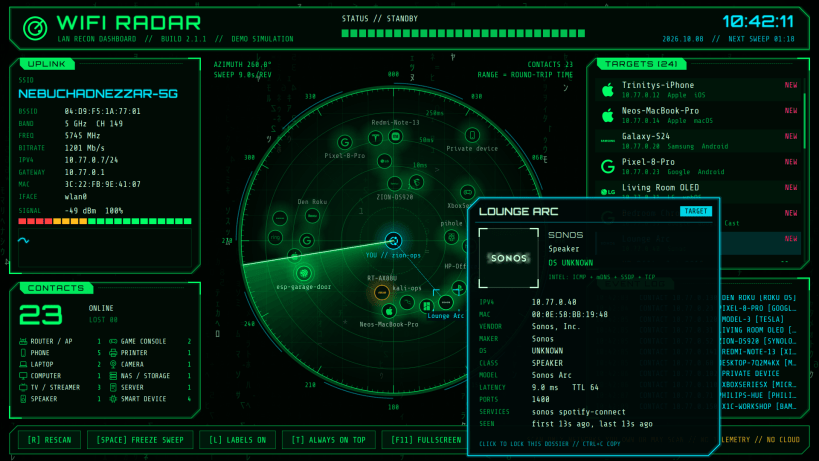
WiFi Radar maps the devices on your local network onto a slowly sweeping green radar, set in a cyberpunk dashboard with falling Matrix code behind it. Each device appears the moment the sweep passes over it.
WiFi Radar needs no special permissions: it uses only the standard network access that every app gets automatically, and nothing to connect by hand. It talks only to devices on your local network and to your own DNS resolver (for device names). No telemetry, no accounts, no cloud lookups.
Keys: R rescan, Space freeze the sweep, L labels, T always on top,
F11 full screen, Up / Down step through devices, Ctrl+C copy, Esc release.
The whole dashboard scales with the window, which reopens at the size and
place you left it.
wifi-radar-monkeys --cli prints a scan in the terminal;
wifi-radar-monkeys --demo shows a simulated network.
Only scan networks you own or are allowed to scan.
Thank you for your report. Information you provided will help us investigate further.
There was an error while sending your report. Please try again later.
Snaps are applications packaged with all their dependencies to run on all popular Linux distributions from a single build. They update automatically and roll back gracefully.
Snaps are discoverable and installable from the Snap Store, an app store with an audience of millions.
On Debian 9 (Stretch) and newer, snap can be installed directly from the command line:
sudo apt update
sudo apt install snapd
After this, install the snapd snap in order to get the latest snapd:
sudo snap install snapd
To install WiFi Radar, simply use the following command:
sudo snap install wifi-radar-monkeys
Browse and find snaps from the convenience of your desktop using the snap store snap.

Interested to find out more about snaps? Want to publish your own application? Visit snapcraft.io now.