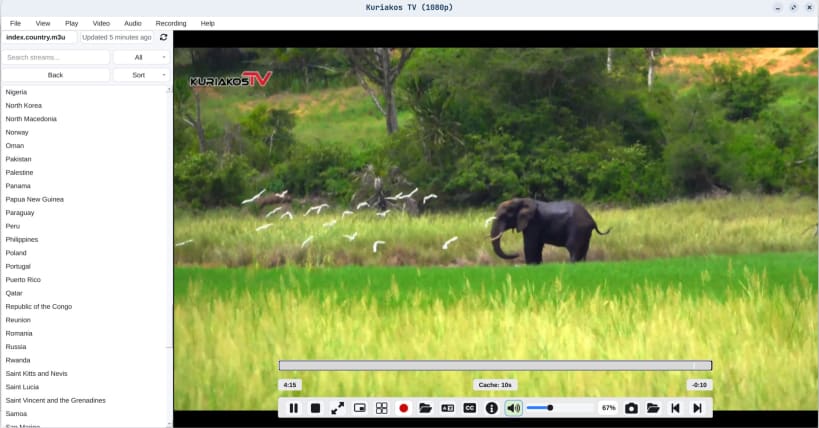
Wolvix Player is an IPTV player for M3U, M3U8 and Xtream Codes playlists.
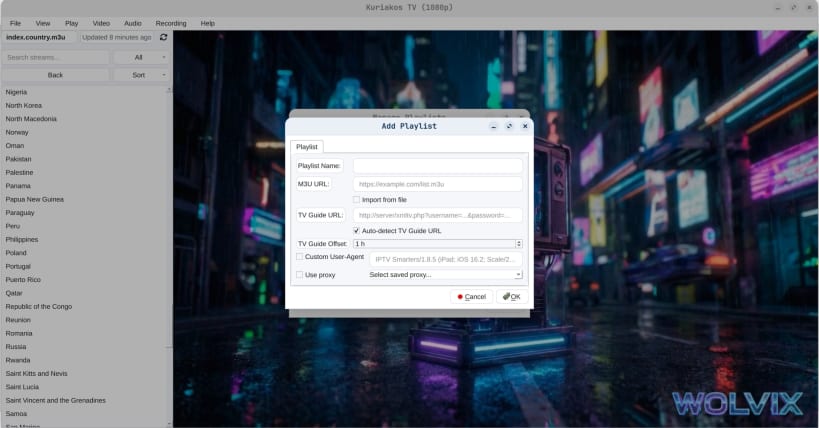
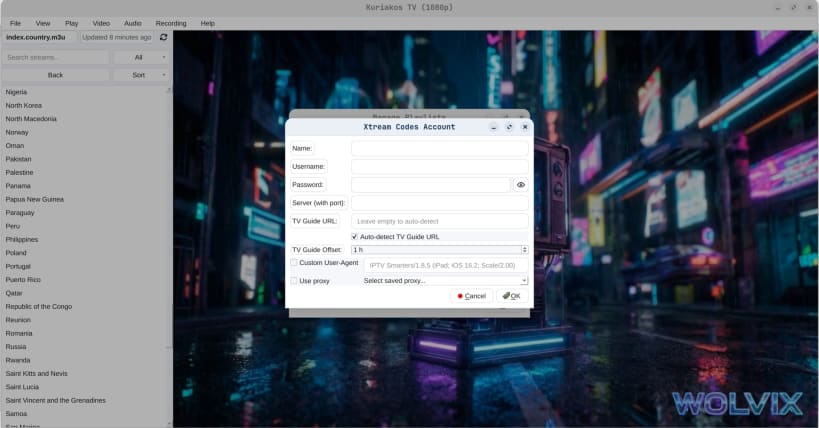
Load a playlist by URL or from a file, or sign in with an Xtream Codes account, then browse live TV channels with a full EPG program guide. The Global TV Guide shows what is on across every channel at once. Search your playlist and mark favourites, so a list with thousands of channels stays usable.
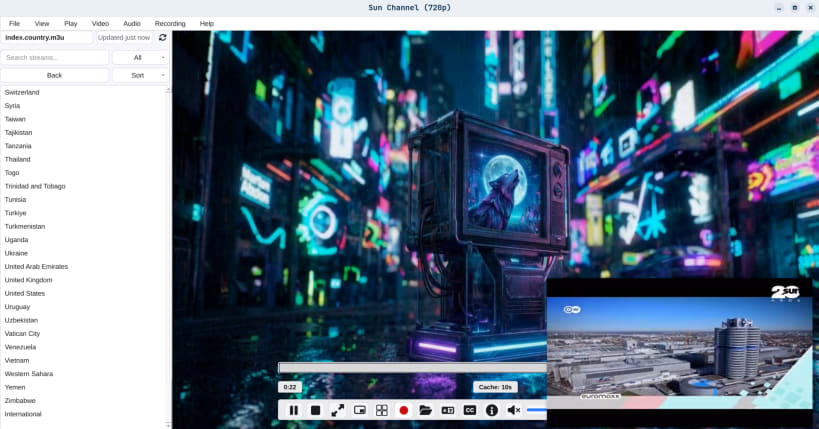
Watch up to twelve streams at once in Multi-View, record a stream to disk, pop a channel out in Picture-in-Picture, and switch subtitles and audio tracks as you go.
Wolvix Player does not provide any channels, streams or playlists. It is a player for sources you supply yourself.
Free
Pro
Pro is a one-time purchase, not a subscription. Available in 12 languages.
You are about to open
Do you wish to proceed?
Thank you for your report. Information you provided will help us investigate further.
There was an error while sending your report. Please try again later.
Snaps are applications packaged with all their dependencies to run on all popular Linux distributions from a single build. They update automatically and roll back gracefully.
Snaps are discoverable and installable from the Snap Store, an app store with an audience of millions.
Snap can be installed on elementary OS from the command line. Open Terminal from the Applications launcher and type the following:
sudo apt update
sudo apt install snapd
Either log out and back in again, or restart your system, to ensure snap’s paths are updated correctly.
To install Wolvix Player, simply use the following command:
sudo snap install wolvix-player
Browse and find snaps from the convenience of your desktop using the snap store snap.
Interested to find out more about snaps? Want to publish your own application? Visit snapcraft.io now.